12 Best AI YouTube Shorts Generators in 2026, Matched to Your Workflow
Compare 12 AI YouTube Shorts generators by what you start from: an idea, a long video or your own footage. Prices, free options and YouTube's 2026 rules for monetizing AI Shorts.
On this page
An AI YouTube Shorts generator turns a prompt, a link or a long video into a vertical Short with script, visuals, voice-over and captions. The best pick depends on your starting point: Revid or InVideo for Shorts from an idea, OpusClip or 2short.ai for clipping long videos, and Kapwing or Filmora for editing your own footage.
The tool matters less than how you use it. Since July 15, 2025, YouTube's monetization policy calls repetitive, mass-produced videos "inauthentic content", and AI Shorts built from generic templates without your own insight are not allowed to monetize. The best generator is the one that lets you shape the idea, the hook and the script, not the one with the biggest generate button.
- Daily YouTube Shorts views
- 200B+
- YouTube Official Blog, August 2026
- Maximum length of a YouTube Short since October 15, 2024
- 3 min
- YouTube Official Blog, October 2024
- Qualified Shorts views in 90 days needed for Shorts ad revenue
- 10M
- YouTube Help, October 2026
The 12 best AI YouTube Shorts generators at a glance
Prices for Revid, InVideo AI, OpusClip, Pictory and Crayo come from their pricing pages as checked for our comparisons in 2026. Where a cell says "check site", we could not confirm a current price, so look it up before you commit.
| Tool | Type | Best for | Free option | Paid from |
|---|---|---|---|---|
| Revid | Generator | Faceless and brand Shorts from an idea, a link or a proven viral format | Free sign-up with free credits to try creation | $39/month |
| InVideo AI | Generator | Editing by typing commands | Free plan with watermark | $20/month per seat |
| Steve.AI | Generator | Animated and live-action explainers | Check site | Check site |
| Frameo | Generator | Motion effects on prompts and images | Free to start | Check site |
| ShortsGenerator.ai | Generator | Multi-platform faceless videos with brand presets | Free to start | Check site |
| Crayo | Generator | Reddit stories, fake texts, gameplay splits | None | About $13/month (yearly) |
| OpusClip | Clipper | Podcasts, streams, webinars | Free plan, watermarked captions | $15/month |
| 2short.ai | Clipper | Turning long YouTube videos into clips | Free tier | Check site |
| Riverside | Recorder and clipper | Podcasters who record in the same tool | Free plan | Check site |
| Pictory | Repurposing | Blog posts, scripts and meeting recordings | Free trial | $29/month |
| Kapwing | AI editor | Teams editing together in the browser | Free plan with watermark | Check site |
| Filmora | AI editor | Desktop editing with AI shortcuts | Free version with watermark | Check site |
Which type of AI Shorts generator do you need?
Every tool here falls into one of three groups, and picking the wrong group wastes more time than picking the wrong brand. Start from what you already have.
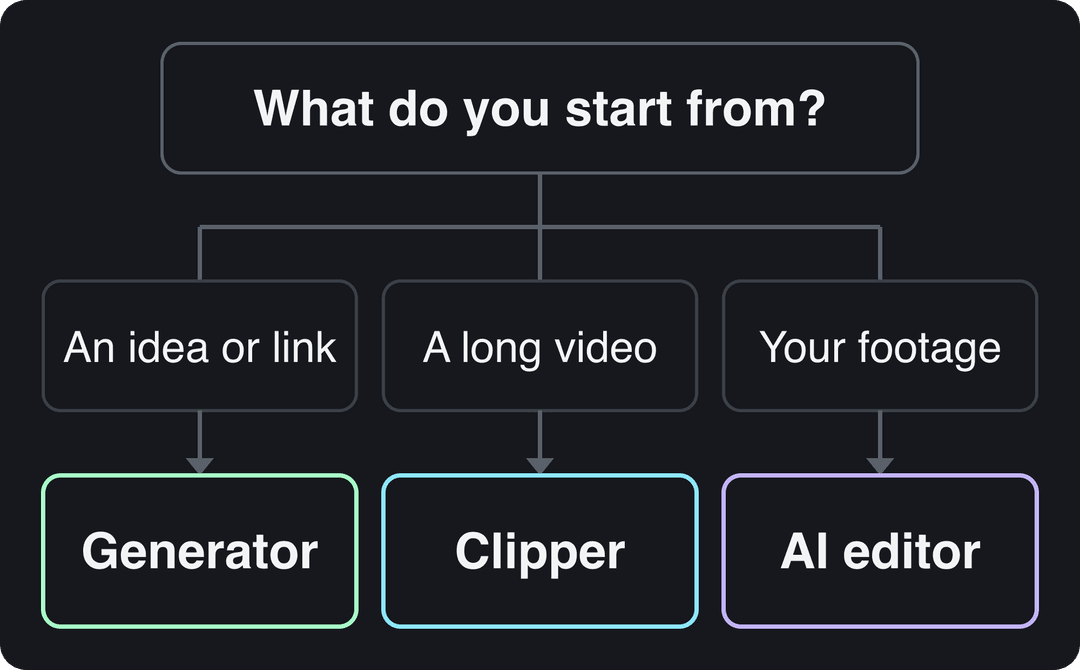
- Generators start from a prompt, a script or a link and produce scenes, voice-over, captions and music. Use one if you have no footage, run a faceless channel, or want a Short every day on a topic.
- Clippers start from a long video and cut it into vertical clips with captions. If you already publish podcasts, streams or long YouTube videos, a clipper gets you the most Shorts per hour of work.
- AI editors start from footage you filmed and speed up cutting, captioning and resizing. Pick one if you appear on camera and want control over every cut.
The audience is there for all three: YouTube said in August 2026 that it sees over 200 billion daily Shorts views, one of the official figures on our YouTube Shorts statistics page. The real bottleneck is usually ideas, not editing. If that is you, a primer on how the idea generation process works pairs well with any tool below.
Prompt to try
Make a 40-second YouTube Short explaining why octopuses have three hearts. Open with the hook "Your heart works alone. An octopus needs three." Use fast-paced AI visuals of deep-sea scenes, a curious narrator voice and bold synced captions.
Generators that make Shorts from an idea or a link
1. Revid: Shorts grounded in videos that already performed
Revid turns an idea, a script or a link (a blog post, a Reddit thread, an X post, a YouTube or TikTok video) into a finished vertical video with script, scene visuals, voice-over, synced captions and music, then publishes it to YouTube, TikTok and Instagram from one queue.
The difference is where a video starts. Revid includes a searchable library of about 2.77 million real short-form videos with their public engagement data. When you use one as a reference, the script writer keeps its structure, timing and tone, then writes new words and new visuals. You start from evidence of what people watch, and the output is still original, which is what YouTube's inauthentic-content rule asks for.
- Visuals: stock footage, AI images, motion graphics, or AI video from Seedance 2.5, MiniMax Hailuo H3, Wan 3.0 and Google Veo 3, chosen per scene.
- Voice and captions: 1,000+ AI voices in 70+ languages, 30 caption styles, automatic captions in 100+ languages.
- Editing and export: a full timeline editor; export in 720p, 1080p or 4K at 30 or 60 fps.
- Long videos: the YouTube clip maker turns a long YouTube video into vertical Shorts.
- Proof of use: 400+ creators have reached 100,000+ views with videos made on Revid.
Price: sign-up is free, no credit card needed, and new accounts get free credits to try video creation; regular creation then uses the monthly credits of a paid plan, from $39/month (Growth, 2,000 credits, or $32/month billed yearly). A 30-second video with Pro AI visuals and a voice-over costs about 40 to 80 credits. Full details are on the Revid pricing page.
Making a Short with Revid:
- Open the AI YouTube Shorts generator and describe your Short, paste a script, or paste a link.
- Or start from the viral library: open a video in your niche and choose "Make it about your topic" to apply its hook style and pacing to your subject.
- Review the script, then pick a voice, a caption style and the visual model for each scene.
- Fix any scene in the timeline editor, then publish or schedule the Short straight to YouTube.
Best for: faceless channels, founders and small brands who want Shorts without filming. Less suited to: editing your own footage by hand only, where Kapwing or Filmora fit better.
Growth is $39/month with 2,000 credits. Generated music adds 20 credits per started minute; sound effects add 1 credit each. Videos per month = 2,000 divided by the 30 s cost, rounded down.
Source: Revid public API POST /api/public/v3/calculate-credits, workflow prompt-to-video, 9:16, run October 29, 2026
Show the data
| 30 s video (credits) | 60 s video (credits) | 30 s videos per Growth month | |
|---|---|---|---|
| Stock footage | 11 | 22 | 181 |
| Animated AI images, Standard | 18 | 35 | 111 |
| Animated AI images, Pro | 37 | 75 | 54 |
| AI video clips, Base | 110 | 220 | 18 |
| AI video clips, Pro | 341 | 682 | 5 |
| AI video clips, Ultra (Seedance 2.5) | 671 | 1,342 | 2 |
2. InVideo AI: edit by typing commands
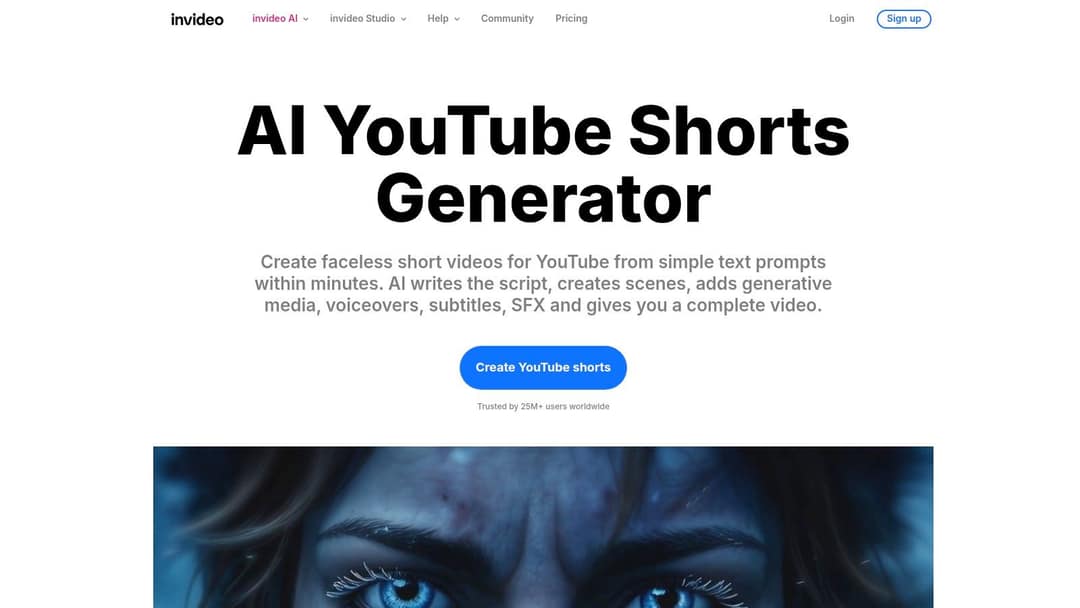
InVideo AI builds a complete video from a text prompt (script, scenes, voice-over, subtitles, music) and lets you revise it by typing instructions to a chat-style agent instead of working on a timeline. It draws on a stock library of more than 16 million assets, with metered iStock assets on paid plans, offers several third-party video models, and includes AI avatars and voice clones from the entry tier.
- Best for: high-volume faceless channels that prefer describing changes to dragging clips.
- Watch out: there is no hand-editing timeline, so fixing one scene means re-prompting; the free plan adds a watermark and weekly generation limits.
- Price: free plan; paid from $20/month per seat (Starter). Start on the InVideo AI Shorts generator page.
Side by side: Revid vs InVideo.
3. Steve.AI: animated and live-action explainers
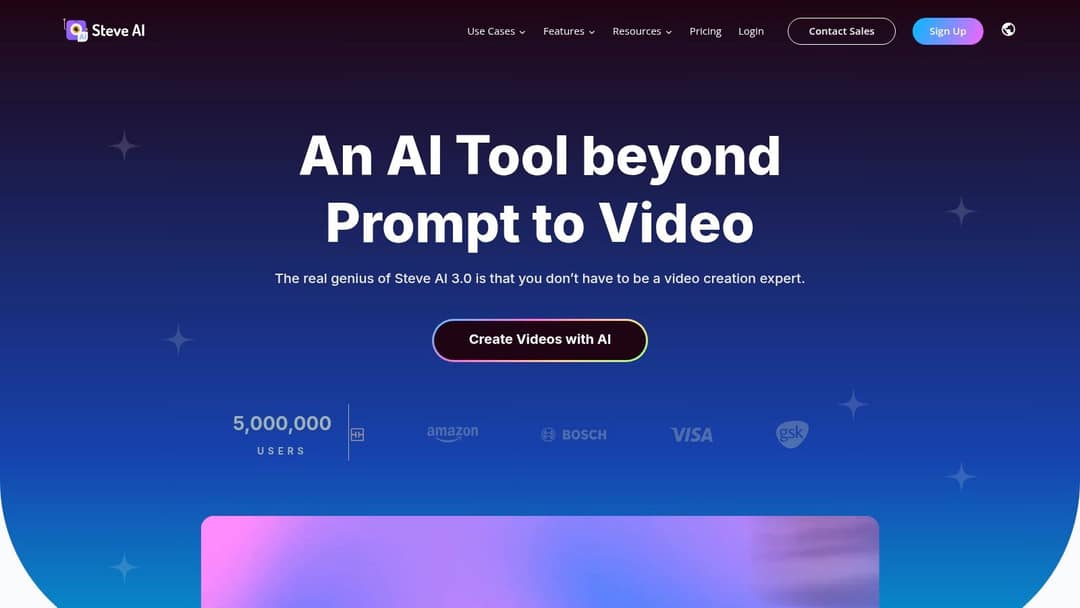
Steve.AI converts scripts, text and blog posts into videos from templates, in either a 2D animated style or a live-action stock style. It is built for marketing explainers and promos rather than trend-driven Shorts.
- Best for: small businesses and marketing teams making product explainers.
- Watch out: plans have been sold with monthly download caps, so check the limit against your posting schedule.
- Price: check the Steve.AI website for current plans.
4. Frameo: motion effects on prompts and images
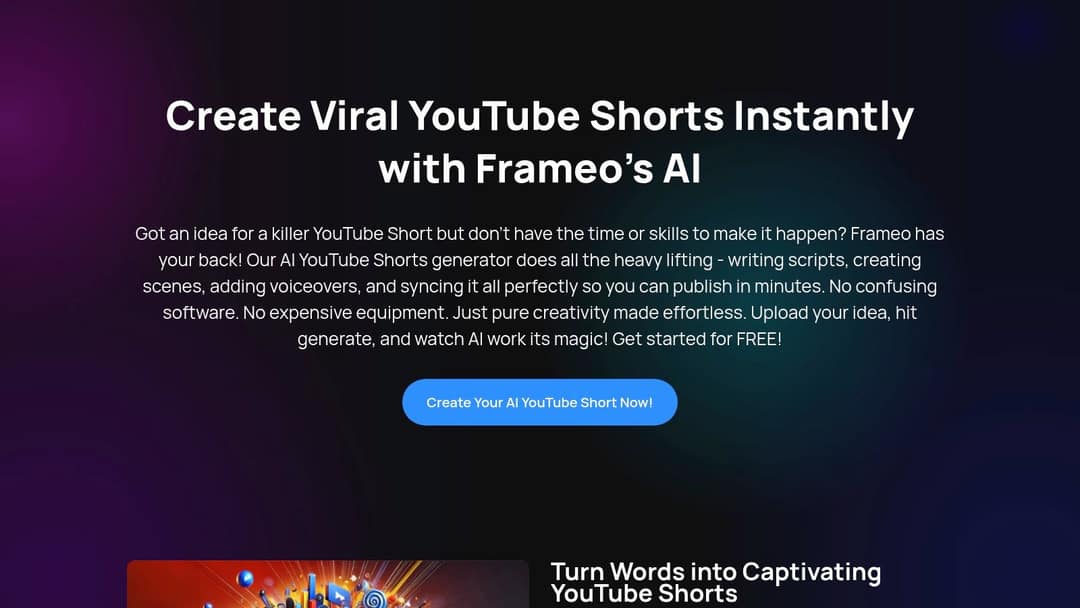
Frameo turns a text prompt or a static image into a short video with camera motion, effects and transitions. Its pitch is visual polish with no editing skills, which suits product showcases and motivational content.
- Best for: creators who want eye-catching motion on simple inputs.
- Watch out: fewer controls than a full editor, and a younger product than most on this list.
- Price: free to start; see the Frameo Shorts generator for paid options.
5. ShortsGenerator.ai: faceless videos on a preset
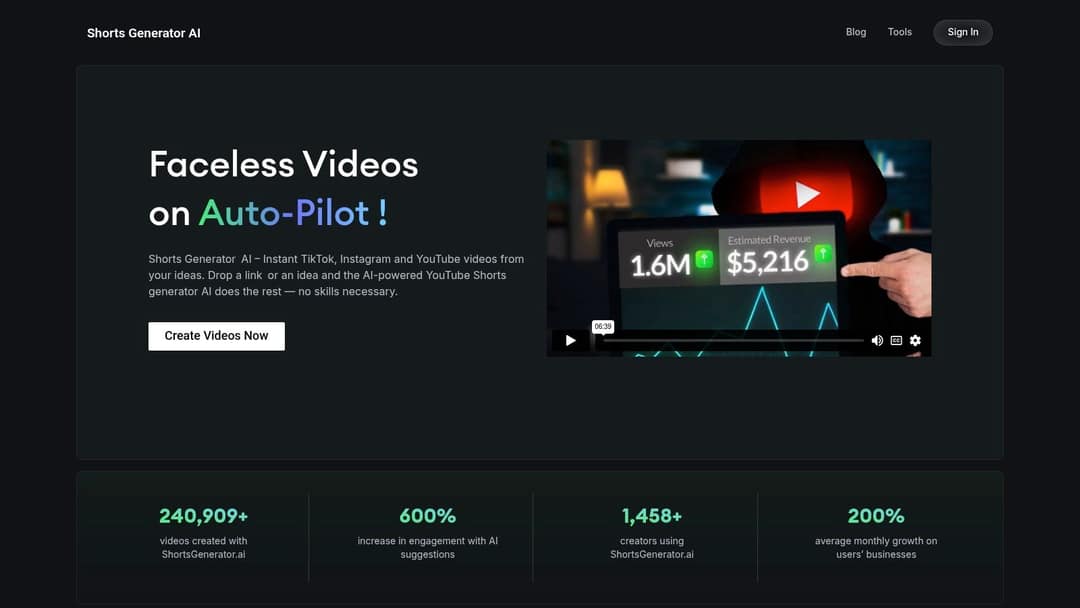
ShortsGenerator.ai turns an idea or a link into faceless videos for YouTube, TikTok and Instagram. Brand presets add your logo and overlays automatically, and it handles subtitles and aspect ratios.
- Best for: beginners and marketers posting the same video to several platforms.
- Watch out: visuals can look generic, and the growth figures on its homepage are the vendor's own claims.
- Price: free to start; paid plans on ShortsGenerator.ai.
6. Crayo: the fastest route to known viral templates
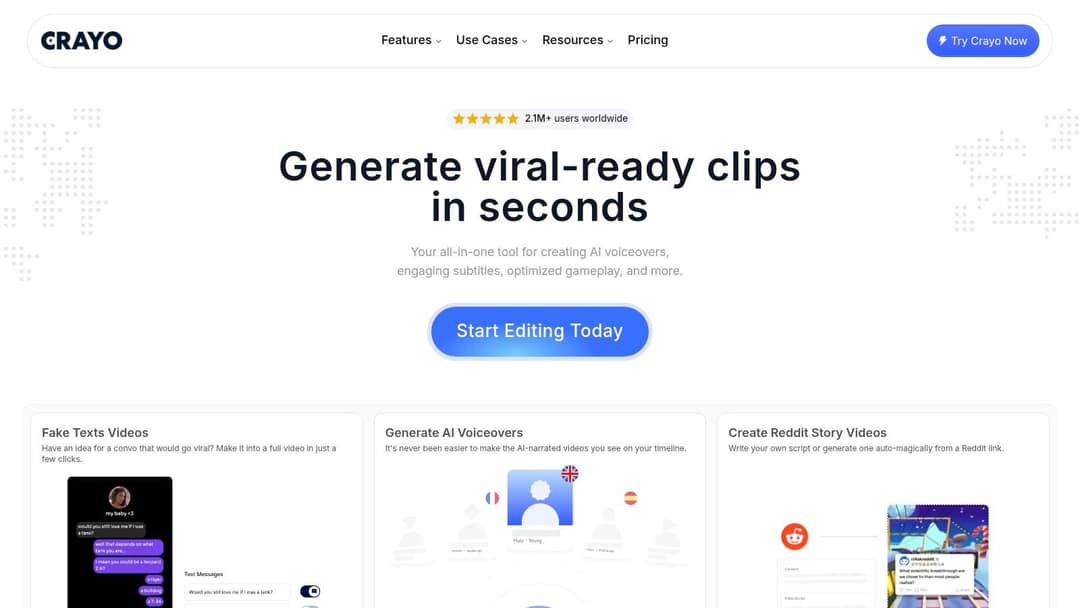
Crayo is built for specific viral formats: Reddit stories, fake text conversations and gameplay split screens. It has 15+ caption styles tuned to those formats, account tracking for clippers, and an interface a first-timer learns quickly.
- Best for: clippers who already know which template they want to run.
- Watch out: no free plan or trial, all sales are final, and template visuals look like everyone else's.
- Price: about $13/month billed yearly on Crayo's site.
Side by side: Revid vs Crayo.
Tools that clip long videos into Shorts automatically
7. OpusClip: virality-scored clips from talking-head video
OpusClip turns podcasts, streams and webinars into short clips, ranks each moment with a virality score, adds animated captions and reframes talking-head footage to vertical. Paid tiers add posting and scheduling, and it offers its own API and MCP server.
- Best for: anyone sitting on hours of long-form talking video.
- Watch out: it needs footage to start from; free-plan media expires after 3 days.
- Price: free plan with 1080p exports and watermarked captions; paid from $15/month.
Side by side: Revid vs OpusClip.
8. 2short.ai: YouTube link in, clips out
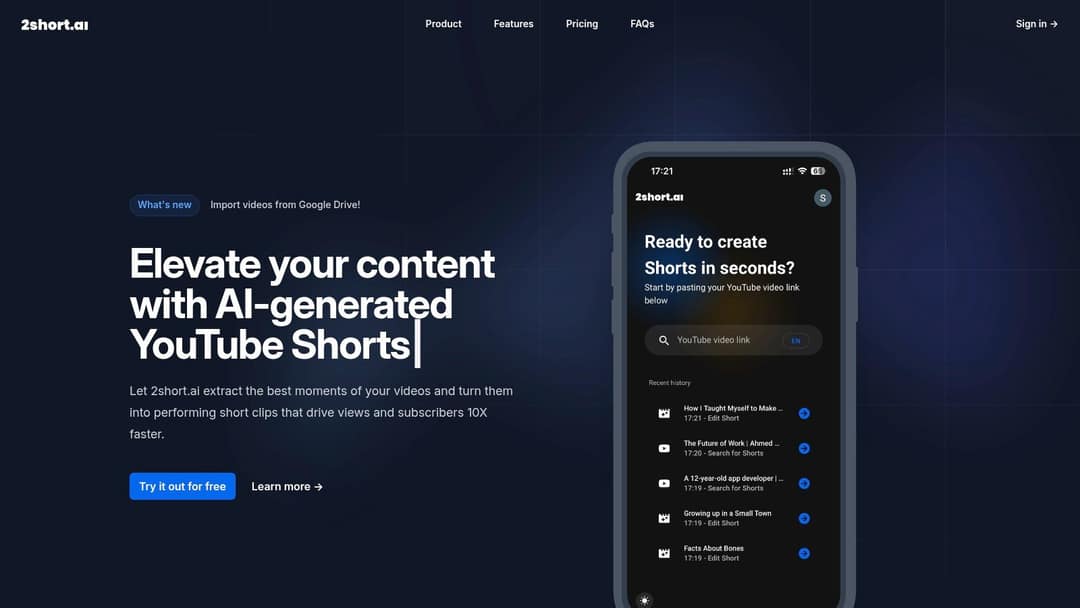
Paste a YouTube link and 2short.ai finds highlights, crops them to vertical, adds animated subtitles and applies brand presets such as a logo or overlay. It has advertised watermark-free 1080p exports even on its free tier.
- Best for: creators with a back catalog of long YouTube videos.
- Watch out: it does not generate Shorts from text, and AI analysis minutes are capped per plan.
- Price: free tier; paid plans on 2short.ai.
9. Riverside: record, then clip in the same place
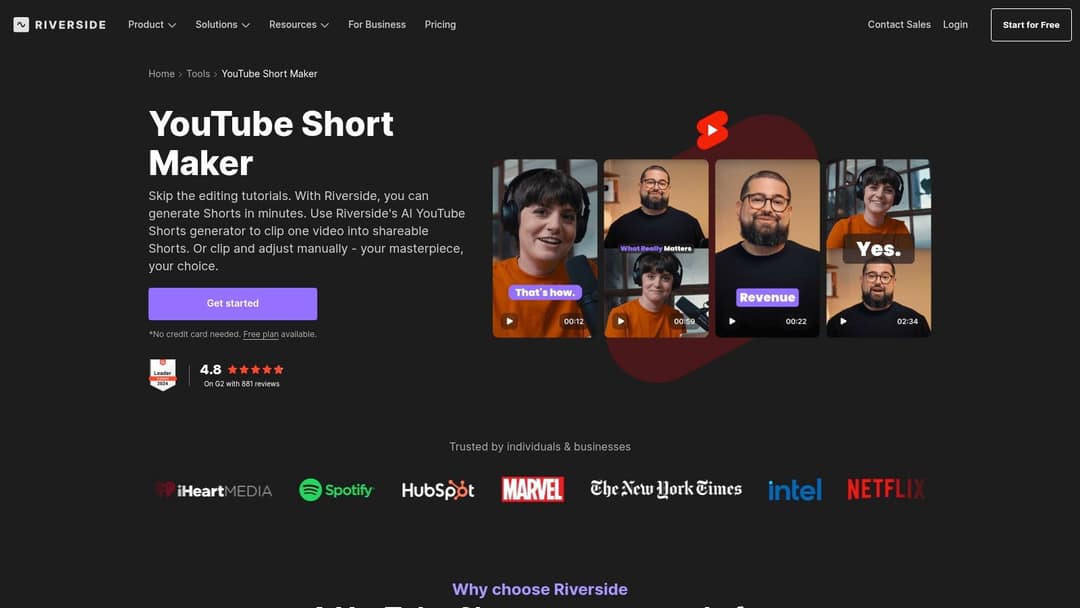
Riverside records podcasts and video interviews, then its Magic Clips feature picks strong moments and turns them into captioned Shorts. You edit by deleting words from the transcript, which removes the matching video.
- Best for: podcasters who already record in Riverside.
- Watch out: it repurposes recordings; it does not create Shorts from a prompt.
- Price: free plan with no card required; paid tiers on Riverside's YouTube Shorts maker.
Price divided by included minutes, assuming you use the whole allowance. Descript's hours are editing hours, not automatic clipping, so it is cheap per hour but you do the picking. Klap (billed per clip) and Revid (billed per job in credits) do not bill by source minutes and are left out.
Source: Monthly prices and allowances from vendor pricing pages on October 29, 2026 (Quso, Descript, Munch Studio yearly price), OpusClip allowances (150 and 300 minutes) from Castmagic's OpusClip pricing guide verified August 20, 2026, Vizard from vizard.ai/pricing on September 30, 2026.
Show the data
| US dollars per 10 hours of uploads | Minutes of video included per month | |
|---|---|---|
| Quso Lite | 174 | 100 |
| Quso Essential | 78 | 300 |
| OpusClip Starter | 60 | 150 |
| OpusClip Pro | 58 | 300 |
| Munch Studio Essential | 46 | 500 |
| Vizard Creator | 29 | 600 |
| Descript Hobbyist | 24 | 600 |
10. Pictory: articles and meeting recordings into video
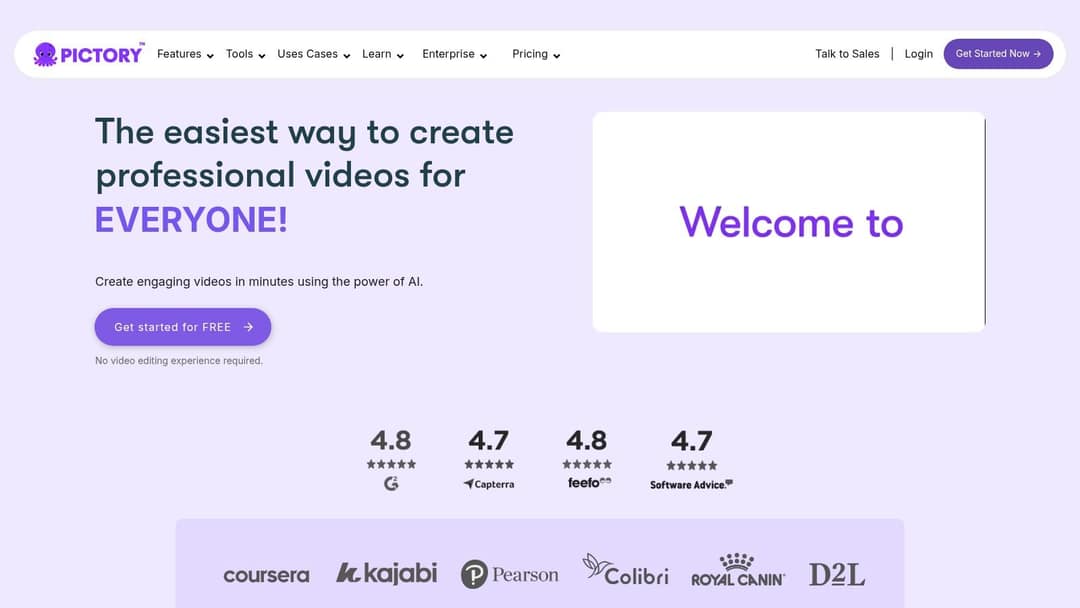
Pictory turns blog posts, scripts and URLs into videos, and auto-clips highlights out of Zoom, Teams and webinar recordings. Visuals come from a 12M+ licensed stock library from Getty Images and Storyblocks, with ElevenLabs voices on premium plans and a scene-based editor.
- Best for: marketing teams repurposing written content and webinars at volume.
- Watch out: the stock-footage look is easy to spot in a Shorts feed.
- Price: free trial, no permanent free tier; paid from $29/month on Pictory.
Side by side: Revid vs Pictory.
AI editors for footage you filmed
11. Kapwing: collaborative browser editing
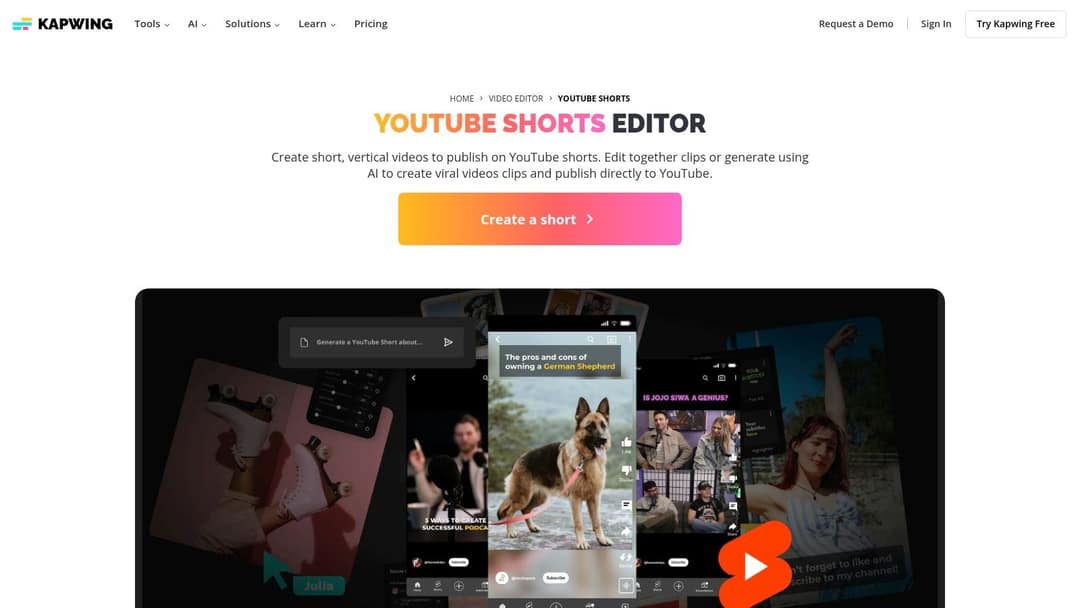
Kapwing is a browser editor with AI built in: generate a video from a prompt or an article link, auto-generate animated subtitles, resize to vertical and publish to YouTube. Its edge is teamwork, with shared workspaces, real-time comments and a brand kit on paid plans.
- Best for: social media teams where several people review each video.
- Watch out: AI generation minutes are tighter than in dedicated generators, and the free plan watermarks exports.
- Price: check the Kapwing YouTube Shorts editor for current plans.
12. Filmora: desktop editing with AI shortcuts
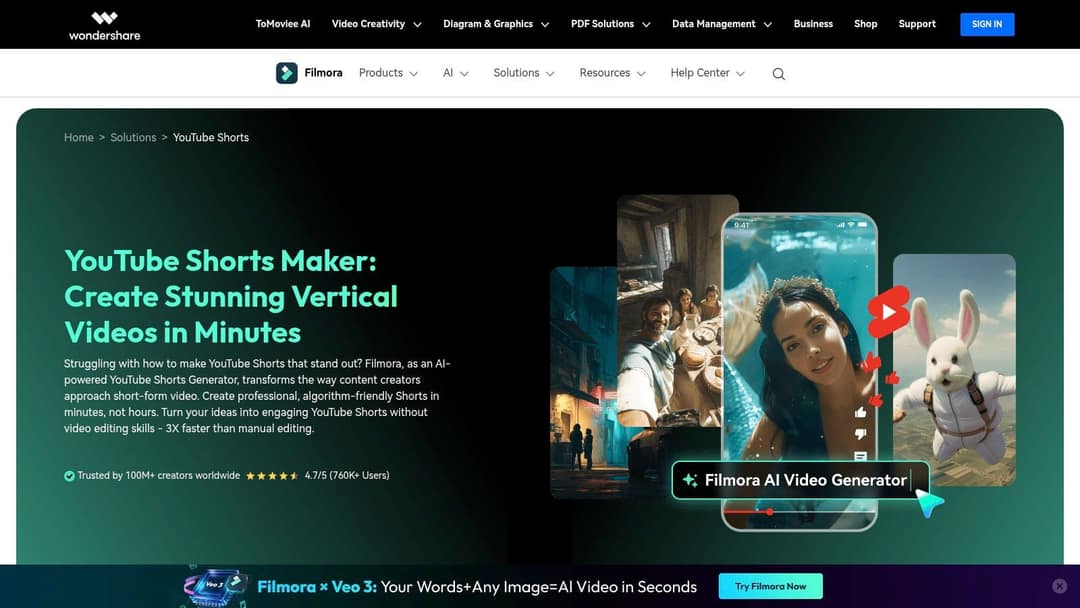
Wondershare Filmora is a desktop editor with AI features: Smart Short Clips pulls highlights from a long video, AI Text to Video drafts a video from a script, AI Image to Video animates photos, and you can upload finished Shorts to YouTube from the editor.
- Best for: creators who edit by hand and want AI for rough cuts.
- Watch out: the free version watermarks exports, and a perpetual license does not include future major versions.
- Price: subscription or perpetual license; see the Filmora Shorts maker.
Which AI makes Shorts automatically?
An automatic Shorts maker can mean three levels of hands-off, and each fits a different channel:
- Auto-clipping: OpusClip, 2short.ai and Riverside pick the moments from your long video for you. You still choose what to publish.
- One-click generation: Revid, InVideo AI and ShortsGenerator.ai go from a prompt to a finished video. You review and post.
- Scheduled autopilot: Revid's Auto-Mode workers create a fresh video every day from a prompt or a content source (3 workers on Growth, 5 on Elite, 10 on Ultra), and its Search and Remix automation picks a high-engagement reference from the library and generates an original video from it on a schedule, never reusing the same reference twice. More on automated video creation.
If you want the simplest possible setup, AutoShorts runs one topic hands-off with scheduled posting from $19/month for 3 posts per week, though it produces image slideshows rather than AI video scenes.
Fully unattended channels are exactly what YouTube's inauthentic-content rule targets. Automate the production, then read every script before it posts.
What's the best YouTube Shorts tool for brand videos?
For brand videos, pick on consistency and source material, not on raw generation speed:
- Logos and overlays on every clip: ShortsGenerator.ai and 2short.ai apply brand presets automatically.
- A team that approves each video: Kapwing's shared workspaces and brand kit keep everyone on the same assets.
- Product Shorts from your store: Revid's product video generator reads a product page URL, keeps the real photos, writes the script and generates the video. Revid also has a UGC-style ad generator for ad creative.
- Explainers in a fixed visual style: Steve.AI's templates suit animated product explainers.
Decision rule: if your brand already has footage and a style guide, use an editor with a brand kit; if you have a product page and no footage, generate from the URL.
Prompt with your own insight
Create a 45-second YouTube Short sharing my own lesson from a failed first product launch: I spent three months building before talking to a single customer. Hook: "I built for 90 days and sold nothing." Use clean motion graphics, a calm first-person voice and captions.
Can you monetize AI-generated YouTube Shorts?
Yes, if the result reflects your own creative choices. YouTube allows AI and automated tools in monetized content when the final video shows your creative vision and gives educational or entertainment value, such as AI used to edit a script or create a background visual.
What YouTube will not monetize:
- AI videos made with generic or unoriginal templates that look mass-produced, without your own insight.
- Unrelated or inconsistent AI clips stitched together to shock viewers, or realistic visuals that fake events.
- AI personas presented as human experts giving health, legal, financial or political advice.
- Videos that only read out material you didn't write, such as website text or news feeds. This reused content policy applies to the whole channel.
Eligibility today: YouTube Partner Program ad revenue needs 1,000 subscribers plus either 4,000 qualified public watch hours in the last 12 months or 10 million qualified Shorts views in the last 90 days. From February 1, 2027, earning Shorts ad revenue in a given month will require at least 10 million qualified Shorts views in the last 90 days, and new applicants will need 8,000 watch hours or 20 million Shorts views.
Disclosure: realistic AI content (a real person appearing to say something they didn't, or a realistic scene that never happened) must be disclosed with the "AI use" setting in YouTube Studio. AI-written scripts, captions and cloning your own voice don't need it, and disclosing does not by itself limit reach or earnings. Since May 2026, YouTube automatically labels undisclosed videos with significant photorealistic AI.
How to pick the right tool in five minutes
Match your situation to one rule:
- No footage, want daily faceless Shorts: Revid or InVideo AI.
- You publish long videos every week: OpusClip or 2short.ai.
- You record podcasts: Riverside.
- You know the exact viral template you want and don't need a trial: Crayo.
- Several people review every video: Kapwing.
- You edit by hand and want AI for the rough cut: Filmora.
Then run the same script through your top two picks and compare three things: how strong the opening hook looks, how accurate the captions are, and how long it takes to fix one bad scene. The winner of that test is your tool.
If your team also publishes articles, discovery is moving to AI search as well; this roundup of generative search optimization tools covers how brands track their visibility there.
FAQ
Is there a free AI YouTube Shorts generator?
Partly. OpusClip, InVideo AI, Kapwing and Filmora have free plans with watermarks or usage limits, and Pictory offers a free trial. Regular watermark-free output costs money everywhere; Revid sign-up is free and new accounts get free credits to try video creation, while regular creation uses the credits of a paid plan.
How long can a YouTube Short be?
Up to 3 minutes. Since October 15, 2024, square or vertical videos up to 3 minutes are classified as Shorts, and most Shorts Audio Library songs can be used for up to 90 seconds of one.
Can AI turn one long YouTube video into several Shorts?
Yes. Clippers like OpusClip and 2short.ai, and Revid's YouTube clip maker, take a link to a long video, find the strongest moments and export them as captioned vertical clips you can review before posting.
Do these tools work for TikTok and Instagram Reels too?
Yes. They all export vertical video, so the same Short works on TikTok and Reels. Revid publishes and schedules to YouTube, TikTok and Instagram directly, and ShortsGenerator.ai and Crayo also target all three platforms.
Sources
- Revid public API POST /api/public/v3/calculate-credits, workflow prompt-to-video, 9:16, run October 29, 2026
- Monthly prices and allowances from vendor pricing pages on October 29, 2026 (Quso, Descript, Munch Studio yearly price), OpusClip allowances (150 and 300 minutes) from Castmagic's OpusClip pricing guide verified August 20, 2026, Vizard from vizard.ai/pricing on September 30, 2026.
- YouTube Official Blog, New opportunities to earn and changes to the YouTube Partner Program (August 2026)
- YouTube Official Blog, Tall updates coming to Shorts (October 2024)
- YouTube Help, YouTube Partner Program overview & eligibility (October 2026)
Charts and figures checked on November 6, 2026.