2,595 videos created with Revid in the last 24h

or explore our 42+ other tools to create the exact video you want
Explore our tools
Create a vertical voiceover video from a script or a link. An AI voice will read the content over matching AI generations, b-roll, stock or AI visuals with captions. Choose your media preferences, voice, and music and it will generate a ready-to-use video for you.
Paste a voiceover script or URL and turn it into a TikTok-ready video with AI voice, captions, and scroll-stopping visuals.
or explore our 42+ other tools to create the exact video you want
Explore our toolsScript automatically generated by Revid
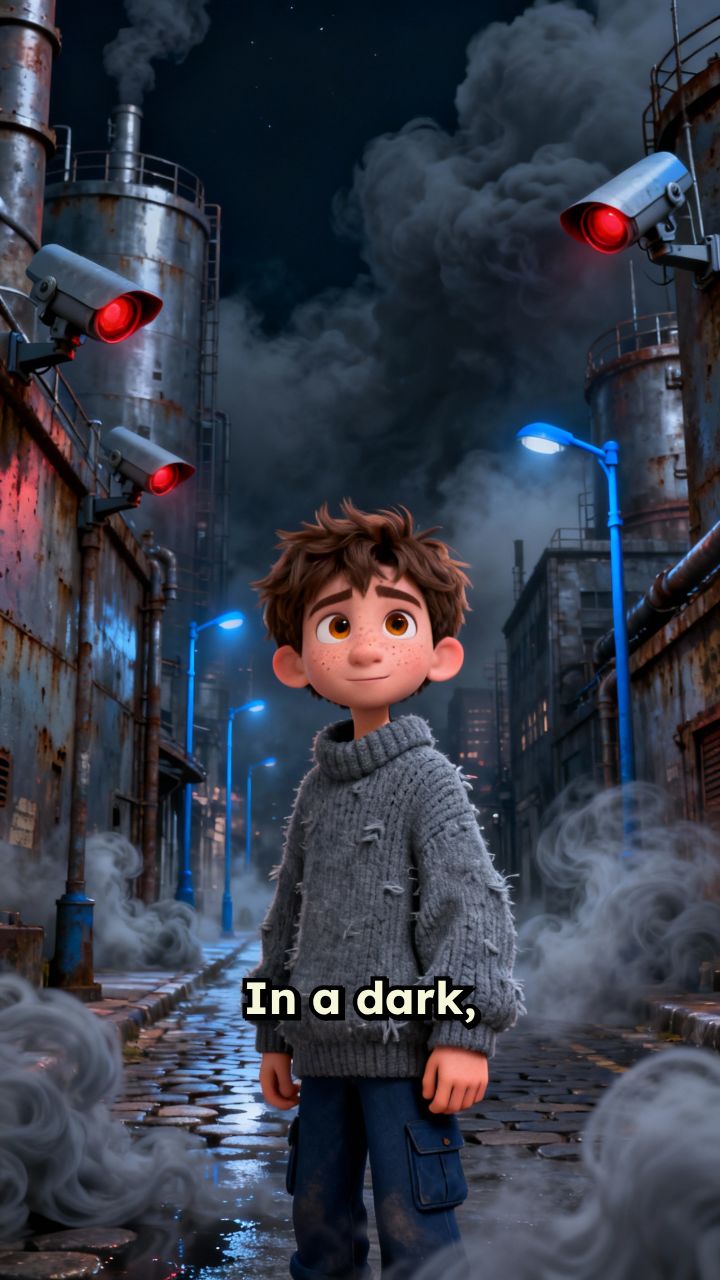
Creator stories
12 creators make their videos with this tool: 21.2M views on the posts they made with Revid. See their numbers, watch their videos, and remix one with the same settings.

 space and science shortsMysteries of the Universe4.6Mviews on 1,603 posts made with RevidRead the story
 Greek myths and unsolved mysteriesMyths & Modern Mayhem2.9Mviews on 340 posts made with RevidRead the story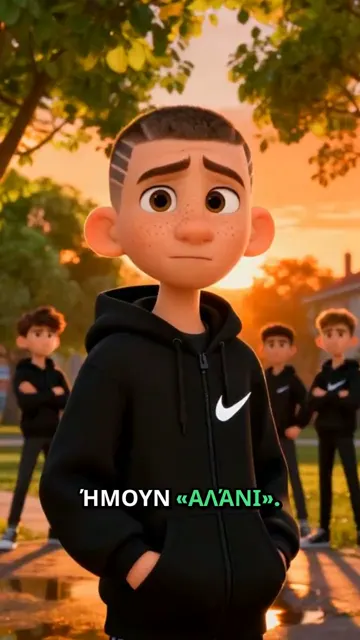
 animated life-lesson stories in GreekStories of Small Stars2.5Mviews on 124 posts made with RevidRead the story
 Game of Thrones rankings and loreThe Fandom Vault2.4Mviews on 1,302 posts made with RevidRead the story
 African history shorts in FrenchAfrique Interdite2.1Mviews on 767 posts made with RevidRead the story
 motorcycle maintenance tips in SpanishTrusted Mechanic AI2Mviews on 2,194 posts made with RevidRead the story
 Also made with the AI TikTok Video Generator: The Empire of the Ink, Open Topics, Dvtoon Studio, George Michael, Intriguing Gaming, HistoryShorts.
Begin by inserting your video script into the designated field. You can also input a URL from a tweet, LinkedIn post, blog article, or any other web content you'd like to transform into a TikTok-friendly video.
Pick from our wide collection of lifelike AI voices, or integrate a custom ElevenLabs voice using a link. Alternatively, you have the option to record your own voiceover and/or video within the tool, with customizable settings for microphone, webcam, and audio quality.
Select your preferred visual style from our offerings: AI video, animated AI images, motion graphics, stock footage, your own media, or a static or gameplay background. Direct the media creation process by incorporating [bracketed text] in your script. Then, choose a background track or upload your personal audio file.
Hit the "Generate Video" button to produce your unique TikTok content in minutes, complete with visuals, subtitles, transitions, and more based on your input. Post-generation, utilize our integrated editing suite to adjust, enhance, and perfect your video before downloading and sharing."
Creating viral TikToks no longer requires hours of editing or professional video skills. Revid's AI TikTok video generator turns your ideas, scripts, or URLs into fully produced short-form videos in seconds complete with captions, transitions, and trending formats optimized for the TikTok algorithm. Whether you're a creator, brand, or marketer, our AI TikTok video maker handles the heavy lifting so you can focus on growing your audience.
Forget complicated timelines and manual editing. With Revid, making a TikTok video with AI is as simple as entering your topic or pasting a link, choosing your style, and hitting generate. Our TikTok AI generator automatically selects the best hooks, pacing, and visuals to match what's currently performing on the platform giving every video you create a real shot at going viral.
Explore different styles and possibilities with our AI TikTok Video Generator
Turn stories, experiences, and ideas into cinematic TikTok content. Whether it's personal narratives, fictional stories, or brand storytelling - create videos that keep viewers watching until the end.

Create product showcases and brand stories that stop the scroll. Our AI understands what makes TikTok users engage, share, and buy - turning your products into viral sensations.

Transform complex topics into bite-sized, engaging TikTok videos that educate and entertain. Perfect for teachers, coaches, and thought leaders looking to share knowledge in a format Gen Z loves.

Discover more ways to create engaging videos with our AI-powered tools
Find detailed answers to 100+ questions about features, tools, and workflows
or check our markdown version optimized for LLMs
Choose your tool, add your content, and create a video in seconds. Then customize it to your liking.
Turn your prompts into engaging videos with AI assistance
Create studio-quality videos from text, no filming required
Turn any song into an animated lyric video with synced text and visuals.
RevidAI's Viral Search and Channel Watcher surface the formats, creators, and trends getting attention right now, then help you turn them into ideas of your own.

Found something worth making? Revid AI writes the script, suggests the structure, and turns links, prompts, or topics into complete video concepts.

Script, voiceover, visuals, subtitles, and editing all come together in one workflow. No stitching together five different tools.

Share your videos to TikTok, YouTube, Instagram, and wherever your audience is.
