On this page
The best AI video editor in 2026 depends on what you start with. To polish footage you shot, pick Adobe Premiere Pro or DaVinci Resolve Studio; for talking-head and podcast edits, Descript; to generate new shots, Runway; to turn an idea or a link into a finished, published short, Revid.
Most lists rank these tools against each other as if they did the same job. They don't. One family speeds up editing of footage you already have, another generates clips from prompts, and a third produces complete short-form videos. On the generation side, the model is rarely what separates tools: Google Veo, Seedance and Kling are sold through APIs to many apps, so two tools sending the same prompt to the same model get comparable clips. Pick the category first, then the tool.
- Video marketers who have used AI video tools to create or edit marketing videos
- 63%
- Wyzowl, December 2025
- One-time price of DaVinci Resolve Studio, with no subscription
- $295
- Blackmagic Design pricing
- Entry monthly price of Runway's paid plans for AI clip generation
- $15
- Runway pricing page
- Revid Growth plan per month, with 2,000 credits
- $39
- Revid pricing
The 12 best AI video editors at a glance
| Tool | Type | Best for | Free option | Paid from |
|---|---|---|---|---|
| Revid | Finished short-form videos | TikToks, Reels and Shorts from an idea or link | Free sign-up with free credits to try it; regular creation uses paid credits | $39/month |
| Adobe Premiere Pro | Pro editor with AI | Professional editing of your footage | Free trial | US$22.99/month (annual plan) |
| Runway | AI clip generator | Generated shots and effects | 125 one-time credits | $15/month |
| Descript | Transcript-based editor | Podcasts, interviews, talking heads | 60 media minutes/month | $24/month ($16 billed annually) |
| Wondershare Filmora | Desktop editor with AI | Beginners editing their own clips | Watermarked free version | Check the site |
| VEED | Online editor | Subtitles, translation, quick social edits | Watermarked, 720p | Roughly $10 to 24/month |
| InVideo AI | Prompt-to-video agent | Stock-based explainers and ads | Watermarked, weekly limits | $20/month per seat |
| Luma Dream Machine | AI clip generator | Cinematic B-roll and concept shots | Check the site | Check the site |
| DaVinci Resolve Studio | Pro editor with AI | Color, VFX and finishing | Free DaVinci Resolve | $295 one-time |
| Final Cut Pro | Mac editor with AI | Fast editing on Apple silicon | Free trial | $299.99 one-time (Mac) |
| Microsoft Clipchamp | Simple online editor | Quick edits on Windows | 1080p exports | Check the site |
| Canva | Design suite with video | Branded marketing videos | 1.6 million+ templates | €110/year (Pro) |
For a wider directory beyond these 12, Shortimize maintains a list of AI video tools by category.
US dollars except InVideo, which showed euros on October 29. InVideo Starter has no Seedance 2.5; Revid Growth includes 2,000 credits, the editor, publishing and the API, MCP server and CLI.
Source: Vendor pricing pages (invideo.io, runway.com, synthesia.io, pictory.ai, heygen.com, zebracat.ai, revid.ai), read October 29, 2026
Show the data
| Billed monthly | Billed yearly, per month | |
|---|---|---|
| InVideo AI Starter (EUR) | 20 | 10 |
| Runway Standard | 15 | 12 |
| Synthesia Starter | 19 | 14 |
| Pictory Starter | 29 | 25 |
| HeyGen Creator | 29 | 24 |
| Zebracat Cat Mode | 39 | 23 |
| Revid Growth | 39 | 32 |
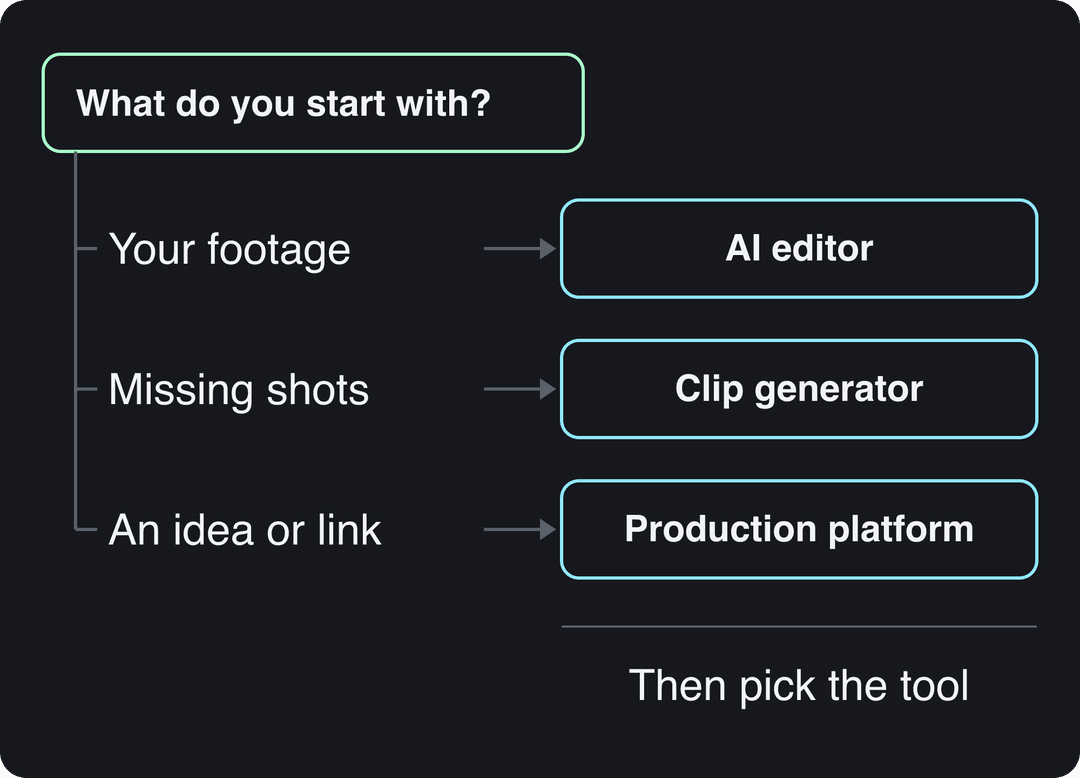
Which kind of AI video editor do you need?
- If you already have footage (interviews, vlogs, client shoots): you want an AI-assisted editor. Premiere Pro, DaVinci Resolve Studio, Final Cut Pro, Descript, Filmora, VEED and Clipchamp cut transcripts, clean audio, mask subjects and caption for you, but you still make the edit.
- If you need shots that don't exist: you want a clip generator. Runway and Luma produce short clips from text or images. Script, voice, captions, assembly and publishing stay on you.
- If you need finished videos without filming or editing: you want a production platform. Revid (and, with a stock-footage look, InVideo AI) writes the script, builds the scenes, adds voice, captions and music, and exports a video ready to post.
Many creators end up with two tools: an editor for their own footage and a generator or production platform for everything else.
The 12 best AI video editors, reviewed
1. Revid: best for finished short-form videos from an idea or link
Revid is an AI video platform that turns an idea, a link or a proven viral format into finished short-form videos and publishes them to TikTok, Instagram and YouTube. It works less like a footage editor and more like a production line: it writes the script, builds scene-by-scene visuals (stock footage, AI images, AI video or motion graphics), adds a voice-over, synced captions and music, then gives you a full timeline editor to fix anything before export.
The difference is where a video starts. Revid's script writer draws on a library of about 2.77 million real short-form videos with their public engagement data, so you can start from a format audiences already watch instead of a blank prompt. Several AI video models (Seedance 2.5, MiniMax Hailuo H3, Wan 3.0 and Google Veo 3) sit under one subscription and can be chosen per scene.
- Key AI features: 1,000+ AI voices in 70+ languages, 30 caption styles, captions in 100+ languages, export in 720p, 1080p or 4K at 30 or 60 fps, direct publishing and scheduling, Auto-Mode workers that create a fresh video every day, and the API, MCP server and CLI on every paid plan.
- Best for: founders, small businesses, social media managers and faceless channels that publish short-form video every week.
- Watch out: it is not built for frame-by-frame editing of long recordings or cinematic work, and AI generation uses credits.
- Pricing: free sign-up with free credits to try video creation (no credit card needed); regular creation uses the credits of a paid plan, from $39/month (Growth, 2,000 credits; $32/month billed yearly). See current Revid plans and credits.
To make a short with Revid:
- Open the Revid AI video generator and paste a prompt, a script or a link (a blog post, a YouTube video, a Reddit thread), or start from a video in the viral library.
- Pick a voice, a caption style and a visual model. Revid writes the script and generates the scenes.
- Adjust scenes, text and timing in the timeline editor.
- Publish or schedule to TikTok, Instagram and YouTube from one queue.
Already have talking-head footage? The auto edit video tool takes an uploaded talking video or a link and returns it edited, with your key lines turned into motion graphics.
Input
Your video as it is
Output
2. Adobe Premiere Pro: best AI-assisted editor for professionals
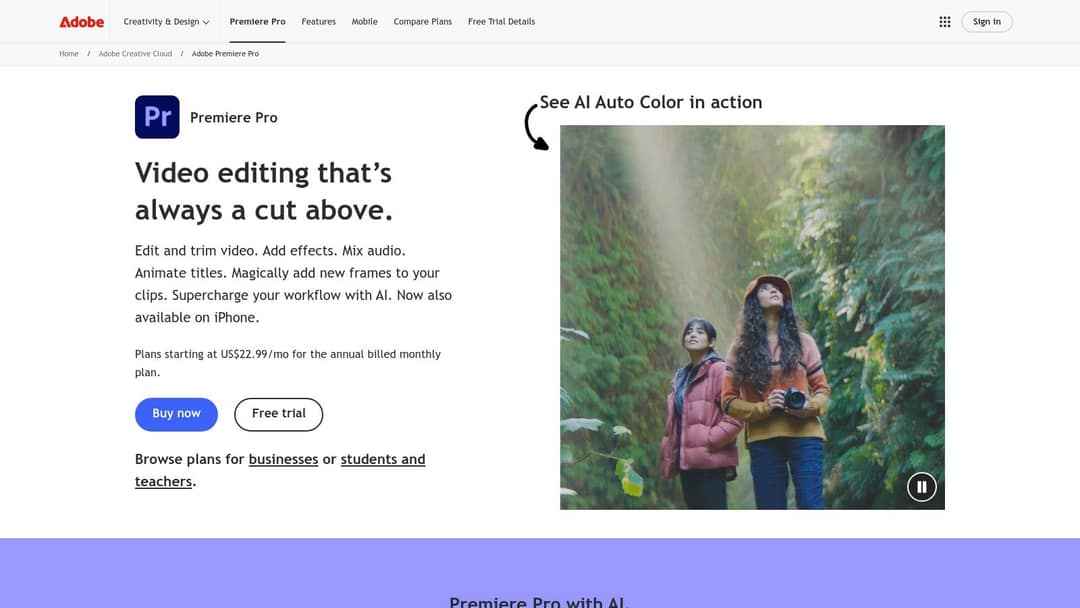
Adobe Premiere Pro keeps the classic timeline and adds AI where editors lose the most time. Text-Based Editing transcribes your footage so you can build a rough cut by deleting lines of text, Enhance Speech cleans up noisy dialogue, and Auto Reframe adapts a 16:9 edit to vertical. Adobe's Firefly Video model adds generative features inside the timeline, such as creating new frames to extend a clip, and Adobe now promotes AI Auto Color and an iPhone version.
- Best for: professional editors, agencies and YouTubers with real footage and deadlines.
- Watch out: the steepest learning curve on this list, and a subscription that only makes sense if you edit often.
- Pricing: Adobe lists plans from US$22.99/month on the annual plan billed monthly, plus a free trial. Check Adobe's site for Creative Cloud bundle prices.
3. Runway: best for generating shots that don't exist
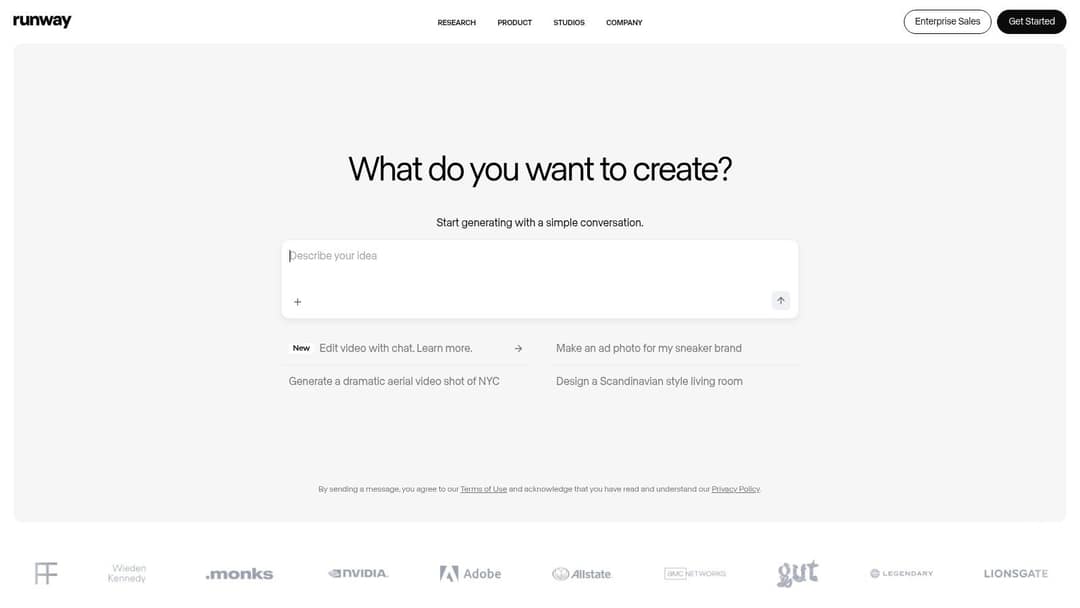
Runway is generation-first. Its Gen-4.5 model is among the highest-rated for video quality, and Aleph handles shot-level changes on existing clips: camera moves, relighting and object removal. Runway also ships native audio, motion transfer and a chat-style prompt to edit video by describing the change.
- Best for: independent filmmakers, artists and VFX-minded creators who need specific shots.
- Watch out: you get clips, not a finished video. Script, voice, captions and assembly are up to you. Our Revid vs Runway comparison covers when each fits.
- Pricing: free plan with 125 one-time credits (watermarked, select models); paid plans from $15/month.
4. Descript: best for podcasts, interviews and talking heads
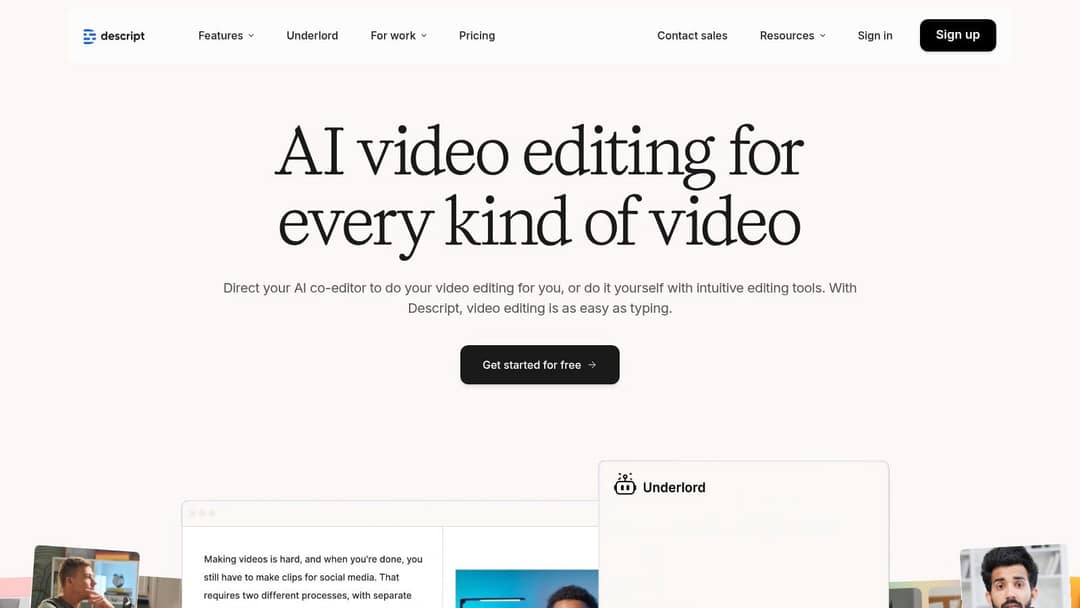
Descript edits video like a document: once your recording is transcribed, deleting a sentence deletes it from the video. Studio Sound fixes echo and weak microphones, filler-word removal clears out the ums, Underlord acts as an AI co-editor you can direct in plain language, and Create Clips pulls short highlights from long recordings.
- Best for: podcasters, course creators and anyone whose videos are mostly speech, including long videos.
- Watch out: it needs a recording to start from. If you want videos without filming, see our Revid vs Descript breakdown.
- Pricing: free plan with 60 media minutes a month, 100 one-time AI credits and 720p export; paid from $24/month, or $16/month billed annually with 10 media hours.
5. Wondershare Filmora: best desktop editor for beginners
Wondershare Filmora sits between template apps and pro software, with desktop and mobile apps. AI Portrait and AI Cutout remove backgrounds without a green screen, silence detection trims dead air from tutorials, text-based editing lets you cut from the transcript, and Auto Reframe resizes for Reels and Shorts.
- Best for: YouTubers, hobbyists and small business owners who want a timeline editor they can learn in an afternoon.
- Watch out: several generative features draw on separate AI credits on top of the plan.
- Pricing: the free version exports with a watermark. Subscription and perpetual-license prices change often, so check Filmora's pricing page.
6. VEED: best online AI video editor for subtitles and quick social edits
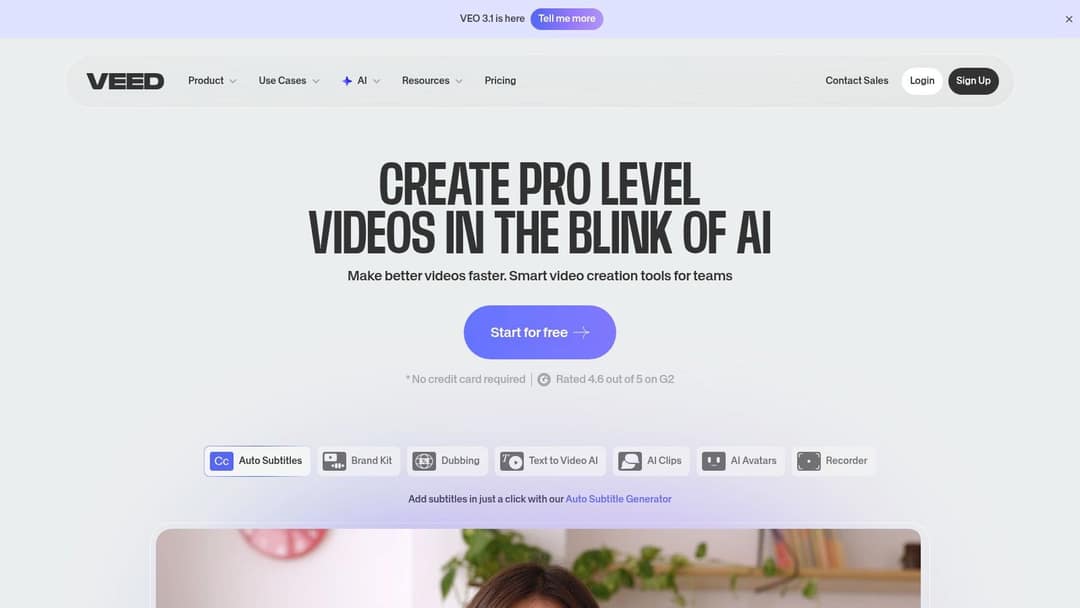
VEED runs in the browser and is built for speed: auto-subtitles and translation, AI dubbing, eye-contact correction, stock avatar presenters, brand kits and a screen recorder. It also generates clips with third-party models (its site announces Veo 3.1) when you need a quick insert.
- Best for: marketing teams and social managers who caption, translate and resize a lot of existing video.
- Watch out: the free plan adds a watermark and caps export at 720p. Our Revid vs VEED comparison explains the editing vs generating split.
- Pricing: paid plans start at roughly $10 to 24/month depending on billing.
7. InVideo AI: best prompt-to-video agent with stock footage
InVideo AI works like a chat: you describe the video, it assembles a draft from a 16M+ stock library with an AI voice and captions, and you edit by typing commands instead of using a timeline. It bundles AI avatars and voice clones from the entry tier and offers third-party generation models such as Veo 3.1.
- Best for: marketers who need explainers, listicles and ads from a prompt with no editing skills.
- Watch out: drafts often need polish, and there is no traditional timeline to fix a scene by hand. OpenAI shut down the Sora 2 API on September 24, 2026, so ignore any older Sora claims in third-party tools. More in our Revid vs InVideo comparison.
- Pricing: from $20/month per seat (Starter); the free plan is watermarked with weekly generation limits.
8. Luma Dream Machine: best for cinematic AI B-roll
Luma Dream Machine generates short clips from text or images with strong motion and lighting, plus tools to modify, reframe and upscale what it makes. An iOS app lets you generate on the go.
- Best for: filmmakers and creators who need concept shots, title sequences or B-roll that would be expensive to film.
- Watch out: like Runway, it makes clips, not finished videos, and costs climb with heavy generation.
- Pricing: credit-based tiers that change often; check Luma's pricing page before you commit.
9. DaVinci Resolve Studio: best for color, VFX and long-form finishing
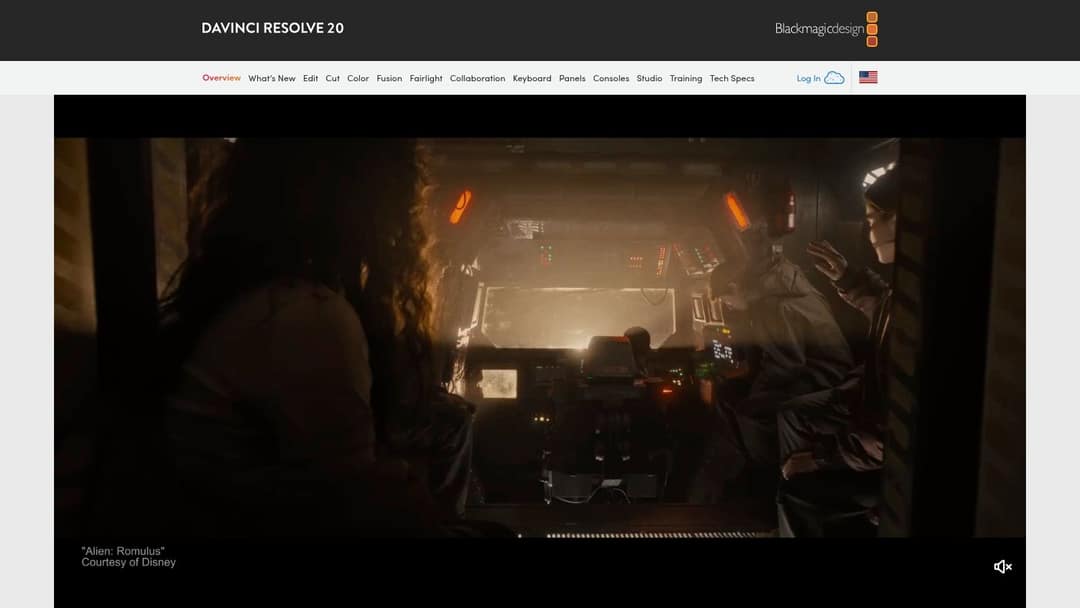
DaVinci Resolve Studio pairs the industry's reference color tools with AI from its DaVinci Neural Engine. Magic Mask isolates a subject with a few strokes instead of manual rotoscoping, Voice Isolation rescues dialogue recorded next to traffic or an air conditioner, and Scene Cut Detection splits a rendered video back into clips.
- Best for: independent filmmakers, colorists and YouTubers who edit long videos on a PC or Mac and hate subscriptions.
- Watch out: a steep learning curve, and the strongest AI tools are Studio-only.
- Pricing: the free DaVinci Resolve is a full editor; Studio is a $295 one-time purchase.
10. Final Cut Pro: best AI video editor for Mac users
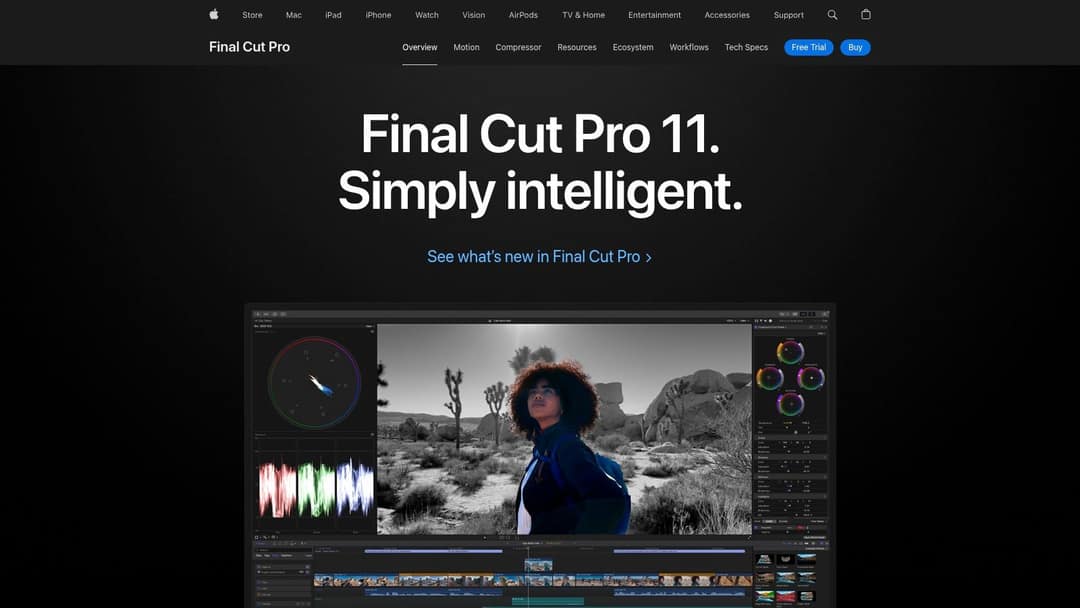
Final Cut Pro uses machine learning for practical jobs: Magnetic Mask isolates people and objects without a green screen, and Transcribe to Captions generates captions from dialogue in the timeline. Its main advantage is speed on Apple silicon, with smooth 4K playback and fast exports.
- Best for: Mac-based editors and YouTubers who want a fast, stable editor with a one-time price.
- Watch out: Mac and iPad only, and fewer generative features than Premiere Pro.
- Pricing: $299.99 one-time on Mac; the iPad version is $4.99/month or $49/year.
11. Microsoft Clipchamp: best simple editor for Windows users
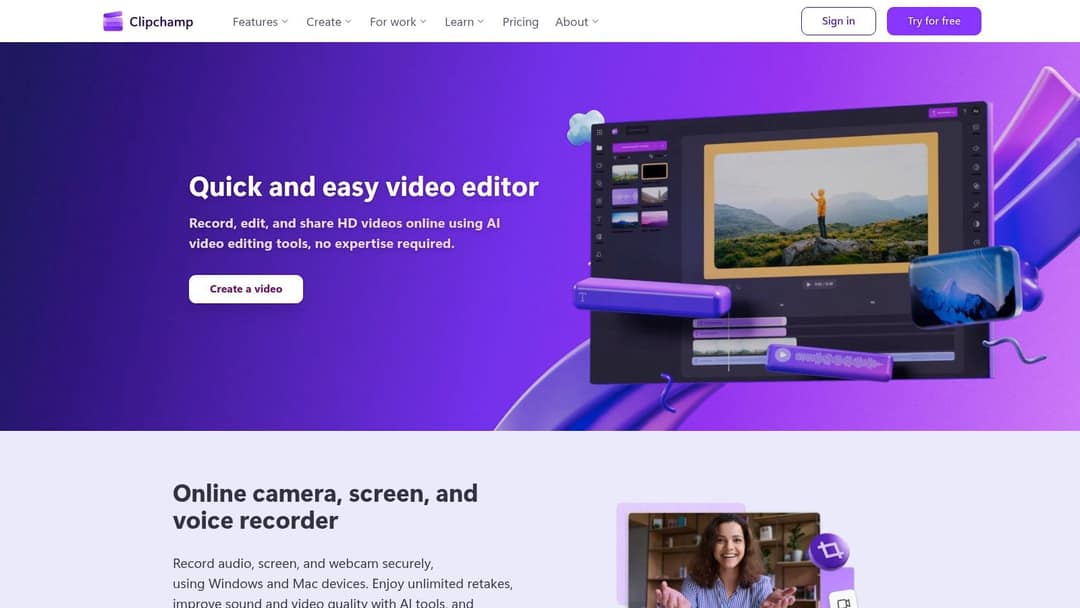
Microsoft Clipchamp is the low-friction choice on Windows. Auto-captions and text-to-speech are on the free tier, templates cover common social formats, and the built-in camera, screen and voice recorder plus OneDrive integration keep everything in one place.
- Best for: beginners, students and small businesses already on Microsoft 365.
- Watch out: limited AI beyond captions and voice, and no generation of new visuals.
- Pricing: the free plan exports in 1080p; Premium adds 4K and brand kits. Check Microsoft's site for the current price and Microsoft 365 bundles.
12. Canva: best for branded marketing videos
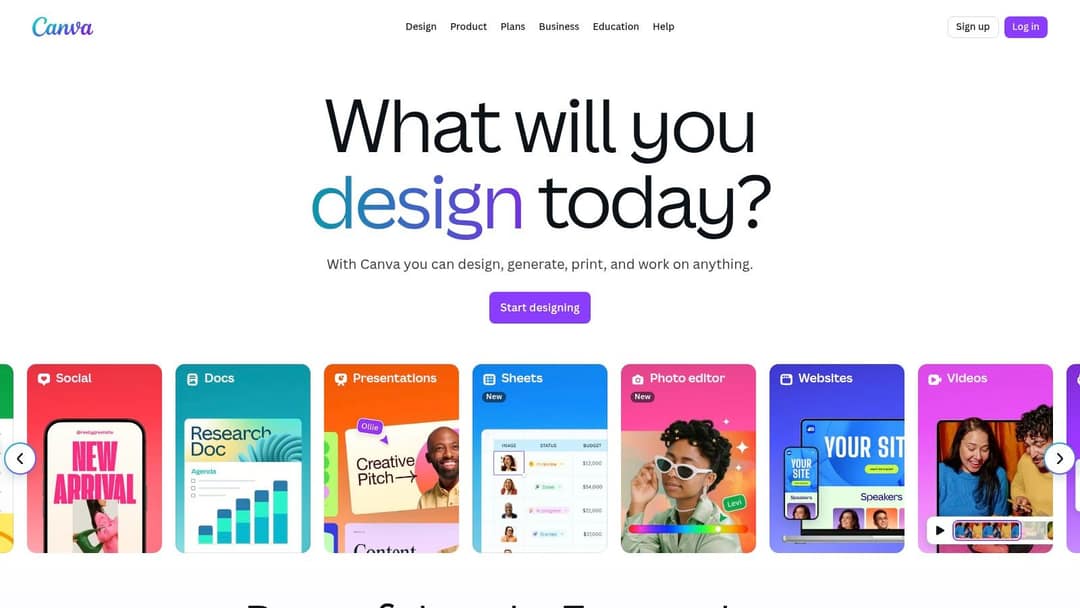
Canva is a design suite first, which is its strength for marketing teams: brand kits, templates, Magic Switch to resize one design for every platform, automatic captions, and short Veo 3 clips with synchronized audio on paid plans. Video sits next to your slides, ads and social graphics.
- Best for: marketing teams and non-designers making on-brand promos together.
- Watch out: shallow timeline control, and the free plan's AI allowance is small (up to 20 uses, no video clip generation). See Revid vs Canva for social-first video.
- Pricing: free plan with 1.6 million+ templates; Pro from €110/year.
Prompt to try
Make a 30-second vertical video for small business owners titled '3 mistakes that kill your Instagram Reels'. Open with the hook 'Your Reels die in the first 2 seconds, here is why.' Use fast cuts of stock footage, bold synced captions and an energetic voiceover, and end with a one-line tip.
How to choose an AI video editor for short-form content and Reels
For TikTok, Reels and Shorts, the tool's editing depth matters less than how fast it gets a vertical, captioned video to the feed. Use these rules:
- If you film yourself talking, pick an editor with strong auto-captions: Descript, VEED, or CapCut, the strongest free mobile editor, which offers 1080p export and auto-captions on its free tier (paid plans from about $9.99/month).
- If you don't film at all, pick a production platform such as Revid that writes, voices, captions and publishes the video.
- Check the export: TikTok recommends 9:16 at 1080x1920. Instagram Reels accepts 1.91:1 to 9:16, at least 30 FPS and at least 720 pixels.
- Keep Reels under 3 minutes: Instagram allows up to 20 minutes, but longer reels are not recommended to non-followers.
- Count the clicks to publish: at several posts a week, direct publishing and scheduling save more time than any single AI effect.
What is the best free AI video editor?
Free plans are good enough to learn and to publish, as long as you know where each one stops.
| Tool | What you get free | Main limit |
|---|---|---|
| DaVinci Resolve | A full professional editor | Most Neural Engine AI tools need Studio |
| CapCut | Full editor, 1080p export, auto-captions | Premium templates and most AI features are paid |
| Microsoft Clipchamp | 1080p exports, auto-captions, text-to-speech | 4K and brand kits need Premium |
| Canva | 1.6 million+ templates, up to 20 AI uses | No AI video clip generation |
| Descript | 60 media minutes a month, 100 one-time AI credits | 720p export, watermark-free export on paid plans |
| Runway | 125 one-time credits | Watermarked, select models only |
For Reels specifically, Instagram's own Edits app is free, generates captions and exports without a watermark.
Prompt to try
Create a 25-second vertical promo for a local coffee shop launching a new oat milk latte. Start with the hook 'You have never tasted oat milk like this.' Use warm close-up visuals, upbeat music, a friendly voiceover and captions, and close with the shop's opening hours.
Growth is $39/month with 2,000 credits. Generated music adds 20 credits per started minute; sound effects add 1 credit each. Videos per month = 2,000 divided by the 30 s cost, rounded down.
Source: Revid public API POST /api/public/v3/calculate-credits, workflow prompt-to-video, 9:16, run October 29, 2026
Show the data
| 30 s video (credits) | 60 s video (credits) | 30 s videos per Growth month | |
|---|---|---|---|
| Stock footage | 11 | 22 | 181 |
| Animated AI images, Standard | 18 | 35 | 111 |
| Animated AI images, Pro | 37 | 75 | 54 |
| AI video clips, Base | 110 | 220 | 18 |
| AI video clips, Pro | 341 | 682 | 5 |
| AI video clips, Ultra (Seedance 2.5) | 671 | 1,342 | 2 |
What is the most affordable AI video editor for a small business?
It depends on who does the work. If someone on your team edits, a one-time purchase beats years of subscriptions: DaVinci Resolve Studio at $295 or Final Cut Pro at $299.99. If your marketing team already lives in Canva or Microsoft 365, start with the video tools you already pay for.
If nobody has time to film or edit, the cost that matters is per finished video, not per seat. Revid's Growth plan is $39/month with 2,000 credits, and a 30-second video with Pro AI visuals and a voice-over costs about 40 to 80 credits; you can see the estimate before generating.
What's the best AI video tool for independent filmmakers and creatives?
For filmmakers, AI should save hours without taking the edit away from you. DaVinci Resolve Studio or Premiere Pro handle the cut, color and sound; Runway or Luma generate shots you can't afford to film; Descript speeds up documentary and interview selects in long videos. Our guide on AI video tools vs professional editors covers where each approach wins.
Creatives who sell their work also need somewhere to show it: this guide to building a job-winning online portfolio covers how to present finished videos to clients.
FAQ
Is there an AI video editor that edits for you automatically?
Yes. Descript and Revid's auto edit tool cut and caption talking footage for you, and production platforms like Revid or InVideo AI build a complete video from a prompt or link. You still review the result before posting.
What is the best free AI video editor for Reels?
CapCut and Instagram's Edits app are the best free options for Reels: both caption automatically, and Edits exports without a watermark. Clipchamp is a good free alternative on Windows.
What are the best AI video editors for beginners?
Clipchamp, Canva and Filmora have the gentlest learning curves for editing your own clips, and Descript is easiest if your videos are mostly speech. If you want to skip editing entirely, Revid generates the full video for you.
What is the best AI video editor for PC?
DaVinci Resolve Studio is the best AI video editor for PC if you want professional tools without a subscription; Premiere Pro is the standard for teams. Filmora and Clipchamp are simpler Windows options, while Final Cut Pro is Mac only.
Can AI replace a human video editor?
Not for long-form or cinematic work, where every shot is chosen by hand. AI already handles most of the repetitive work in short-form video: rough cuts, captions, audio cleanup, resizing and, with production platforms, the whole video.
Do I have to label videos made with AI?
Yes, when the content is realistic. TikTok requires creators to label realistic AI-generated images, audio or video, and YouTube requires disclosure of realistic AI-made or altered content; both say the label alone does not reduce a video's reach.
Sources
- Vendor pricing pages (invideo.io, runway.com, synthesia.io, pictory.ai, heygen.com, zebracat.ai, revid.ai), read October 29, 2026
- Revid public API POST /api/public/v3/calculate-credits, workflow prompt-to-video, 9:16, run October 29, 2026
- Wyzowl, Video Marketing Statistics 2026 (December 2025)
Charts and figures checked on November 6, 2026.