Social Media Video Editor Picks for 2026: 12 Tools by Workflow
The right social media video editor depends on where your video starts: footage you filmed, a long recording, an idea or a link, or brand templates. Here are 12 tools compared by workflow, free plan and price.

On this page
The best social media video editor depends on where your video starts. Use CapCut or Clipchamp to edit footage you filmed, Canva or Adobe Express for branded template videos, Veed or Kapwing for subtitles and team review, and Revid to create the whole video from an idea or a link and publish it.
Meta said in January 2026 that nearly 10% of the Reels people view each day are now made in Edits, Instagram's free editing app. Trimming, auto-captions, templates and vertical export are now standard, and a free app covers them. The costly mistake is paying for an editor built for a different starting point than yours. Two common examples: a template designer when you shoot on your phone, or a timeline editor when you have no footage at all.
- Share of Reels viewed each day that are made in Instagram's free Edits app
- 10%
- Meta Platforms, January 2026
- Video marketers who have used AI video tools to create or edit marketing videos
- 63%
- Wyzowl, December 2025
- Real short-form videos with engagement data in Revid's searchable library
- 2.77M
- Revid
Pick a social media video editor by where your video starts
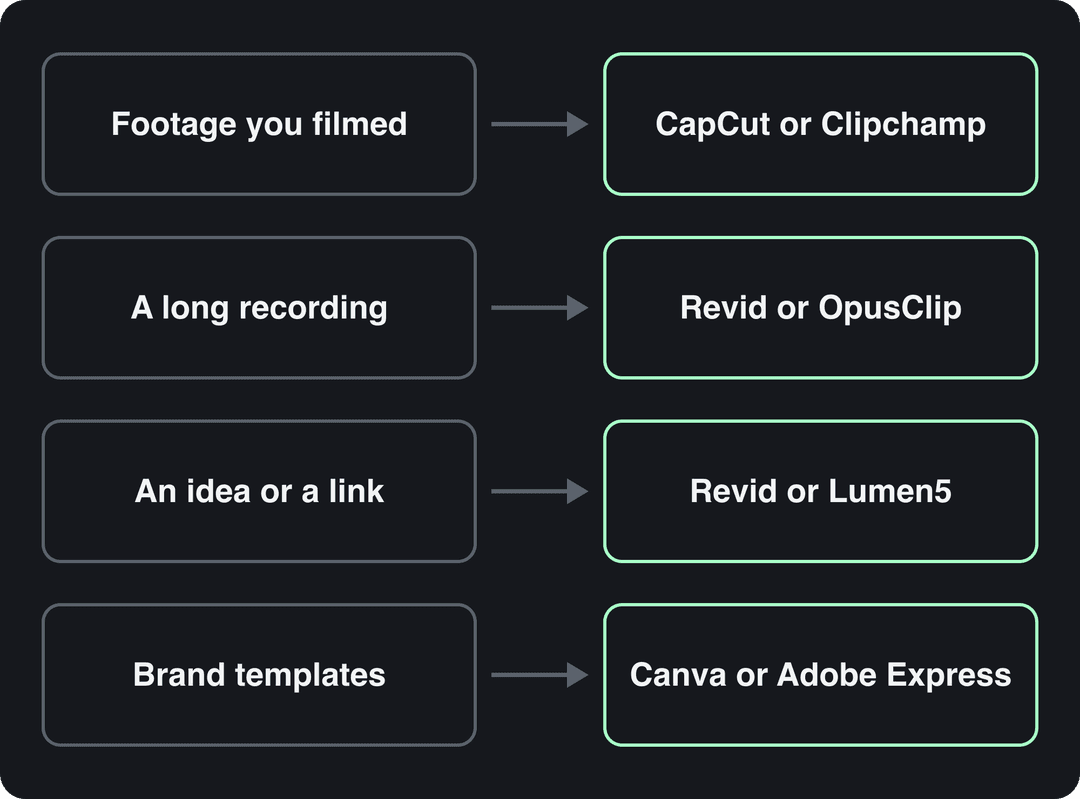
Four starting points decide most choices:
- You filmed it (talking head, product shots, vlogs). You need a fast cutting tool with captions: CapCut, Clipchamp or Instagram's Edits.
- You have a long recording (webinar, podcast, YouTube video). You need a clipping tool that finds the moments worth posting: Revid or a dedicated clipper such as OpusClip.
- You have an idea, a script or a link but no footage. You need a tool that writes and generates the video: Revid, InVideo or Lumen5.
- You have brand assets and want templates. Use Canva or Adobe Express, or Animaker if you want animated characters.
Then check two practical things before you pay. Does the free plan watermark exports? Does the tool publish to your platforms, or will you download and re-upload every video?
US dollars per month
Revid's $39 Growth plan includes 2,000 credits, the editor, direct posting and the API. Yearly billing is cheaper on most tools.
Source: Pricing page of each tool, checked for Revid's comparison pages (revid.ai/vs) in November 2026.
Show the data
| US dollars per month | |
|---|---|
| Creatify | 15 |
| OpusClip | 15 |
| Higgsfield | 19 |
| Synthesia | 19 |
| CapCut | 20 |
| InVideo | 20 |
| Fliki | 28 |
| Klap | 29 |
| Revid | 39 |
Social media video editors compared
| Tool | Best for | Free plan | Paid from |
|---|---|---|---|
| Revid | Creating videos from an idea, link or viral format, then publishing | Free sign-up with trial credits | $39/month |
| InVideo | Editing by typing commands, large stock library | Yes, watermarked, weekly limits | $20/month per seat |
| Lumen5 | Turning blog posts into videos | Yes, for testing | See site |
| CapCut | Editing footage you filmed | Yes, 1080p export and auto-captions | About $9.99/month |
| Clipchamp | Browser editing with no install | Yes, 1080p without watermark | See site |
| WeVideo | Team and classroom projects | Limited | See site |
| Canva | Branded template videos alongside other design | Yes, 1.6 million+ templates | €110/year (Pro) |
| Adobe Express | Template videos with Adobe assets | Yes | See site |
| Animaker | Animated explainers | Yes, limited | See site |
| Wave.video | Editing plus hosting and live streaming | Yes, limited | See site |
| Veed | Subtitles, translation, team review | Yes, 720p with watermark | Roughly $10 to $24/month |
| Kapwing | Collaborative editing, subtitles, silence removal | Yes, limited | See site |
The list is grouped by workflow, not ranked. Free plans change often, so confirm limits on each site before you build a workflow around one. For a broader list that includes desktop editors, see our video editing apps for social media by use case.
AI tools that create the video for you
1. Revid
Best for founders, small businesses and creators who need a steady flow of TikToks, Reels and Shorts without filming or editing by hand.
Revid works the other way around from a classic editor. You give it an idea, a script, a link (a blog post, a YouTube video, a Reddit thread) or a song, and it builds the video for you. That includes the script, scene-by-scene visuals, a voice-over in 70+ languages, synced captions and music. You then adjust it in a full timeline editor. When it is ready, export in 720p, 1080p or 4K at 30 or 60 fps, or publish and schedule it to TikTok, Instagram and YouTube from one queue.
The difference is the starting point. Revid includes a searchable library of about 2.77 million real short-form videos with their public engagement data. You can start from a format audiences already watch and turn it into an original video instead of prompting from a blank page. Scenes can use Seedance 2.5, MiniMax Hailuo H3, Wan 3.0 or Google Veo 3, chosen per scene under one credit system. Start with the AI video generator.
- Pricing: free sign-up with credits to try it. Paid plans start at $39/month (Growth, 2,000 credits, or $32/month billed yearly), with the API, MCP server and CLI on every paid plan.
- Watch out for: AI generation uses credits, and Revid is not built for cutting long-form or cinematic projects by hand.
Prompt to try
Make a 30-second vertical video for a small coffee roaster titled '3 mistakes ruining your morning coffee'. Open with the hook 'You're probably burning your beans', then cover water temperature, grind size and stale beans with warm close-up visuals, a friendly voice-over and bold captions.
2. InVideo
Best for marketers who want to describe edits in plain language instead of working a timeline.
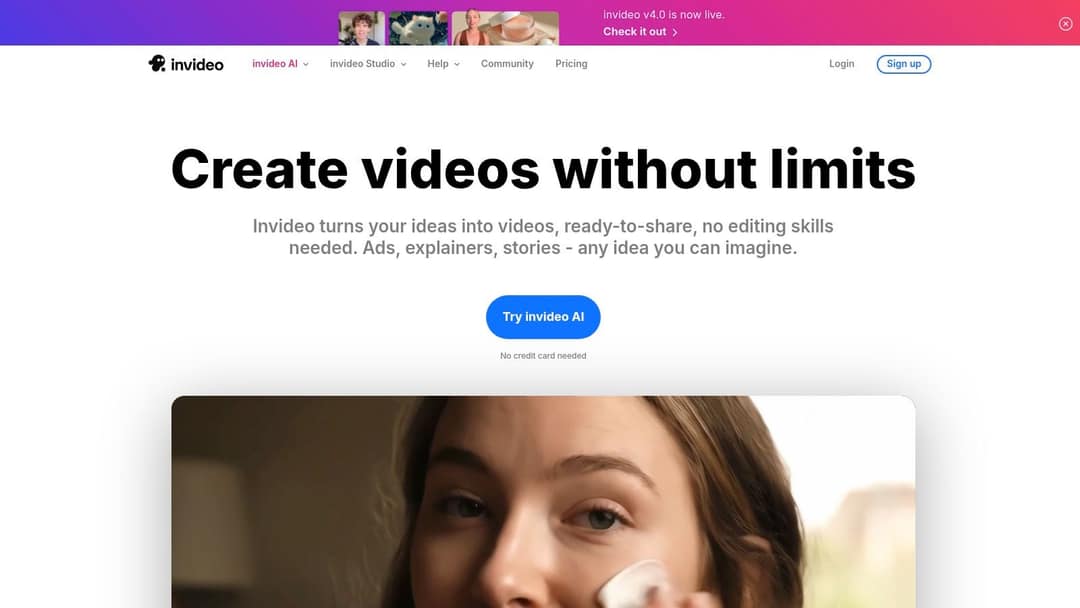
InVideo's current product centers on a chat-style agent: you type what you want changed and it rebuilds the video. It bundles a 16M+ stock library (with metered iStock assets on paid plans), AI avatars and voice clones from the entry tier, and access to several third-party generation models. The free plan carries a watermark and weekly generation limits, and paid plans start at $20/month per seat. The trade-off is control: fixing one scene by hand is harder without a real timeline. Explore it on InVideo's website.
3. Lumen5
Best for content marketers turning blog posts, reports and case studies into LinkedIn and Facebook videos.
Paste a URL or text and Lumen5 builds a storyboard, matching your sentences with stock footage and images. You then apply a brand kit (logo, fonts, colors) and adjust scenes. It is fast for repurposing written content but gives less creative control than a timeline editor, and its free plan is mainly for testing. Pricing and export limits are on Lumen5's website.

Editors for footage you filmed
4. CapCut
Best for creators who shoot on their phone and post daily.
CapCut is the fastest way to edit video you filmed, on mobile or desktop. The free tier includes the full editor with 1080p export and auto-captions. Its trend templates drop your clips into viral formats, and it has the tightest TikTok integration of any editor. Pro adds speaker-identified captions and a large effect library. Premium templates, effects and most AI features are paid, from about $9.99/month (Standard). CapCut does not create footage for you: Revid vs CapCut covers when AI generation makes more sense.
If you post mostly Reels, try Instagram's free Edits app first. It runs on Android and iPhone, adds generated captions, cutouts and clickable links to reels or accounts, and exports without a watermark.
5. Clipchamp
Best for tutorials, screen-recorded demos and quick promos without installing anything.
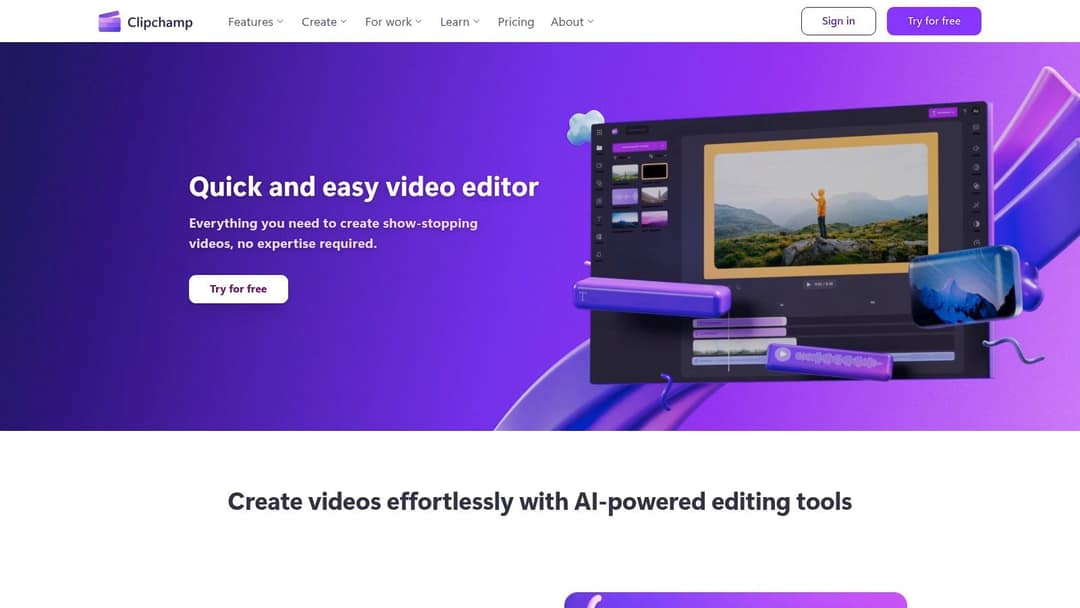
Clipchamp is Microsoft's browser-based editor. It includes screen and webcam recording, text-to-speech, green screen, stock media and templates. The free plan exports in 1080p without a watermark, which many competitors charge for. Premium adds premium stock and a brand kit. Performance depends on your computer and internet connection. Try it at Clipchamp's website.
6. WeVideo
Best for schools and training teams that edit together in the cloud.
WeVideo is a cloud-based, multi-track editor with screen recording, green screen and shared projects, so a team can start a video on one device and finish it on another. Its homepage now leads with interactive video for learning, so its strongest fit today is education and training rather than social-first creators. Check the free plan's export limits on WeVideo's website before you commit.
Template and design-first video makers
7. Canva
Best for small teams that already make their social graphics in Canva.
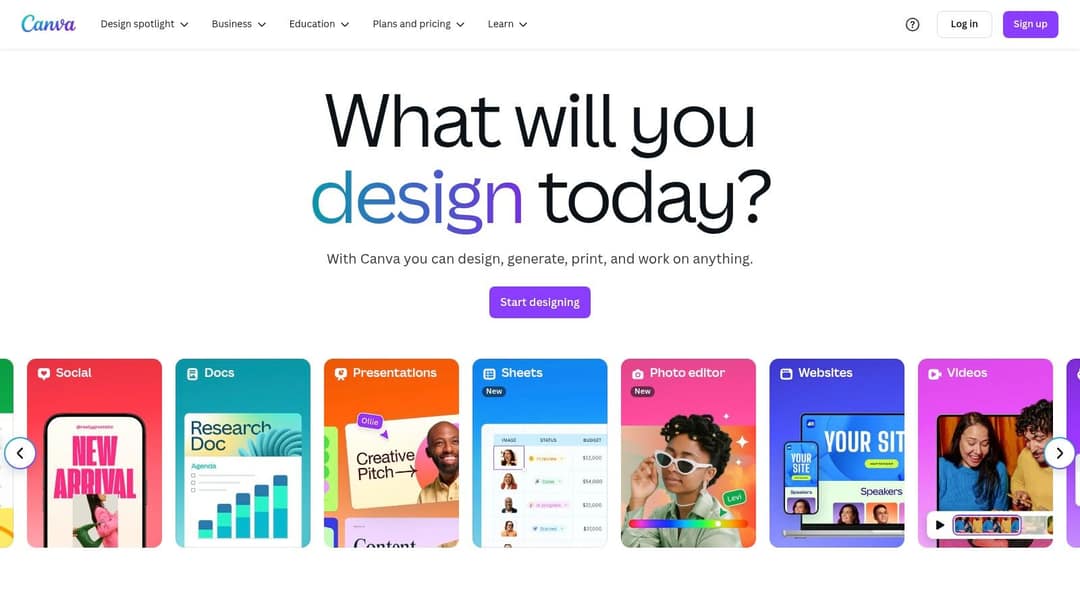
Canva is one tool for all design work: graphics, presentations, documents, print and video. The free plan includes 1.6 million+ templates and a small AI allowance (up to 20 uses). Video templates come pre-sized for Reels, TikTok and Shorts. Paid plans add brand kits, team collaboration and short Veo 3 clips with synchronized audio inside your designs. Create a Video Clip is not on the free plan, and Pro starts at €110/year. The weak spot is that you still build every video by hand. If you would rather generate the whole video from a script, see how Revid compares with Canva.
8. Adobe Express
Best for brands that already work in Photoshop or Illustrator.
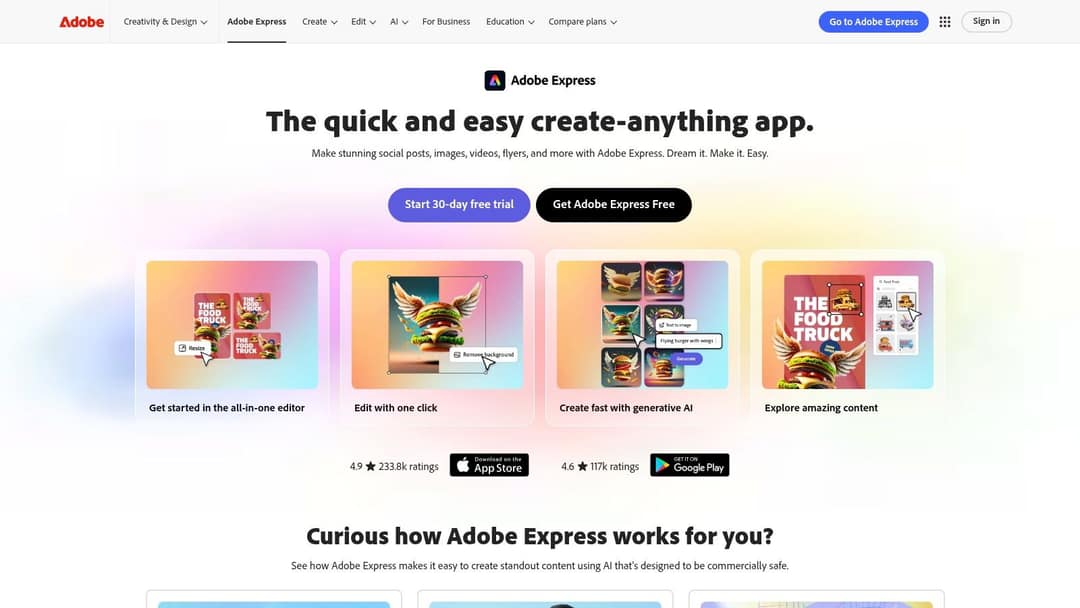
Adobe Express combines a template-based video editor with graphic design tools. Quick actions trim clips, resize them for Reels, TikTok and Shorts, and remove backgrounds in one click, and generative AI creates images from text prompts. Creative Cloud Libraries keep your logos and colors consistent with your other Adobe work. Premium adds the full template and asset library, brand tools and a content scheduler that posts to your social accounts. Check current plans on the Adobe Express site.
9. Animaker
Best for explainer videos and product demos made by people who are not animators.
Animaker specializes in animation. It has a large library of animated characters, props and backgrounds, a character builder for custom mascots with expressions and actions, and the option to mix animation with your own clips. The free plan is for trying it, and downloads, export quality and premium assets scale with the paid tier. See the plans on Animaker's website.

10. Wave.video
Best for teams that run live streams and pre-recorded social clips from one place.
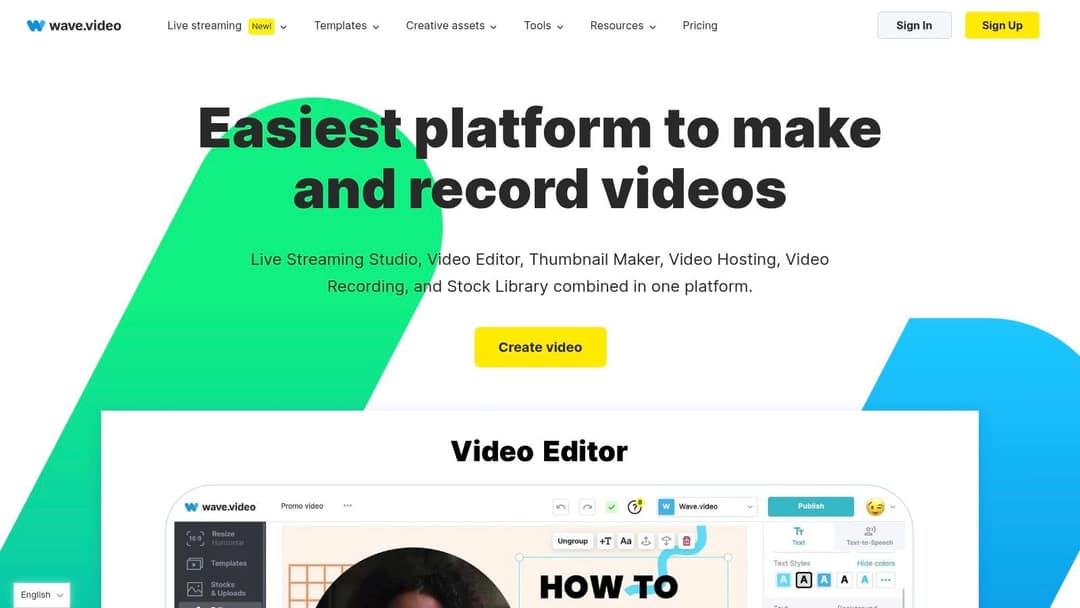
Wave.video bundles a video editor with a live streaming studio, a thumbnail maker, video hosting, recording and a stock library. Templates come sized for each major platform. If you only need short edits, it is more platform than you need. Compare plans on Wave.video's website.
Editors for subtitles and team review
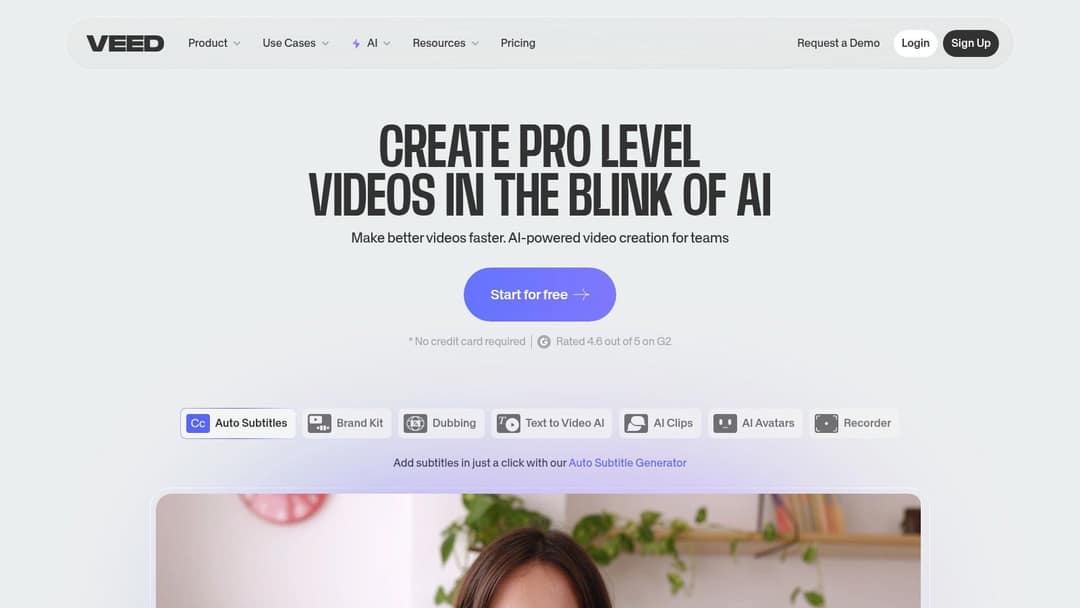
11. Veed
Best for subtitled talking videos that several people review before posting.
Veed is a browser editor with a full manual toolbox (multi-track timeline, screen recording, brand kits). Its auto-subtitles and translation are among the best known in the category. It also offers AI dubbing, eye-contact correction, 30+ stock avatar presenters, and Seedance clip generation inside the editor. The free plan adds a "Made with VEED" watermark and exports at 720p, and paid entry runs roughly $10 to $24/month. For videos generated from a prompt instead of edited from footage, see Revid vs Veed. Try it on Veed's website.
12. Kapwing
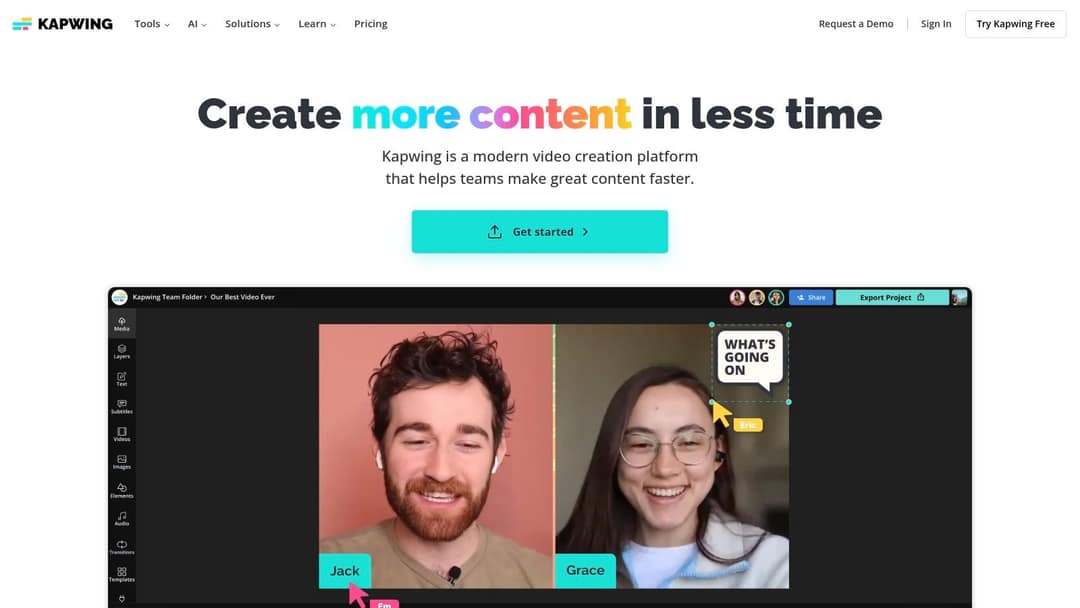
Best for social teams editing talking videos, memes and promos together.
Kapwing is a collaborative online editor. Auto-subtitles with translation, Smart Cut (which removes silences), one-click background removal and real-time commenting cover most of the tedious work. The free plan is good for testing. Export resolution and AI tools expand on paid plans, and a Business tier adds a brand kit. See the plans on Kapwing's website.
What's the best AI video editor for social media?
The generation models are not what separates these tools. Google Veo, Seedance, Kling, Wan and MiniMax Hailuo are sold through APIs to many video products, so two tools sending the same prompt to the same model get comparable clips. What changes the result is the input (the hook, the structure, the pacing) and how much of the finished video the tool handles for you.
Use these rules to pick the one that delivers the best AI marketing visuals for your campaign:
- You want a finished short with AI visuals, voice, captions and music, ready to post: Revid, which writes the script from real viral references and lets you pick the model per scene.
- You want an AI clip inside a design: Canva (short Veo 3 clips on paid plans) or Veed (Seedance generation inside its editor).
- You want shot-level control of single cinematic clips: Runway (camera moves, relighting, object removal), then assemble the video elsewhere.
- You want AI to polish footage you already shot: Veed or Kapwing for subtitles and silence removal, CapCut Pro for speaker-identified captions.
AI tools are now normal in marketing teams. In Wyzowl's 2026 survey, 63% of video marketers said they had used AI video tools to create or edit marketing videos, up from 51% a year earlier.
What's the best social media video maker for a company without a video team?
Pick a tool that produces a finished video from material you already have, not one that assumes someone on staff can edit. A few decision rules:
- If you publish a blog or newsletter, turn each post into a short with Revid or Lumen5.
- If you sell products online, start from the product page. Revid reads it, keeps the real photos and writes the script.
- If marketing already makes everything in Canva, stay in Canva for simple promos and add an AI generator only for the volume you cannot build by hand.
- If you have webinars or podcasts, clip them instead of making new videos (see the FAQ below).
- If you run paid ads, test a longer format next to your shorts, such as video sales letter ads, explained by Swipekit.
For a one-person team, built-in publishing matters as much as editing. Revid, Adobe Express (Premium) and CapCut cut out the download-and-upload step in different ways, and that step is where weekly posting usually breaks down.
Which is better for captions: Veed, Rev or Zeemo?
They solve different problems. Veed is a full video editor whose auto-subtitles and translation sit inside the timeline, so pick it when you edit and caption in one place. Rev is a transcription and captioning service (AI and human), better when you need an accurate transcript or caption file rather than an editor. Zeemo is a caption-focused app for adding styled subtitles to finished clips.
If your video is already edited and you only need captions, a dedicated tool is enough. Revid's AI caption generator adds synced captions in 100+ languages to any video, with 30 caption styles.
How to crop, resize and brand videos for each platform
Export vertical once and you cover most placements:
| Platform | Shape to export | Limits to know |
|---|---|---|
| TikTok | 9:16 at 1080x1920 (TikTok's recommendation) | Uploads up to 60 minutes |
| Instagram Reels | 9:16 (accepts 1.91:1 to 9:16) | Minimum 720 px and 30 FPS; reels over 3 minutes are not recommended to non-followers |
| YouTube Shorts | Square or vertical | Up to 3 minutes |
| Any shape | Every new video is shared as a reel |
Canva, Adobe Express, Veed and Kapwing all resize a project for other platforms. To convert a finished file, Revid's free video resizer turns any video into 9:16, 4:5, 16:9 or 1:1. For branding, use a brand kit (Canva, Adobe Express, Veed, Kapwing Business) so fonts and colors stay consistent. To stamp a logo watermark on an existing clip, use add image to video and place it away from the platform's caption and button areas.
In dollars at the Growth rate ($39 for 2,000 credits), a 60-second video costs about $0.43 with stock footage, $0.68 with animated AI images, $1.46 with pro AI images, $4.29 with AI video clips and $13.30 with pro AI video. A 90-second video costs 1.5 times the 60-second price. Every price includes the AI voice-over (10 credits per 30 seconds); motion graphics show the calculator's upper bound.
Source: Revid public credit calculator (POST /api/public/v3/calculate-credits, no key), prompt-to-video workflow, 30, 60 and 90 seconds, queried Oct 29, 2026.
Show the data
| 60-second video, credits | 30-second video, credits | 60-second videos per Growth month | |
|---|---|---|---|
| Stock footage | 22 | 11 | 90 |
| Animated AI images | 35 | 18 | 57 |
| AI images, pro | 75 | 37 | 26 |
| AI video clips | 220 | 110 | 9 |
| Motion graphics | 275 | 160 | 7 |
| AI video, pro | 682 | 341 | 2 |
How to make a social media video with Revid
- Start from an idea, a script or a link, or search the viral video library and pick a remix option such as "Same energy, new script".
- Choose a voice (1,000+ voices in 70+ languages), a caption style and a visual style, and pick the AI model per scene if you want. Revid shows the credit cost before you generate: a 30-second video with Pro AI visuals and a voice-over costs about 40 to 80 credits.
- Fix anything in the timeline editor: swap a scene, edit the script or captions, change the music.
- Export or publish. Download in 720p, 1080p or 4K, or publish and schedule to TikTok, Instagram and YouTube from one queue. Each published post reports its views, likes and comments, and any post that did well can be remixed in one click.
FAQ
How much does Revid cost?
Sign-up is free and includes credits to try it. Paid plans start at $39/month (Growth, 2,000 credits, or $32/month billed yearly), with Elite at $89/month and Ultra at $199/month. See Revid's plans and credit pricing for the live list.
What is the best free video editor for social media?
Clipchamp, because its free plan exports 1080p without a watermark. CapCut's free tier also exports 1080p with auto-captions, and Instagram's Edits app is free with no watermark. Veed's and InVideo's free plans add a watermark.
Which online editor can turn long webinars into short ads for TikTok and Reels?
Use a clipping tool. OpusClip, Klap and Vizard find highlights in long recordings, reframe them to 9:16 and caption them. Revid's YouTube clip maker does the same from a YouTube link and can also generate new videos when you need more than clips.
What's the best platform to find TikTok and social media video editing services?
Freelance marketplaces such as Upwork and Fiverr list short-form video editors. Ask for TikTok or Reels samples in your niche, not general showreels. If budget is the constraint, an AI tool that creates and captions the video can replace an editor for simpler formats.
Is CapCut or Canva better for social media videos?
CapCut is better for editing footage you filmed, with fast cuts, auto-captions and trend templates. Canva is better when videos are part of a branded design system, alongside your posts, slides and print.
Sources
- Pricing page of each tool, checked for Revid's comparison pages (revid.ai/vs) in November 2026.
- Revid public credit calculator (POST /api/public/v3/calculate-credits, no key), prompt-to-video workflow, 30, 60 and 90 seconds, queried Oct 29, 2026.
- Meta Platforms, Meta Q4 2025 Results Conference Call transcript (January 2026)
- Wyzowl, Video Marketing Statistics 2026 (December 2025)
Charts and figures checked on November 6, 2026.