On this page
The best AI tools for content creators in 2026 are Revid for finished short-form videos, Runway for cinematic AI clips, Descript for editing recorded video by text, and Canva for design. Midjourney and Adobe Firefly cover images, ElevenLabs covers voice, and ChatGPT or Jasper cover scripts. Most creators need two or three of them, not all ten.
The quality gap between AI video tools is smaller than their marketing suggests. Google Veo, Seedance, Kling, Wan and MiniMax Hailuo are sold through APIs to nearly every video product, so what separates tools is the work around the model: script, hook, pacing, editing and publishing. Results also depend on the platform. In Revid's study of AI videos vs real footage, AI-generated TikToks averaged twice the views of real footage, while on X, Instagram and Threads AI visuals clustered in the lowest engagement tier.
- Real short-form videos and posts in Revid's searchable viral library
- 2.77M
- Revid
- Revid sign-ups from August 2024 to July 2026
- 3M+
- Revid
- Videos rendered on Revid every month
- 100K+
- Revid
- Runway's entry paid plan per month
- $15
- Runway pricing
AI tools for content creators compared
| Rank | Tool | Best for | Free option | Paid from |
|---|---|---|---|---|
| 1 | Revid | Finished short-form videos from an idea, a link or a viral format | Free sign-up with free credits to try video creation, viral library search, deep analysis | $39/month ($32 billed yearly) |
| 2 | Adobe Firefly | Commercially safe images inside Adobe apps | Check Adobe's site | Check Adobe's pricing |
| 3 | Canva | Design, templates, social graphics | Free plan, 1.6 million+ templates, up to 20 AI uses | €110/year (Pro) |
| 4 | Runway | Cinematic AI clips with shot-level control | 125 one-time credits, watermarked | $15/month |
| 5 | Descript | Editing recorded video and podcasts by text | 60 media minutes a month, 720p | $24/month ($16 billed annually) |
| 6 | Kapwing | Browser editing, subtitles, team review | Free plan with watermark | Pro plans |
| 7 | Midjourney | Artistic images, thumbnails, concept art | Check Midjourney's site | Subscription tiers |
| 8 | ElevenLabs | Voice-overs, dubbing, voice cloning | Free tier | Credit-based plans |
| 9 | ChatGPT | Ideas, scripts, captions | Free tier with limits | Paid tiers |
| 10 | Jasper | Brand-voice marketing copy | Free trial | Check Jasper's pricing |
Posts with AI visuals
Source: Revid social index: 388,379 posts from X, Instagram, Threads, Reddit and LinkedIn with AI labels per post, snapshot of Sep 15, 2026.
Show the data
| Posts with AI visuals | |
|---|---|
| High engagement | 1.6% |
| Medium engagement | 2.9% |
| Low engagement | 6.7% |
The 10 best AI tools for content creators, ranked
The ranking weighs how much finished, publishable content each tool produces per hour for a solo creator or small team, then price and free access.
Stock footage, the core of InVideo's library, is the look 8.5% of Revid videos use. Shares are of the 71,907 builds that recorded a visual type (5,109 more had none recorded).
Source: Revid product analytics (Amplitude), event project_built grouped by mediaType, September 29 to October 28, 2026, 77,016 builds
Show the data
| Share of videos (%) | Videos built | |
|---|---|---|
| Animated AI images | 64.9% | 46.7K |
| AI video clips | 15.6% | 11.2K |
| Stock footage | 8.5% | 6.1K |
| Their own photos and videos | 6.4% | 4.6K |
| Still images | 2.2% | 1.6K |
| Motion graphics | 1.8% | 1.3K |
| Media from the source link | 0.6% | 397 |
1. Revid: best for finished short-form videos
Revid is an AI video platform that turns an idea, a link or a proven viral format into a finished short-form video and publishes it to TikTok, Instagram and YouTube. One project covers the script, scene-by-scene visuals (stock footage, AI images, AI video or motion graphics), a voice-over in 70+ languages, synced captions, music and export up to 4K.
The difference is where a video starts. Revid includes a searchable library of about 2.77 million real short-form videos and posts with their public engagement data. Instead of a blank prompt, you can start from a viral format audiences already watch and turn it into an original video. A free deep analysis (up to 60 a day) explains why any video worked: the hook, the timed structure and a checklist to replicate it.
What you get:
- Inputs: an idea, a script, a blog post (the article to video converter), a YouTube, TikTok, X or Reddit link, a song, or a reference video.
- Models: Seedance 2.5, MiniMax Hailuo H3, Wan 3.0 and Google Veo 3 under one credit system, chosen per scene.
- Voices and captions: 1,000+ AI voices in 70+ languages, 30 caption styles and automatic captions in 100+ languages.
- Editing: a full timeline editor, with export in 720p, 1080p or 4K at 30 or 60 fps.
- Publishing and automation: direct publishing and scheduling to TikTok, Instagram and YouTube, plus Auto-Mode workers that create a fresh video every day.
- Agents and teams: a REST API, an MCP server and a CLI on every paid plan, plus shared workspaces with shared credits.
How to make a video with Revid:
- Open the AI video generator and paste an idea, a script or a link.
- Or search the viral library by topic, open a video and pick a remix option such as "Same energy, new script" or "Make it about your topic".
- Review the script, then choose the visual style, the voice and the caption style.
- Fix any scene in the timeline editor and export.
- Publish or schedule to TikTok, Instagram and YouTube from one queue.
Pros: one tool from research to published video, scripts grounded in engagement data instead of a blank prompt, several leading models under one subscription, and automation through Auto-Mode, the API and MCP.
Cons: generation uses credits; new accounts get free credits to try it, but regular creation needs a paid plan from $39/month (Growth, 2,000 credits, or $32/month billed yearly; see current Revid pricing). Revid is built for short-form, so long-form film work fits a professional editor better.
Revid has had 3,000,000+ sign-ups from August 2024 to July 2026. More than 100,000 videos are rendered on it every month, it has users in 68 countries, and 400+ creators have passed 100,000 views with videos made on it.
2. Adobe Firefly: best for commercially safe images in Adobe apps
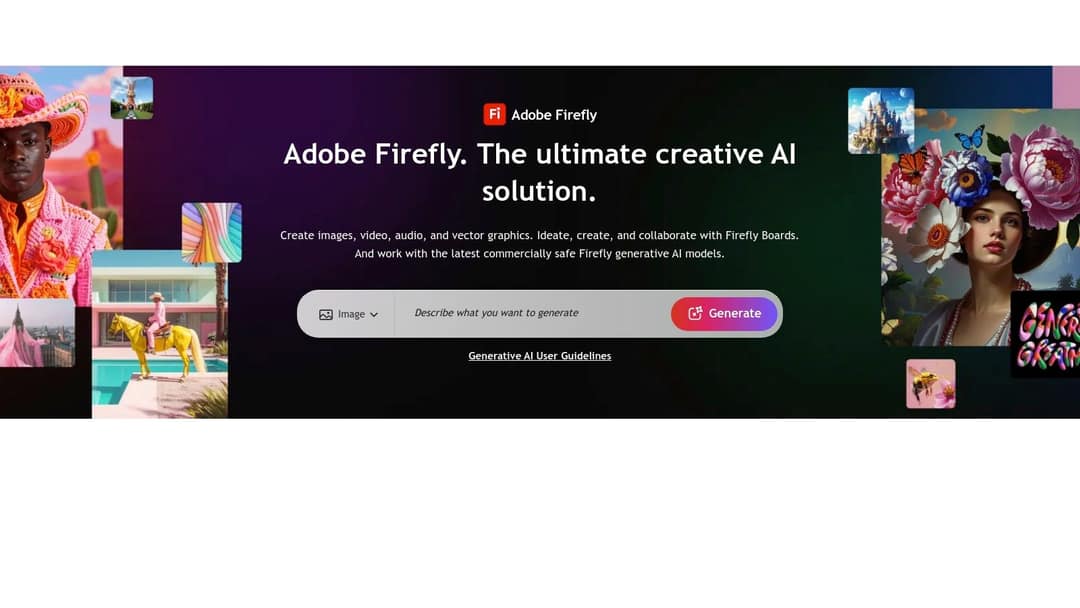
Adobe Firefly brings generative AI into Photoshop, Illustrator, Premiere Pro and Adobe Express, so you generate inside the files you already work in. Adobe presents its Firefly models as commercially safe, and Content Credentials tag AI-generated assets. That matters when a client or a brand asks where an image came from.
Use it for Generative Fill and Expand in Photoshop (turning a vertical photo into a 16:9 thumbnail background), for recoloring vectors in Illustrator with a prompt, and for text-to-image visuals for blogs and ads. Firefly also generates video and audio, and Firefly Boards handles team moodboards. Skip it if you don't already use Adobe apps.
3. Canva: best for design and templates
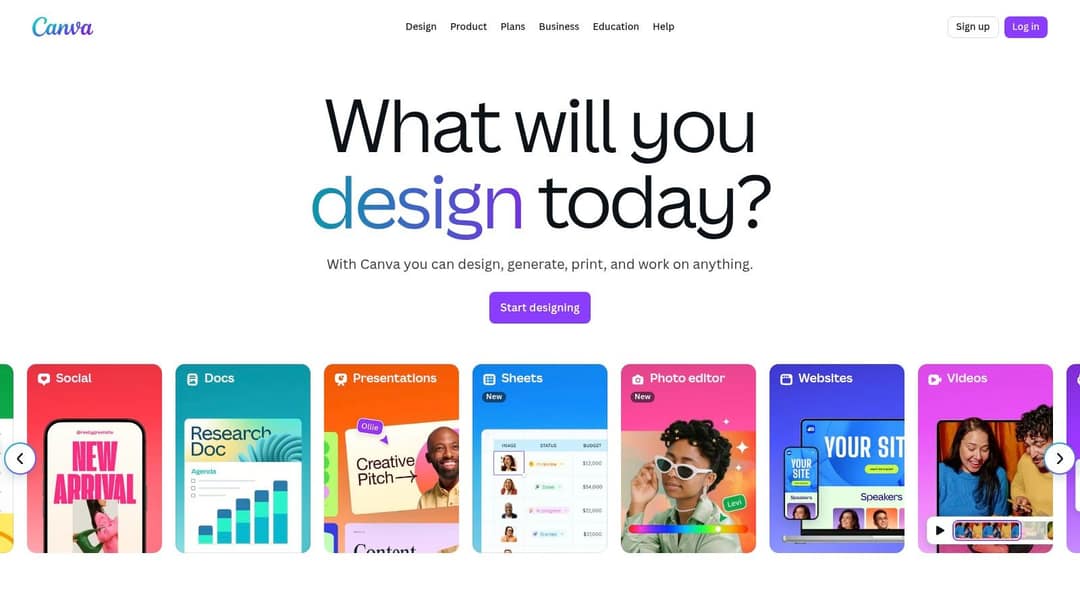
Canva's AI features (Magic Studio) sit inside the easiest design tool on this list. The free plan includes 1.6 million+ templates and a small AI allowance (up to 20 uses). Pro starts at €110/year and adds short Veo 3 clips with synchronized audio, brand kits and team collaboration.
Use it for thumbnails, carousels and social graphics, for resizing one design for several platforms (Magic Switch), and for copy drafts in your brand voice (Magic Write). Skip it if you need complete AI-generated videos with voice and captions, because Canva is a design suite first. See the Revid vs Canva comparison.
4. Runway: best for cinematic AI clips
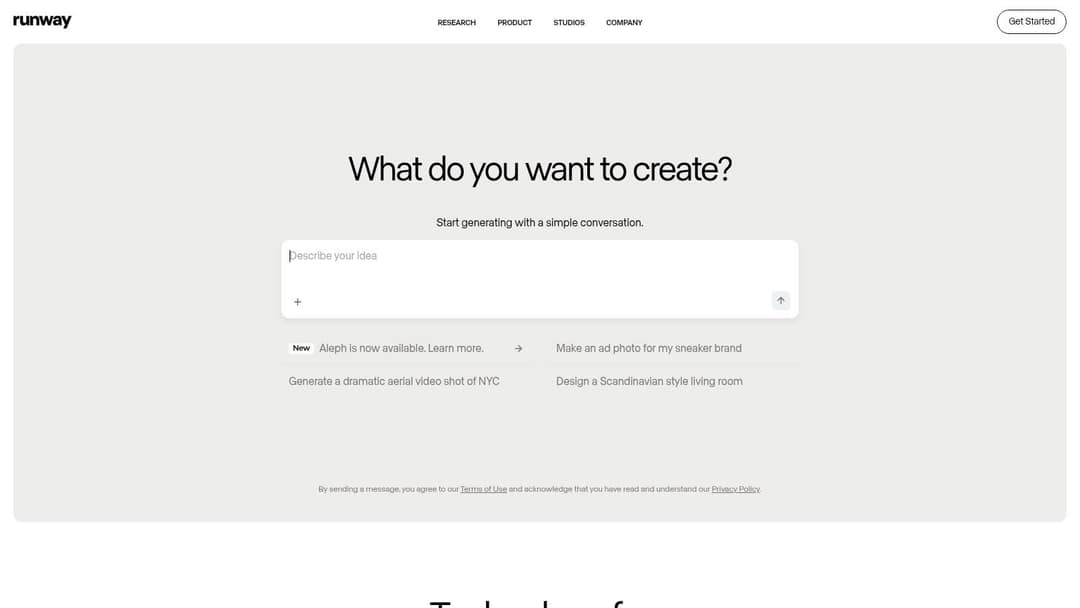
Runway is a model lab with some of the highest-rated video generation available (Gen-4.5). It offers shot-level control: camera moves, relighting and object removal with Aleph, native audio and motion transfer. Plans start at $15/month, and the free plan is 125 one-time credits with a watermark.
Use it for B-roll, ad shots, music video scenes and any single clip where the look matters more than speed. Skip it if you need finished multi-scene videos with voice and captions, because Runway produces clips you assemble yourself. See the Revid vs Runway comparison.
5. Descript: best for editing recorded video by text
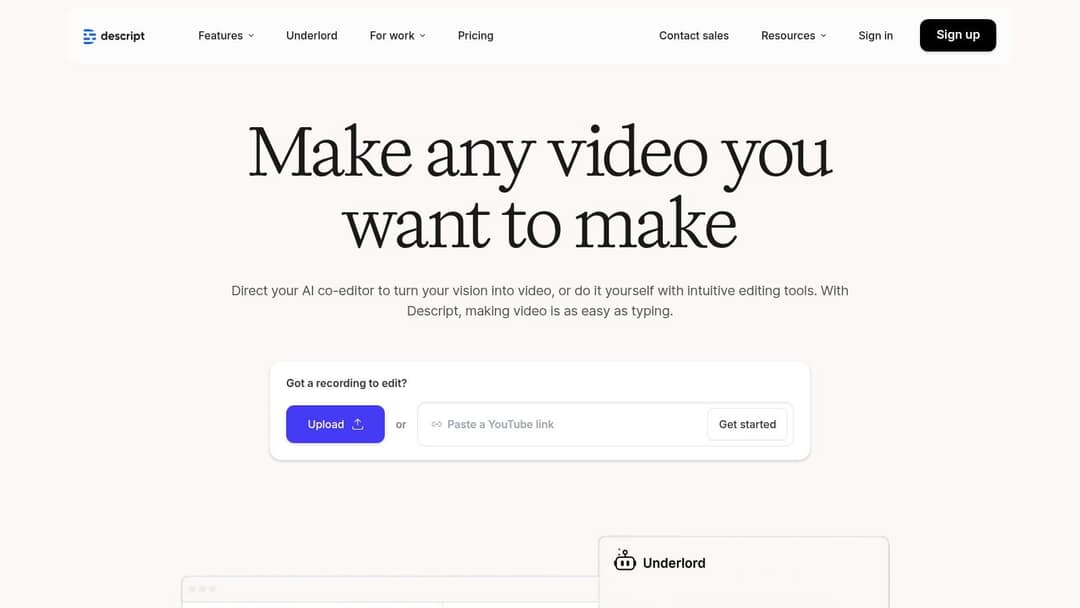
Descript edits video and podcasts through the transcript: delete a sentence in the text and the clip is cut. Studio Sound cleans up audio, filler words are removed automatically, Underlord acts as an AI co-editor, and Create Clips pulls short clips from long recordings. Plans start at $24/month ($16 billed annually), and the free plan gives 60 media minutes a month at 720p.
Use it for podcasts, interviews, talking-head YouTube videos, and documentation or training videos you record yourself. Skip it if you have no footage, because Descript edits recordings rather than generating videos. See the Revid vs Descript comparison.
6. Kapwing: best for browser editing with a team
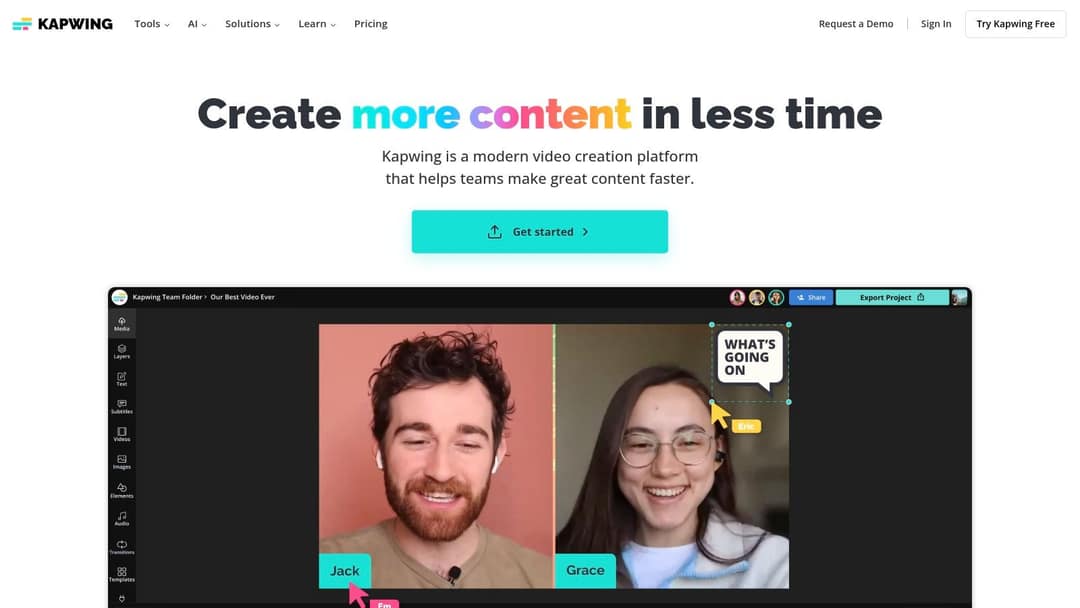
Kapwing is a browser editor for fast social video and team collaboration. AI handles subtitles and translation, silence removal (Smart Cut) and background removal, and you can resize one video from 16:9 to 9:16 for Reels and TikTok. The free plan exports with a watermark.
Use it when a small team edits and reviews real footage together in the browser. Skip it if you need generated visuals or a voice-over from a script.
7. Midjourney: best for artistic images and thumbnails
Midjourney produces some of the most detailed artistic and photorealistic AI images, through its web app or its Discord server. Style and character references keep a look consistent across a series, and aspect-ratio controls let you generate thumbnails and vertical backgrounds directly.
Use it for thumbnails, concept art, covers and stills you animate later in a video tool. Skip it if you want one tool for both design layout and images, where Canva is simpler.
8. ElevenLabs: best for AI voice
ElevenLabs sets the standard for AI voice: expressive text to speech, voice cloning, dubbing into other languages, speech to text, sound effects and Eleven Music for generated songs. It has a free tier, credit-based paid plans and a developer API.
Use it for narration, localized versions of your videos and custom music beds. Revid's built-in voice library includes ElevenLabs voices, so you don't need a separate account to use them in Revid videos.
Prompt to try
Make a 40-second vertical video on 3 AI tools that save creators 10 hours a week. Open with the hook "You're still editing every video by hand?" then give one tool per scene with a quick on-screen label. Use bold captions, an upbeat voice and fast stock footage cuts, and end with a question asking viewers which tool they use.
9. ChatGPT: best for ideas and scripts
ChatGPT is the most flexible writing assistant here. It handles video ideas, outlines, full scripts, captions and titles, and it can summarize long research. Custom GPTs keep a brand voice or format consistent across posts.
For video, ChatGPT covers only the script side: OpenAI discontinued the Sora app on April 26, 2026 and removed Sora 2 from its API on September 24, 2026. For short-form scripts built around a hook, a dedicated AI script generator saves editing time.
To get from ChatGPT to a finished video, connect it to Revid's MCP server. One-click sign-in works for ChatGPT, Claude, Claude Code, Cursor and VS Code. The assistant can then search viral videos, create videos and publish them.
10. Jasper: best for marketing teams' copy
Jasper is built for marketing teams. Brand Voice learns your style guide and product facts, and campaign workflows turn one brief into a blog post, captions and an email. Its newer Canvas and Agents features target teams producing content at volume, and a free trial is available.
Use it when several people write for one brand across channels. A solo creator can usually cover the same writing with ChatGPT.
Which AI creator tools fit your situation?
Best mix of automated tools for a beginner video creator
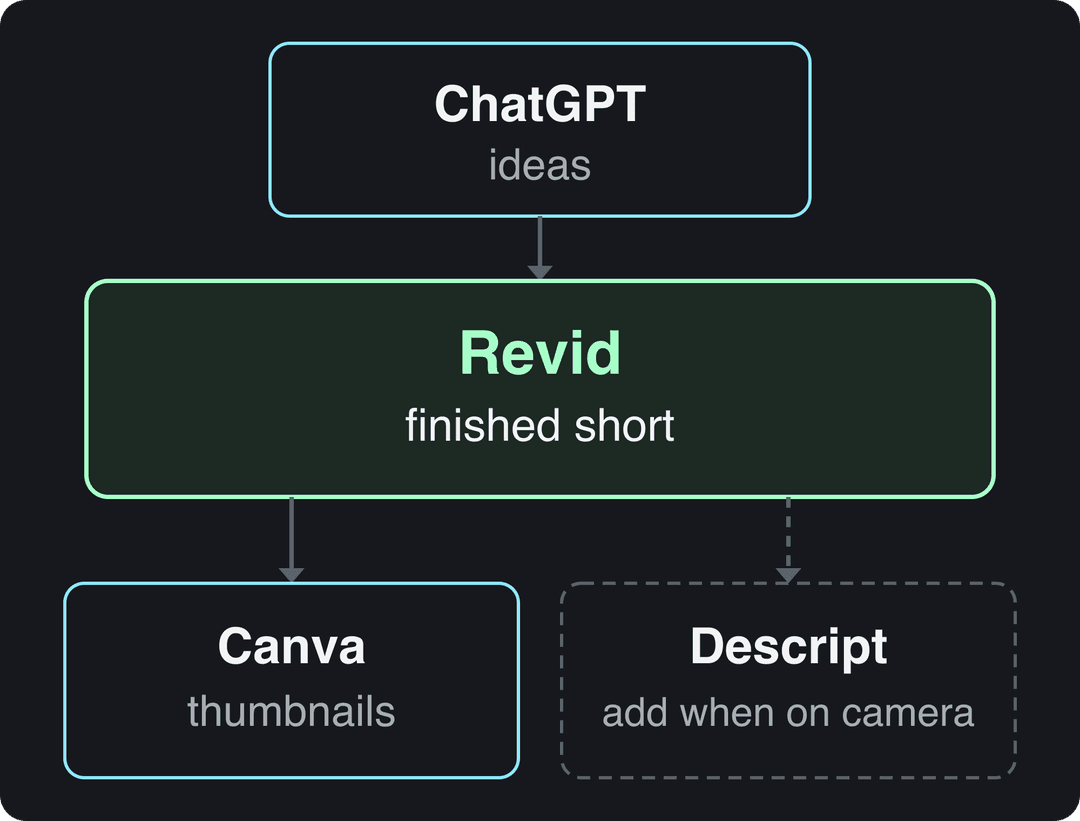
Start with one tool that makes the whole video, then add specialists only where you hit a wall. A sensible beginner stack is Revid for finished shorts (script, visuals, voice, captions and publishing), ChatGPT for ideas, and Canva for thumbnails. Add Descript once you start recording yourself on camera.
Turning scripts into finished videos without editing experience
If your team writes scripts and needs videos in hours, use a script-to-video tool, not an editor. In Revid you paste the script, pick a visual style and a voice, and get a captioned video you can adjust scene by scene. If the script will be read on camera, record it and cut it in Descript. If you only need simple text-and-image videos, Canva templates are enough.
Best AI tools for video editing, scriptwriting and music
| Task | Best pick | Alternative |
|---|---|---|
| Scriptwriting | ChatGPT | Revid's script writer, which uses TikToks with more than 10,000 likes as references |
| Editing your own footage | Descript | Kapwing |
| Generating video from text | Revid | Runway (single clips) |
| Voice-over | ElevenLabs | Revid (1,000+ voices built in) |
| Music | Revid (music added to every video) | Eleven Music |
| Images and thumbnails | Midjourney | Adobe Firefly, Canva |
For marketing documentation videos with natural voice-overs, the source decides. Screen recordings and talking heads go to Descript. Written docs or help articles go to Revid, which turns the text into a narrated, captioned video.
AI video tools built for teams (admin controls and licensing)
- Descript: Brand Studio, SOC 2 Type II and SSO on team and enterprise plans.
- Canva: brand kits, team collaboration and enterprise controls.
- Revid: shared workspaces with members and shared credits, plus API access on every paid plan.
- Synthesia: SSO, SCORM/LMS export and enterprise governance, for corporate training videos.
- Adobe Firefly: commercially safe models and Content Credentials, for asset licensing questions.
If legal review of AI assets is your bottleneck, start with Firefly. If SSO and compliance documents are required, look at Descript or Synthesia first.
Best AI video generator for freelancers doing client work
Freelancers need fast drafts and revisions that don't start from zero. Revid keeps every scene editable, lets you pick the model per scene and exports in 4K, so a client note means fixing one scene, not regenerating the video. Runway fits when the client is paying for a specific cinematic look, and Firefly fits client stills that need clear licensing.
Professional-grade output for production studios
Consumer tools are the wrong base for long-form or cinematic work where every shot is edited by hand. For that work, use a professional editor (Premiere Pro or DaVinci Resolve), Runway for generated shots, and Firefly inside Adobe apps. AI tools like Revid then make sense for the short-form cutdowns and social versions of each project.
Automated content pipelines with ChatGPT and AI agents
ChatGPT writes, but it doesn't render or publish. For a real pipeline, Revid's REST API, MCP server and CLI let an agent search viral videos, render a video and publish it with one API key. Auto-Mode workers do the same without code (3 on Growth, 5 on Elite, 10 on Ultra). Runway also offers a developer API and an MCP server if you only need generated clips.
Keeping AI-generated video projects editable
Avoid tools that only export a flat file. Revid keeps every project in a timeline editor, and translating a project into another language preserves the edit, media and captions. Descript ties edits to the transcript, and Kapwing keeps projects shared in the browser. If a tool's only fix is re-prompting, budget time and credits for regenerating.
Best free AI creative tool that's production-ready
No AI tool gives unlimited production-quality output for free. Canva's free plan comes closest for design work (1.6 million+ templates, up to 20 AI uses). The Descript free plan exports at 720p, with watermark-free export only on paid plans, and the Runway free plan is 125 one-time watermarked credits. ChatGPT's free tier handles scripts. A free Revid account can search the viral library, run deep analyses and use free starter credits to try video creation, but regular video creation uses paid credits.
Check the platform rules before you publish AI content
- TikTok requires a label on AI-generated content with realistic images, audio or video. Turning the label on does not affect distribution if the video follows the Community Guidelines.
- YouTube requires disclosure of realistic AI content through the AI use setting in YouTube Studio. AI-written scripts, captions, thumbnails and titles don't need disclosure, and disclosure alone does not limit reach or earnings.
- Instagram and Facebook show an "AI info" label, and Meta requires its disclosure tool for photorealistic video that was digitally created or altered.
Where to find more AI tools without overpaying
New AI creator tools launch every week, and most don't last. AppSumo's software marketplace sells lifetime deals on emerging tools. Read the reviews and the developer's answers before you buy, because a lifetime license is only worth something if the product survives. G2's AI category pages collect user reviews and comparison grids if you want peer feedback before paying for a writing assistant.
For a broader look at how AI is changing marketing work, Latitude Park has an overview of AI's opportunities and challenges in digital marketing.
FAQ
Is Revid AI free?
Sign-up is free and needs no card. A free account can search the viral video library and run up to 60 deep analyses a day, and new accounts get free credits to try generation. Regular video creation uses the credits of a paid plan, from $39/month (Growth, 2,000 credits).
Is Revid worth it? (Revid review)
Revid is worth it if you publish short-form video regularly and want research, creation and publishing in one place. As a guide, a 30-second video with Pro AI visuals and a voice-over costs about 40 to 80 credits. It is not the right tool for long-form film editing or for editing only your own footage by hand.
What AI video creator has a large, frequently updated template library?
Canva has the largest classic template library, with 1.6 million+ templates on the free plan. For short-form video, Revid's library of about 2.77 million real videos with engagement data works as a source of proven formats, and new TikToks are added every few minutes.
What are the most reliable AI tools for synthesizing large volumes of consumer video feedback?
None of the tools in this list is built for customer research at volume. A practical setup is to transcribe the recordings (Descript transcribes automatically) and have ChatGPT summarize themes from the transcripts. For large research programs, look at a dedicated research platform.
What's the best tool for AI social media content and publishing in one place?
Revid covers video, voice, captions and music, and it publishes directly to TikTok, Instagram and YouTube from one queue. For static images and carousels, pair it with Canva or Midjourney.
Sources
- Revid social index: 388,379 posts from X, Instagram, Threads, Reddit and LinkedIn with AI labels per post, snapshot of Sep 15, 2026.
- Revid product analytics (Amplitude), event project_built grouped by mediaType, September 29 to October 28, 2026, 77,016 builds
Charts and figures checked on November 6, 2026.