Creators publish 30,000+ videos a month with Revid
AI Mellstroy Greeting Generator
Instantly create viral videos for the #меллстрой trend. Describe a funny or epic scene, and our AI will generate a video of someone delivering a 'Mellstroy privet' message in a crazy location or to a celebrity.
Start from text in seconds
AI voiceover
Auto-selects visuals
Captions and sound-ready
Your video prompt
💡 Use natural language to describe what you want to see in the video. AI will generate a script based on your prompt.
2,556 videos created with Revid in the last 24h
Ready in minutes · Edit everything before you post
Output Example
Related tools you might like:
or explore our 42+ other tools to create the exact video you want
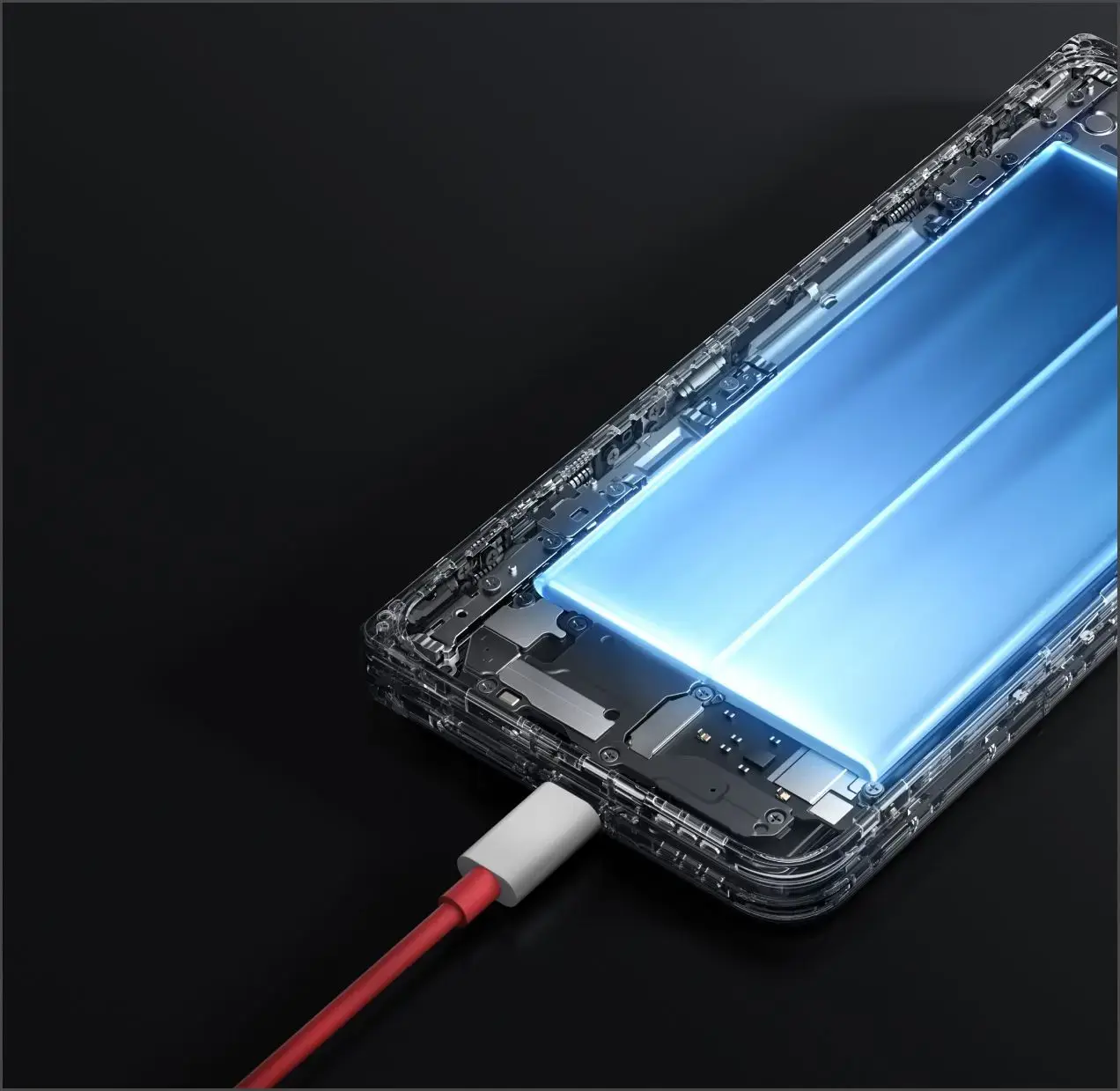
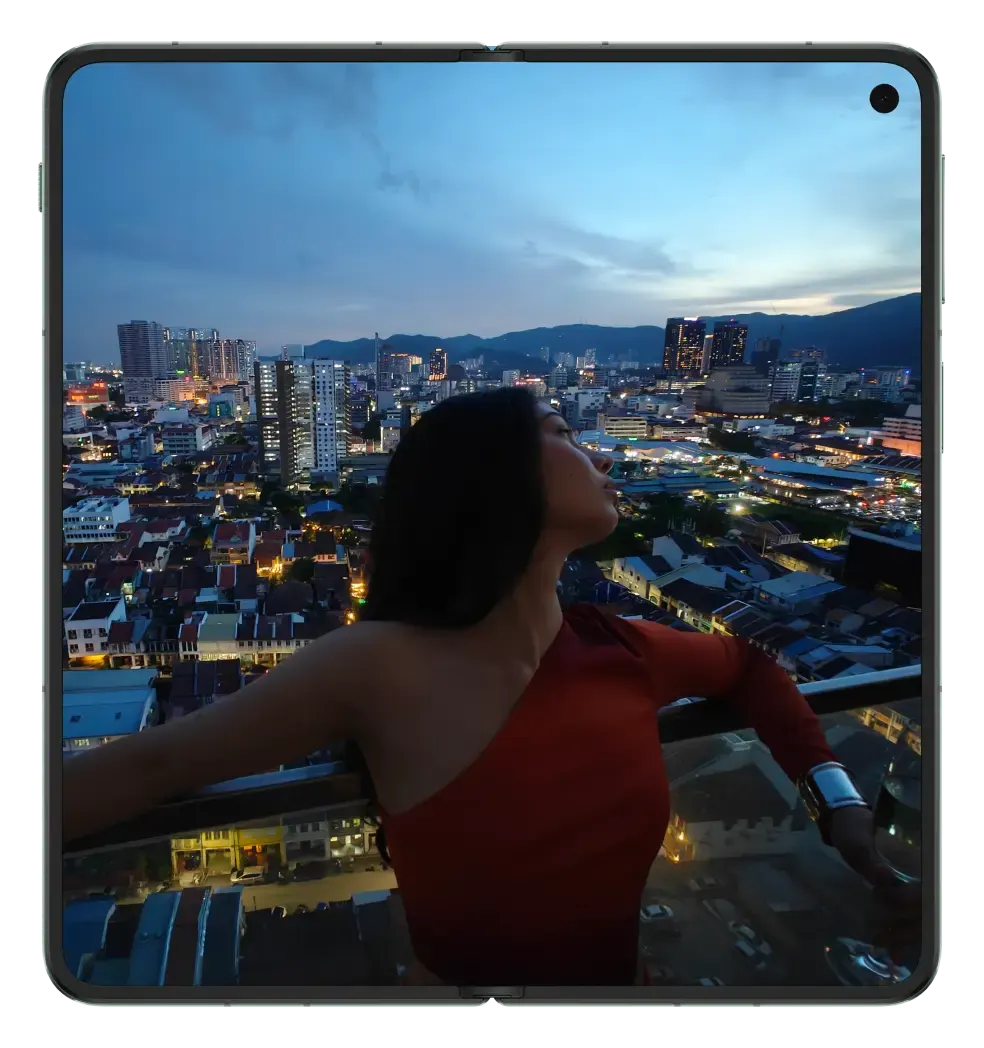
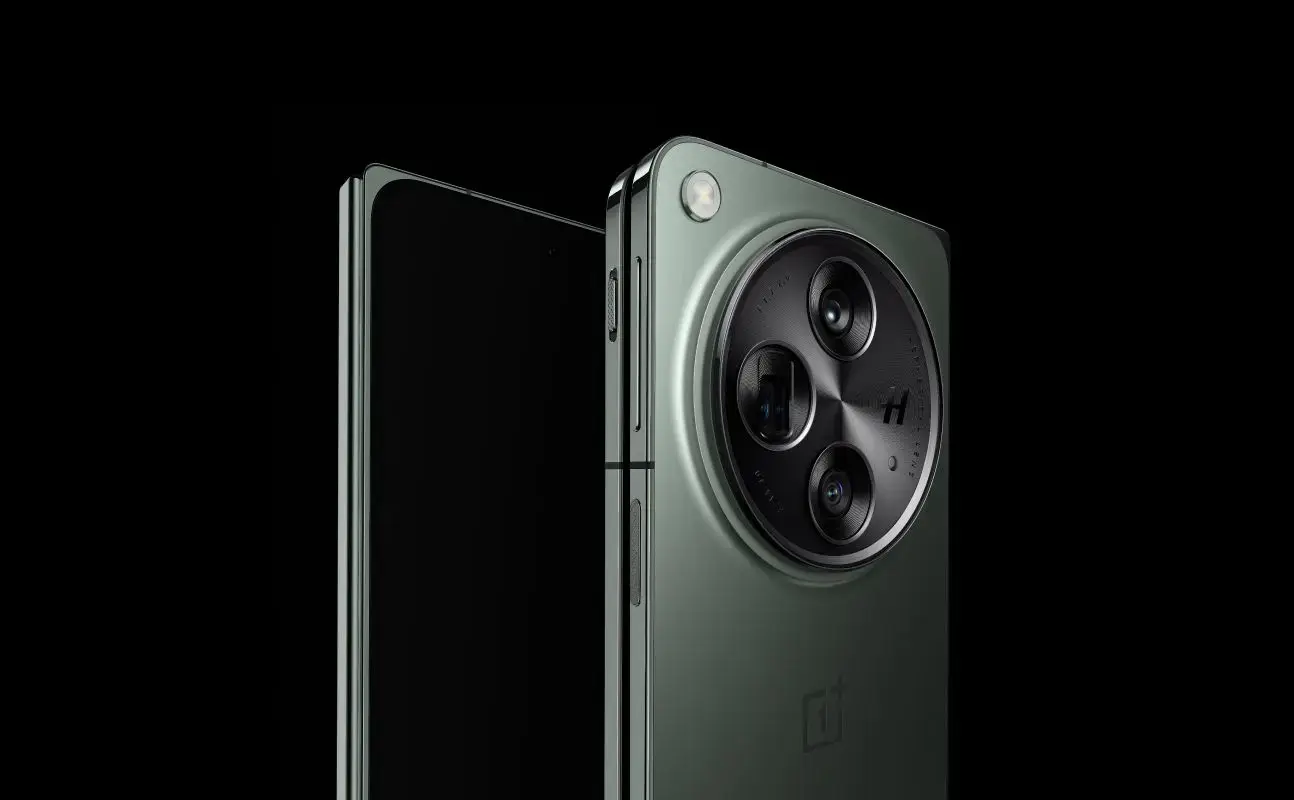
about the onePlus Open
https://www.oneplus.com/global/open
Source Media
Avatar
Selected Avatar
FINAL VIDEO
Create a Viral Mellstroy Meme Video in 3 Easy Steps
1 Describe Your Meme Idea
Start by describing the scene for your viral Mellstroy video in the text box. Be creative! Think of funny or epic scenarios, like 'An astronaut on the moon holds a sign that says Mellstroy Privet' or 'A celebrity lookalike receives a note with the famous greeting.' The more detailed your prompt, the better the AI can bring your meme to life.
2 Customize Your Video Style
Next, choose your visual style. Select 'AI video' for unique, fully generated clips or 'Moving AI images' for animated pictures with motion effects. You can also select from our library of epic and cinematic background music to set the perfect tone for your viral meme.
3 Generate and Go Viral
Click the "Generate Video" button and let our AI work its magic. In just a few minutes, you'll have a high-quality video ready for the #меллстрой trend. Download your creation and share it on TikTok, Instagram Reels, or YouTube Shorts to go viral!
Example Videos
See What You Can Create with AI Mellstroy Greeting Generator
Explore different styles and possibilities with our AI Mellstroy Greeting Generator
Viral Mellstroy Meme Generator
Instantly create videos for the #меллстрой trend. Generate clips of celebrities, historical figures, or anyone in an epic location receiving the famous greeting.
Target the #меллстрой trend
Create funny celebrity interaction memes
Generate greetings in epic locations
Optimized for TikTok virality
AI-Powered Meme Video Creation
Go viral by creating the most creative 'Mellstroy privet' videos. Our AI brings your wildest meme ideas to life, from historical events to sci-fi scenes.
Easy meme video generation
No filming required
Endless creative possibilities
High-quality, realistic output
FAQs
Frequently Asked Questions
What is the AI Mellstroy Greeting Generator?
Our AI Mellstroy Greeting Generator is a tool designed to help you instantly create viral meme videos for the popular #меллстрой trend. You simply describe a funny, epic, or crazy scenario, and our AI generates a short video where a character delivers or receives a 'Mellstroy privet' (Mellstroy greeting) message. It's the easiest way to make a Mellstroy video and join the trend on TikTok.
How do I create a Mellstroy video with this tool?
It's simple! Just type your idea into the prompt box. For example, 'A Roman emperor gets a 'Mellstroy privet' message on a scroll.' Then, choose your video style (AI video or moving images). Finally, click 'Generate Video.' Your viral-ready clip will be created in minutes, ready to be shared.
What is the 'Mellstroy privet' trend?
The 'Mellstroy privet' (#меллстрой) trend originated from a challenge by a streamer named Mellstroy. He offered large sums of money to people who could get his name or a greeting to him ('privet' means 'hello' in Russian) displayed in unusual situations or to famous people. This sparked a global viral meme where people creatively insert 'Mellstroy privet' into various contexts, and our tool helps you create these videos using AI.
What kind of video ideas work best for the Mellstroy generator?
The more creative, the better! Think of impossible or hilarious scenarios. Ideas that work well include celebrity lookalikes (like Cristiano Ronaldo or Mr. Beast), historical figures, or characters in epic locations (on Mars, at the bottom of the ocean). Describe the scene and the character's reaction to create the perfect Mellstroy celebrity meme.
Can I choose the visual style of my Mellstroy meme video?
Yes! You can choose between two AI-powered visual styles. 'AI Video' generates entirely new, short video clips based on your prompt for a more dynamic feel. 'Moving AI Images' creates high-quality images and adds motion effects, which is great for a slideshow-style meme. Both are optimized for the vertical 9:16 format perfect for TikTok.
How much does it cost to generate a Mellstroy video?
Generating a video with the AI Mellstroy Greeting Generator costs a set number of credits, which will be displayed before you generate. The number of credits you have depends on your Revid AI subscription plan. Free users receive starting credits to try the tool, and you can always upgrade your plan for more credits to create more viral content.
How long does it take to create the video?
Video generation is incredibly fast. Most Mellstroy meme videos are ready in just a couple of minutes. Once you hit 'Generate,' our AI gets to work, and you'll receive a notification as soon as your video is ready to download and share.
What platforms can I share my Mellstroy meme on?
These videos are tailor-made for short-form video platforms. They are generated in a 9:16 vertical aspect ratio, which is perfect for TikTok, Instagram Reels, and YouTube Shorts. The goal is to hop on the #меллстрой trend, so sharing on TikTok is highly recommended!
Do I need any video editing skills to make a Mellstroy video?
Not at all! That's the beauty of the AI Mellstroy Greeting Generator. You don't need any editing experience. All you need is a funny idea. Just write your prompt, and our AI handles the entire video creation process, from visuals to music. It's the simplest Mellstroy video maker available.
Can I edit the video after it's generated?
Yes. While our AI aims to create a perfect video from your prompt, you can always make final adjustments. After generation, your video will be available in the Revid AI editor, where you can trim it, add text overlays, or make other tweaks before finalizing your masterpiece.
RevidAI's Viral Search and Channel Watcher surface the formats, creators, and trends getting attention right now, then help you turn them into ideas of your own.
Discover winning video formats in your niche
Follow creators and channels that matter
Start with proven ideas instead of guessing
2
Turn An Idea Into A Story.
Found something worth making? Revid AI writes the script, suggests the structure, and turns links, prompts, or topics into complete video concepts.
Start with a prompt, topic, or URL
Generate scripts inspired by proven patterns
Build stories designed to keep people watching
3
Generate The Finished Video.
Script, voiceover, visuals, subtitles, and editing all come together in one workflow. No stitching together five different tools.
Turn text into complete, multi-minute videos
Generate everything in one place
Refine the result in the editor
4
Publish Everywhere.
Share your videos to TikTok, YouTube, Instagram, and wherever your audience is.