Creators publish 30,000+ videos a month with Revid
Generative Motion Graphics
Create fully AI-generated motion graphics reels. The AI plans the beats, designs one visual identity moodboard (scraping your website's branding when you mention it), generates every scene as premium video, and scores it with music.
Start from text in seconds
Captions and sound-ready
Your video prompt
💡 Use natural language to describe what you want to see in the video. AI will generate a script based on your prompt.
248 people used this tool in the last 24h
Start for free.(no credit card required)
Output Example
or explore our 42+ other tools to create the exact video you want
Create Stunning Generative Motion Graphics in 3 Simple Steps
1 Describe Your Idea or Brand
Enter a description of your motion graphics video, including the product, on-screen text beats, and the overall mood. If you want the AI to match your exact brand identity, simply mention your website URL (e.g., mybrand.com) in the prompt.
2 Lock in Your Visual Identity
Our AI will scrape your provided website to extract your brand's colors, typography, and logo. It then designs a cohesive visual identity moodboard. You can also pick a specific style preset to lock in the exact design language for your generative motion graphics reel.
3 Generate and Polish
Hit the "Generate" button and let the AI plan the beats, animate every scene into premium video, and score it with music. Once your fully AI-generated motion graphics video is ready, you can download it or share it directly to TikTok, Instagram Reels, or YouTube Shorts.
FAQs
Frequently Asked Questions
What is the Generative Motion Graphics tool?
Revid AI's Generative Motion Graphics tool is an end-to-end AI motion design generator. It allows you to create premium, fully AI-generated motion graphics videos simply by describing your idea. The AI acts as your personal motion designer, planning the beats, creating a visual moodboard, generating every animated scene, and scoring the final reel with music.
How does the AI match my specific brand identity?
It's incredibly simple! Just mention your website URL in your prompt. Our generative motion graphics AI will automatically scrape your website to analyze and extract your exact brand identity, including your brand colors, typography, and logo. This ensures that every scene in your motion design video perfectly aligns with your brand guidelines.
Do I need any motion design or video editing experience?
Not at all. Our AI motion graphics generator is built to be the simplest way to create short, engaging videos. You don't need to know how to use complex animation software like After Effects. Just provide a text description, and the AI handles the entire motion design process from the initial moodboard to the final rendered video.
What should I include in my prompt for the best results?
For the best generative motion graphics, describe your product or idea clearly, outline the specific on-screen text beats you want to appear, and define the mood or vibe of the video. Don't forget to include your website URL if you want the AI to scrape your branding!
Does the tool add music to the motion graphics video?
Yes! A great motion design video needs great audio. Our AI automatically scores your generative motion graphics video, perfectly timing the animated scenes, transitions, and on-screen text beats to the rhythm of the background music.
What are style presets in the motion graphics generator?
Style presets allow you to lock in a specific design language for your video. Once the AI creates a visual identity moodboard based on your prompt and website, applying a style preset ensures that the colors, animations, and overall aesthetic remain consistent and premium across every single generated scene.
Can I use these AI-generated motion graphics for social media?
Absolutely. Videos created with our generative motion graphics tool are fully optimized for short-form social media platforms. They are perfect for Instagram Reels, TikTok, and YouTube Shorts, helping your brand stand out with high-quality, professional animation.
How long does it take to generate a motion graphics video?
Traditional motion design can take weeks and cost thousands of dollars. With Revid AI, your fully AI-generated motion graphics reel will be ready in just a few minutes. You'll get a polished, ready-to-publish video in a fraction of the time.
Can I use the generated motion graphics for commercial purposes?
Yes, you have full rights to use the generative motion graphics created with Revid AI for commercial purposes. This includes paid advertising, social media marketing, brand awareness campaigns, and product demos.
How are credits used for this tool?
Generating premium motion graphics requires credits from your Revid AI account balance. The exact credit cost depends on the length and complexity of the generated video. You will always see an estimated credit cost before you hit the generate button. You can upgrade your subscription at any time to get more monthly credits.
I have an additional question not answered here. How can I get help?
We're here to help! If you have any other questions about using the Generative Motion Graphics tool or any other part of Revid AI, please reach out to our friendly support team. You can contact us via email at [email protected] and we'll get back to you ASAP.
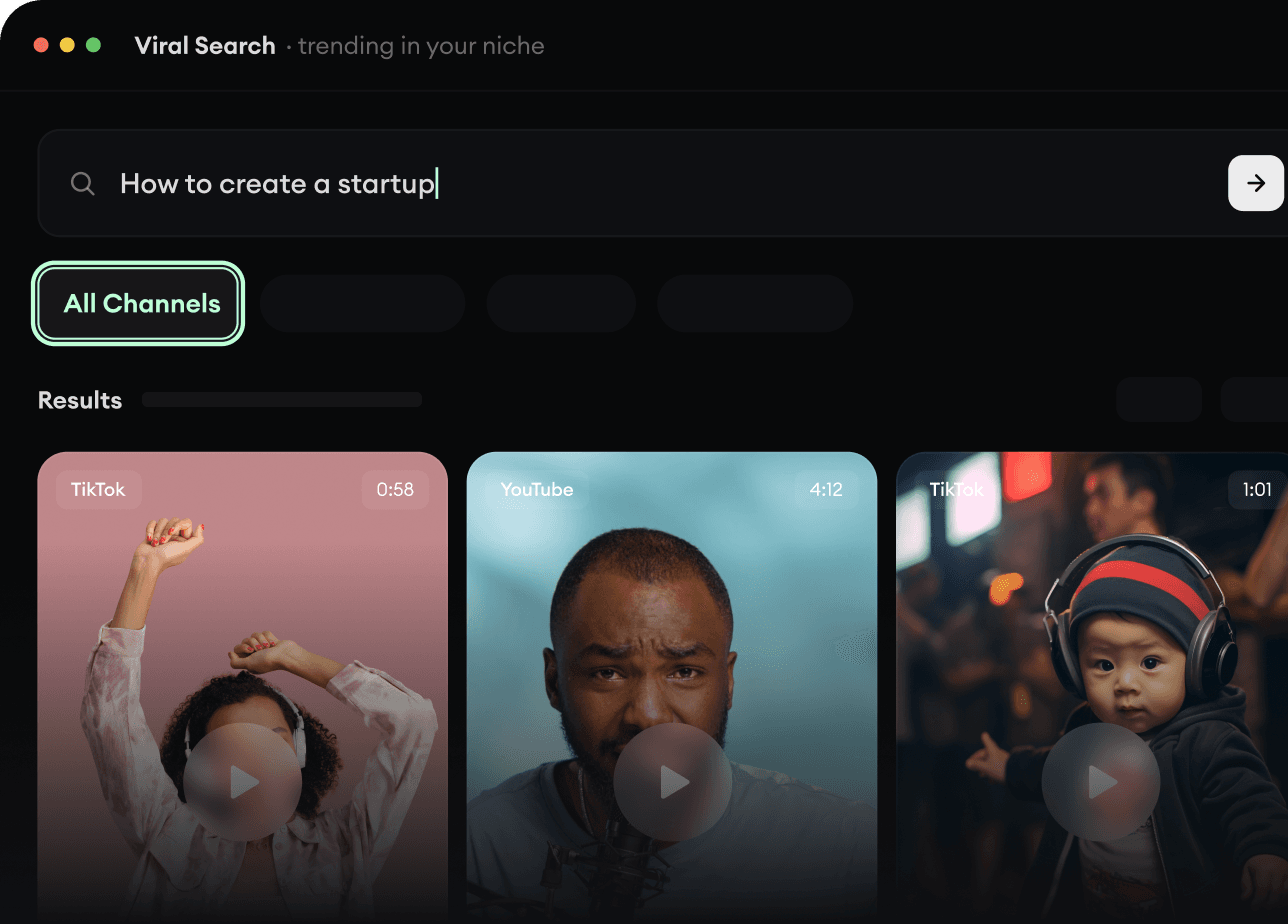
RevidAI's Viral Search and Channel Watcher surface the formats, creators, and trends getting attention right now, then help you turn them into ideas of your own.
Discover winning video formats in your niche
Follow creators and channels that matter
Start with proven ideas instead of guessing
2
Turn An Idea Into A Story.
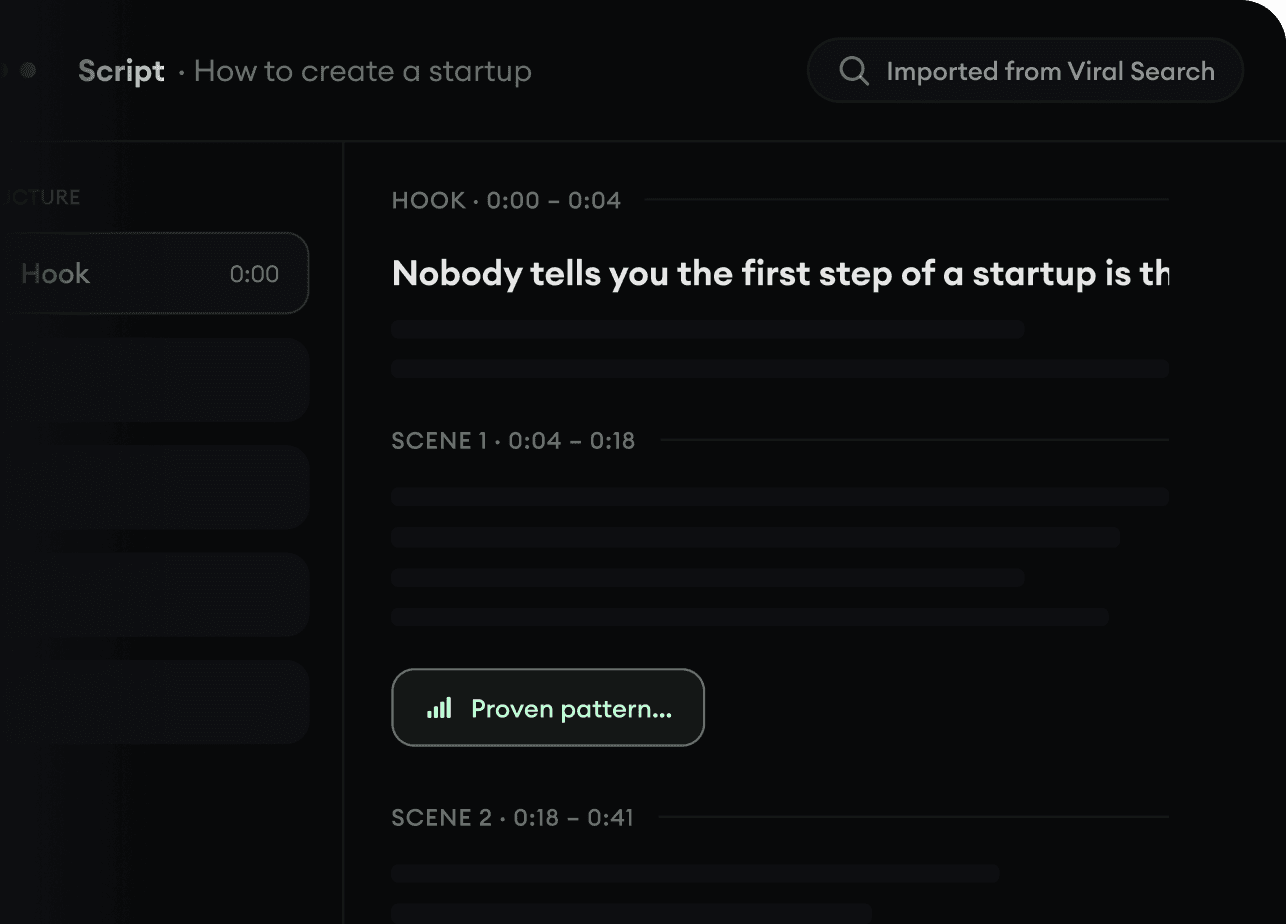
Found something worth making? Revid AI writes the script, suggests the structure, and turns links, prompts, or topics into complete video concepts.
Start with a prompt, topic, or URL
Generate scripts inspired by proven patterns
Build stories designed to keep people watching
3
Generate The Finished Video.
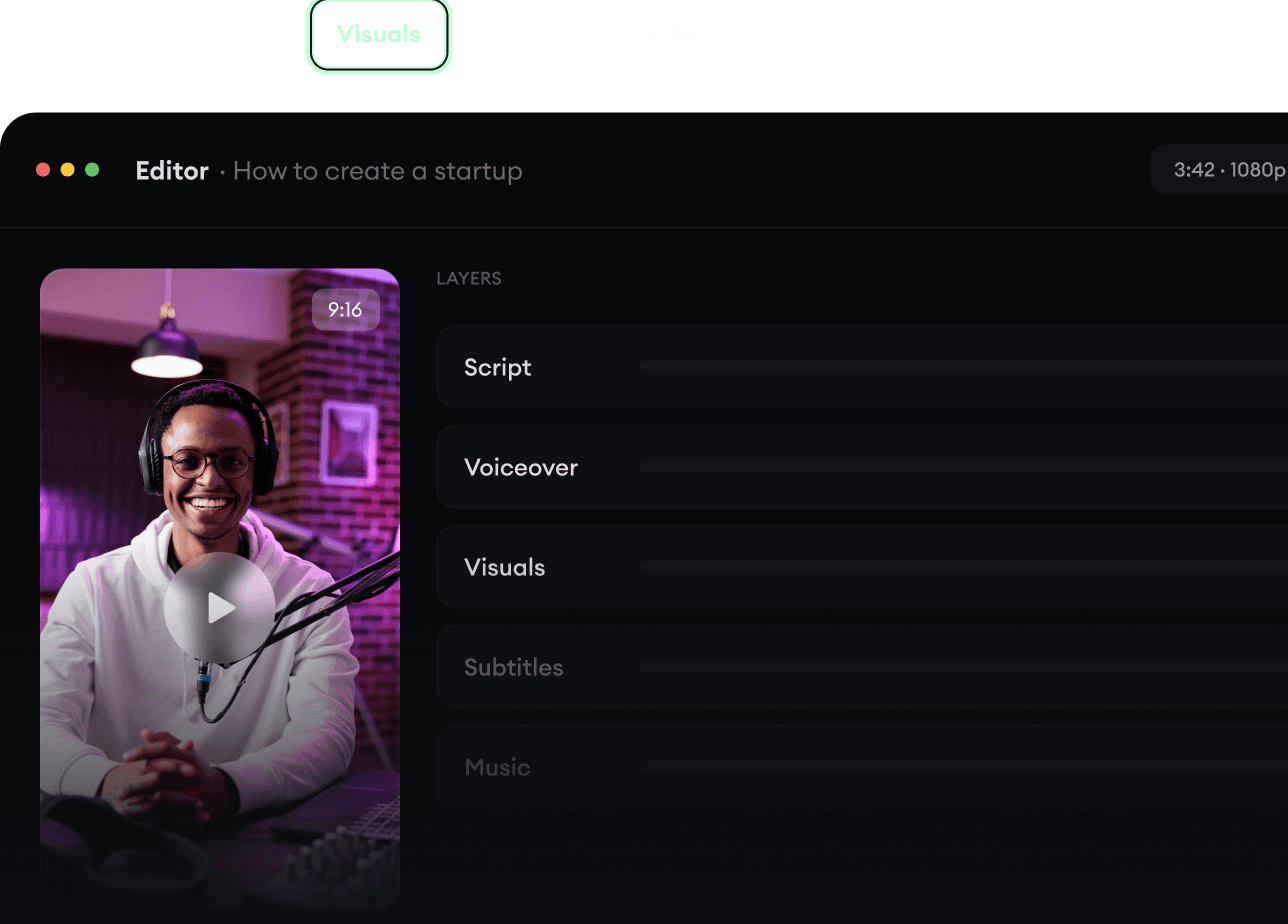
Script, voiceover, visuals, subtitles, and editing all come together in one workflow. No stitching together five different tools.
Turn text into complete, multi-minute videos
Generate everything in one place
Refine the result in the editor
4
Publish Everywhere.
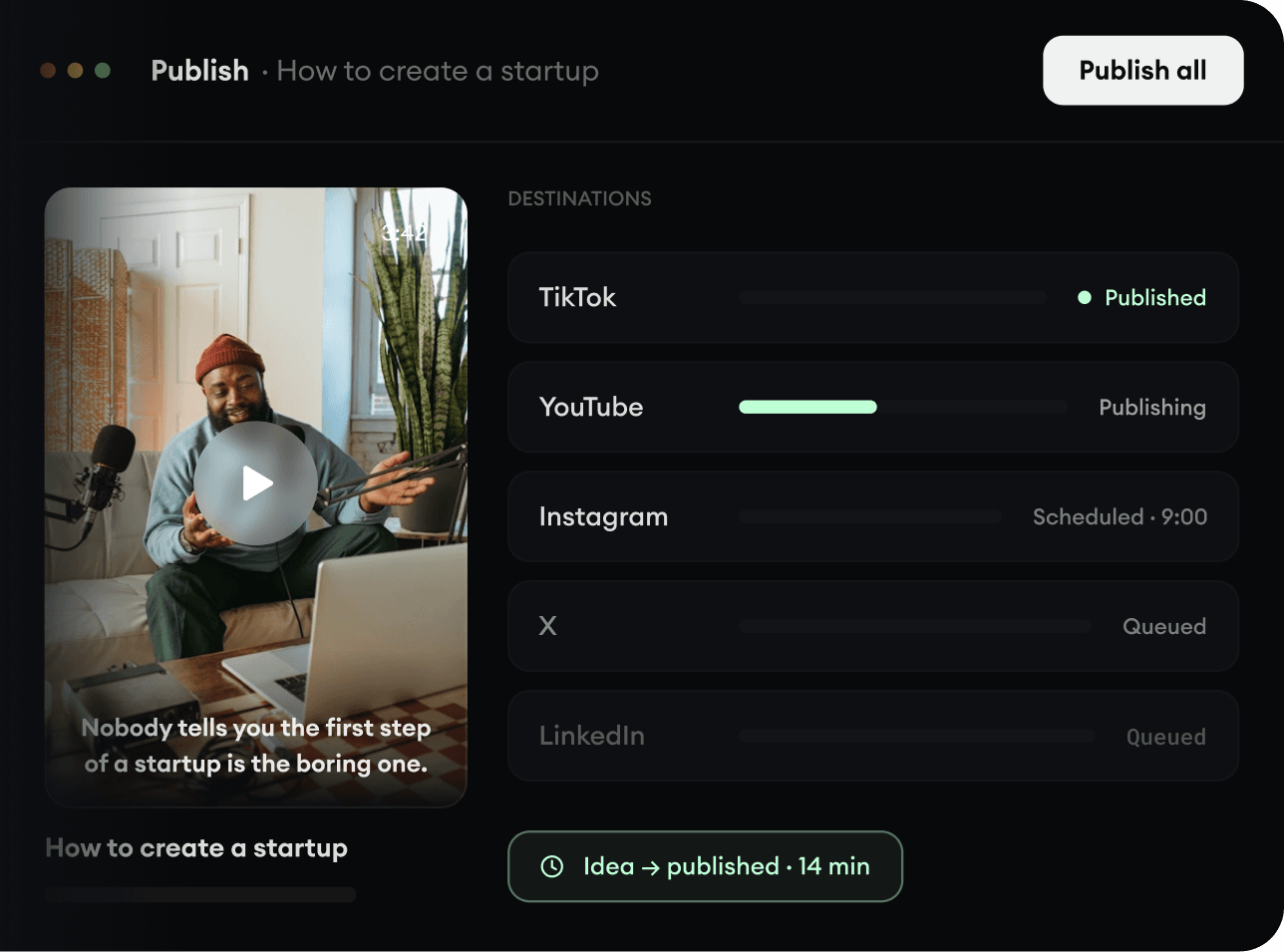
Share your videos to TikTok, YouTube, Instagram, and wherever your audience is.