Creators publish 30,000+ videos a month with Revid
Sora-Style AI Video Generator
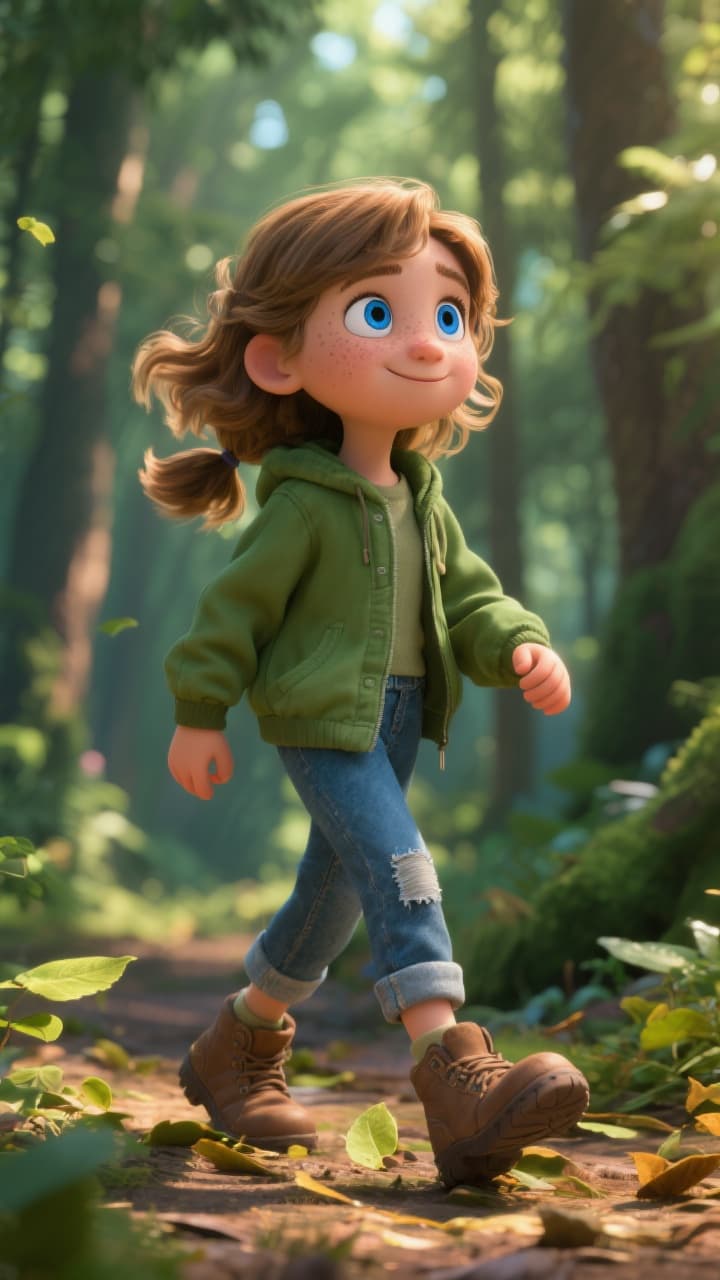
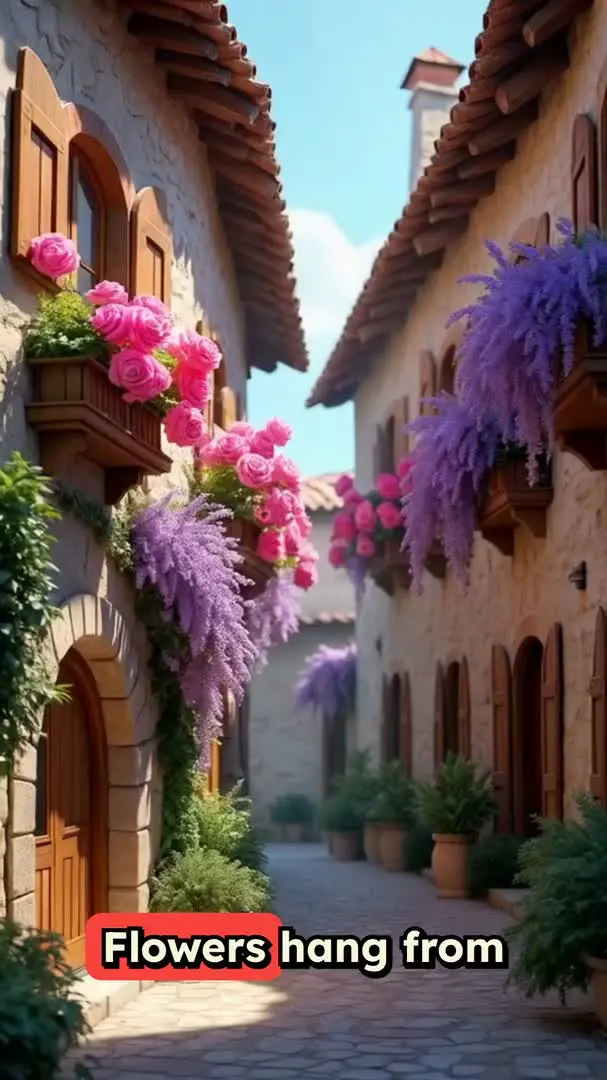
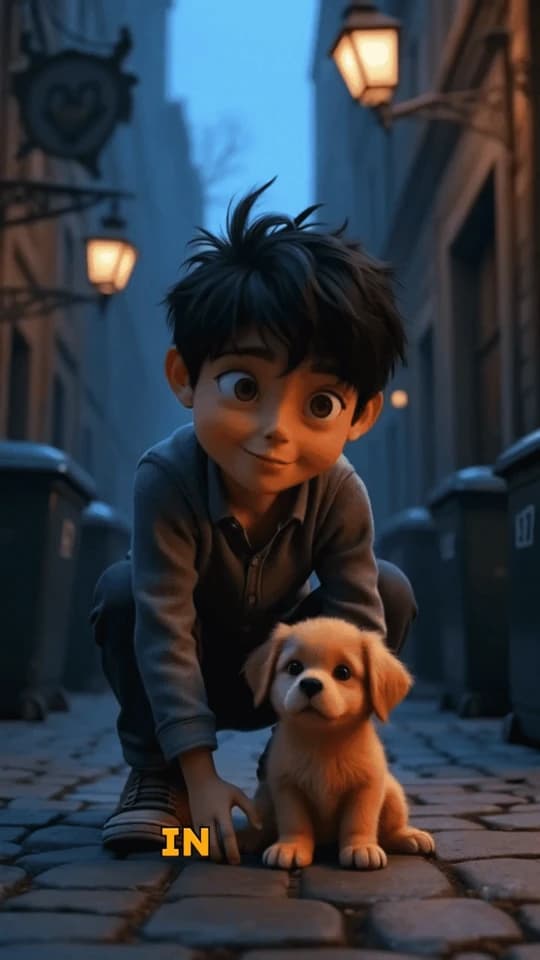
Generate hyper-realistic, cinematic videos from a single text prompt. Create complex scenes with consistent characters and dynamic camera movement, just like the viral Sora demos. Perfect for creating short films and narrative-driven content.
Start from text in seconds
Auto-selects visuals
Captions and sound-ready
Your video prompt
💡 Use natural language to describe what you want to see in the video. AI will generate a script based on your prompt.
2,533 videos created with Revid in the last 24h
Ready in minutes · Edit everything before you post
Output Example
Related tools you might like:
or explore our 42+ other tools to create the exact video you want
A technical space crew lands on a lush, mysterious planet. As they explore, massive, intelligent apes emerge. The crew's leader raises a hand in peace. Suddenly, a deep horn sounds. The apes urge the crew to follow them to a hidden treetop. Here, they learn of an ancient human-ape alliance, now threatened by a rogue faction. The scene ends with the crew standing amidst the apes.
Visual FormatAI Video
Visual StyleEnvironment
FINAL VIDEO
Create Cinematic Sora-Style Videos from Text in 3 Steps
1 Write Your Cinematic Prompt
Begin by describing the scene you envision in the text box. Be detailed! Mention characters, actions, setting, mood, and even camera work like 'sweeping drone shot' or 'dolly zoom'. Your prompt is the script for our AI film maker.
2 Select Your Format and Music
Choose the perfect aspect ratio for your project—vertical (9:16) for social media, horizontal (16:9) for YouTube, or square (1:1). You can also select a cinematic background track from our library or upload your own to set the tone.
3 Generate and Refine Your Video
Click 'Generate Video' and let our AI transform your text prompt into a hyper-realistic video. In minutes, you'll have a stunning clip with consistent characters and dynamic camera movement. Use our built-in editor for any final tweaks before you download and share.
Example Videos
See What You Can Create with Sora-Style AI Video Generator
Explore different styles and possibilities with our Sora-Style AI Video Generator
Create Cinematic Sci-Fi Worlds
Generate breathtaking science fiction scenes, from sprawling futuristic cities to intimate character moments on distant planets. Our AI brings your sci-fi concepts to life with stunning realism.
Hyper-realistic futuristic visuals
Consistent character and world design
Dynamic, movie-like camera movement
Perfect for short films and concept art
AI-Powered Nature Documentaries
Create stunning, documentary-style videos of wildlife and nature. Generate impossibly beautiful shots of animals in their natural habitats with a level of realism that rivals real-world footage.
Ultra-realistic animal and nature rendering
Documentary-style camera work
Vibrant colors and lifelike textures
Generate any animal in any environment
Bring Historical & Fantasy Epics to Life
Craft epic scenes from history or fantasy. Generate videos of medieval knights, ancient Roman legions, or mythical creatures in breathtaking, cinematic detail.
Create epic historical and fantasy scenes
Detailed character and costume generation
Dramatic lighting and environmental effects
Build entire worlds from a text prompt
FAQs
Frequently Asked Questions
What is the Sora-Style AI Video Generator?
Our Sora-Style AI Video Generator is a cutting-edge tool that transforms a simple text prompt into a hyper-realistic, cinematic video. It's designed to create complex scenes with consistent characters, dynamic camera movement, and a coherent narrative, making it the perfect AI film maker for short films, trailers, and visually stunning social media content.
How is this different from other text-to-video AI tools?
Unlike basic generators, our Sora-style AI focuses on three key areas: narrative cohesion, character consistency, and cinematic camera work. The AI doesn't just create random clips; it builds a mini-story, ensures your characters look the same from scene to scene, and uses professional camera techniques to create a true 'film' feel.
How do I write a good prompt to get the best video?
For the best results, be descriptive. Don't just say 'a sad robot'; describe *why* it's sad: 'A small, rusted robot sits alone in a rainy, neon-lit alley, watching other robots walk by with their owners.' Specify camera movements like 'tracking shot' or 'close-up' and describe the lighting and mood to guide the AI storyteller.
Can the AI really create videos with consistent characters?
Yes! This is a core feature of our Sora-style AI. When you describe a character, for example, 'a woman with a red coat and short blonde hair,' the AI will maintain that character's appearance across different shots and scenes within the same video, creating a believable and continuous narrative.
What does 'Sora-style' mean? Is this an OpenAI Sora alternative?
The term 'Sora-style' refers to the quality and capability inspired by OpenAI's Sora model—generating highly realistic, imaginative videos from text with a deep understanding of the physical world. Our tool provides an accessible way to experience this next-generation AI video creation, making it a powerful alternative for creators wanting to produce cinematic content today.
What kind of videos can I create with this tool?
The possibilities are nearly limitless. You can create short films, proof-of-concept trailers for movies, breathtaking nature documentaries, sci-fi and fantasy epics, or unique narrative-driven content for TikTok, Reels, and YouTube Shorts. If you can describe it, our AI film maker can create it.
How much does it cost to generate a video?
Generating a video with our Sora-style AI is a premium feature that costs 5 credits per video. This covers the intensive computational power needed to create hyper-realistic visuals, maintain character consistency, and render dynamic camera movements. Your available credits depend on your subscription plan.
How long does the video generation take?
Due to the complexity and high-fidelity rendering, video generation typically takes a few minutes. The exact time can vary depending on the length and detail of your prompt. We'll send you an email notification as soon as your cinematic masterpiece is ready.
What video aspect ratios are supported?
You can create videos in three standard aspect ratios to fit any platform: 9:16 (vertical), perfect for TikTok and Instagram Reels; 16:9 (widescreen), ideal for YouTube and cinematic viewing; and 1:1 (square), great for social media feeds like Instagram and Facebook.
Can I edit my video after the AI has generated it?
Of course. Once your video is generated, you can take it into the Revid AI editor. There, you can trim the clip, add text overlays, adjust the audio, and make other refinements to ensure your final video is exactly as you envisioned it.
I have another question. How can I get help?
We're here to assist you! If you have any further questions about using the Sora-Style AI Video Generator or any other part of Revid AI, please don't hesitate to reach out to our support team at hello@revid.ai. We'll get back to you as quickly as possible.
RevidAI's Viral Search and Channel Watcher surface the formats, creators, and trends getting attention right now, then help you turn them into ideas of your own.
Discover winning video formats in your niche
Follow creators and channels that matter
Start with proven ideas instead of guessing
2
Turn An Idea Into A Story.
Found something worth making? Revid AI writes the script, suggests the structure, and turns links, prompts, or topics into complete video concepts.
Start with a prompt, topic, or URL
Generate scripts inspired by proven patterns
Build stories designed to keep people watching
3
Generate The Finished Video.
Script, voiceover, visuals, subtitles, and editing all come together in one workflow. No stitching together five different tools.
Turn text into complete, multi-minute videos
Generate everything in one place
Refine the result in the editor
4
Publish Everywhere.
Share your videos to TikTok, YouTube, Instagram, and wherever your audience is.