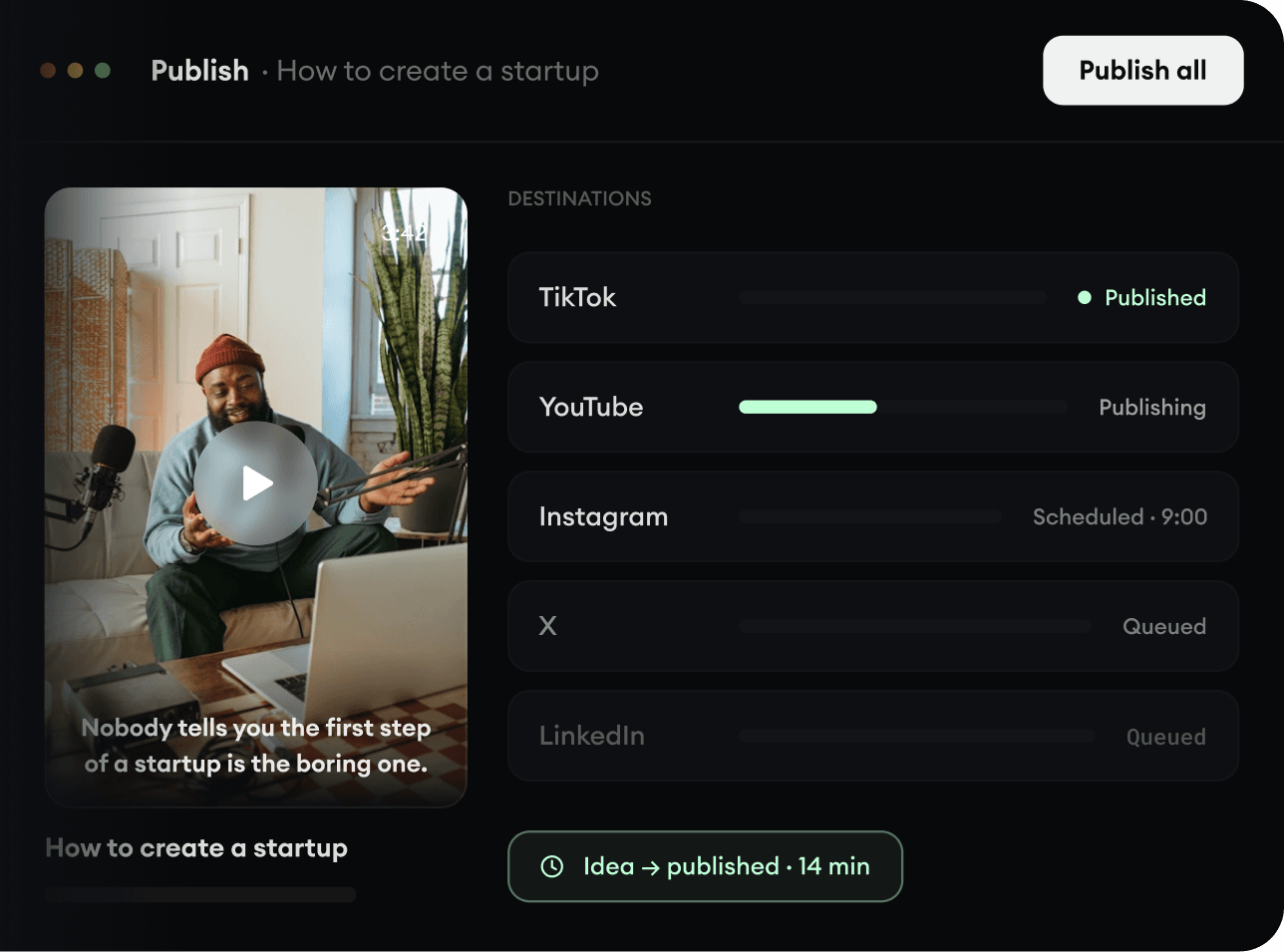
374 people used this tool in the last 24h

or explore our 42+ other tools to create the exact video you want
Explore our tools
AI generated captions added to your videos, automatically generated for 32 languages. Highly accurate, beautifully synchronized, and ready in minutes.
Upload a video to generate accurate captions, subtitle translations, and mobile-ready reframing in minutes.
or explore our 42+ other tools to create the exact video you want
Explore our tools
Video or audio, Revid AI's Caption Generator tool handles both with ease. It is designed to accommodate various file formats. Simply select your file from your device to initiate with the video creation process
Elevate your content with video footage. Toggle "Add video footage" on and select from stock videos, moving AI images, or let our AI generate visuals for you. Stunning AI-generated visuals cost additional credits. Feeling hands-on? Use our built-in editor to add your own flair post-generation
Click "Generate" and let Revid AI's Caption Generator tool sync captions to your content perfectly. Customize your captions with our editor. Change font, color, position—the works. Unlimited editing capabilities to hit perfection. Lastly, download your stunning video and share it with the world
Revid's AI caption generator automatically creates accurate, perfectly timed captions for any video in seconds. Whether you're captioning a short-form clip, a long-form YouTube video, or social content, our AI analyzes your audio and generates captions that sync frame-by-frame no manual editing required. Just upload your video, let the AI do the work, and export with captions baked in or as a separate file.
From TikToks to webinars, Revid's AI video caption generator supports all major formats and languages, making it the go-to tool for creators who need captions at scale. Unlike basic auto caption tools, Revid's AI understands context, speaker tone, and pacing producing captions that are clean, readable, and ready to publish without hours of cleanup.
Explore different styles and possibilities with our Add Caption to Video
Generate accurate captions and subtitles automatically with our AI caption generator. Support 100+ languages with 99% accuracy, making your videos accessible to global audiences and improving engagement across all platforms.

Transform your videos with professional AI-generated captions and subtitles. Our caption generator provides broadcast-quality results with perfect timing, custom styling, and multi-language support for professional video content.

Streamline your video production with automated caption generation. Our AI caption generator saves hours of manual work while delivering accurate, perfectly timed subtitles that boost engagement and accessibility for content creators.

Discover more ways to create engaging videos with our AI-powered tools
Find detailed answers to 100+ questions about features, tools, and workflows
or check our markdown version optimized for LLMs
Choose your tool, add your content, and create a video in seconds. Then customize it to your liking.
Turn your prompts into engaging videos with AI assistance
Create studio-quality videos from text, no filming required
Turn any song into an animated lyric video with synced text and visuals.
RevidAI's Viral Search and Channel Watcher surface the formats, creators, and trends getting attention right now, then help you turn them into ideas of your own.
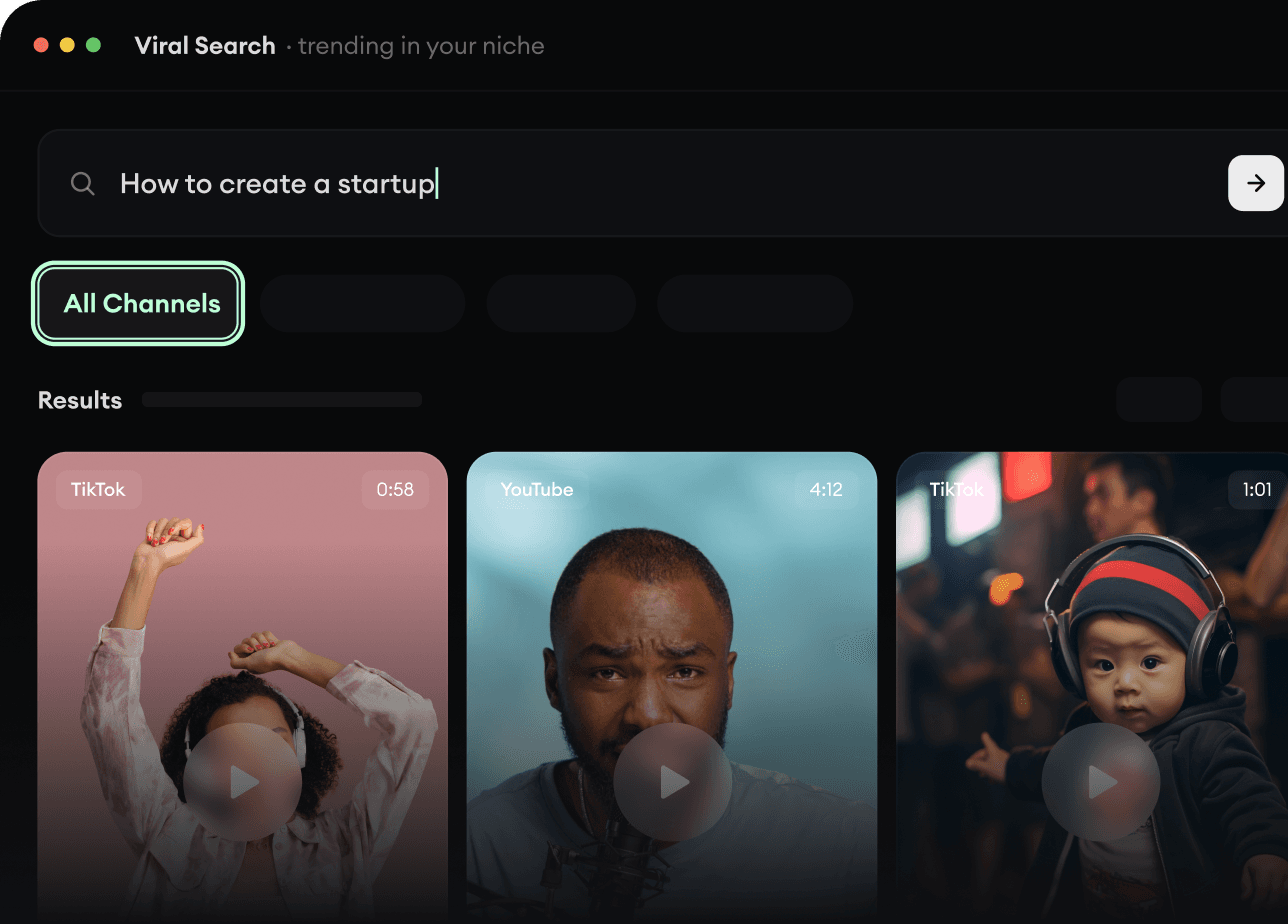
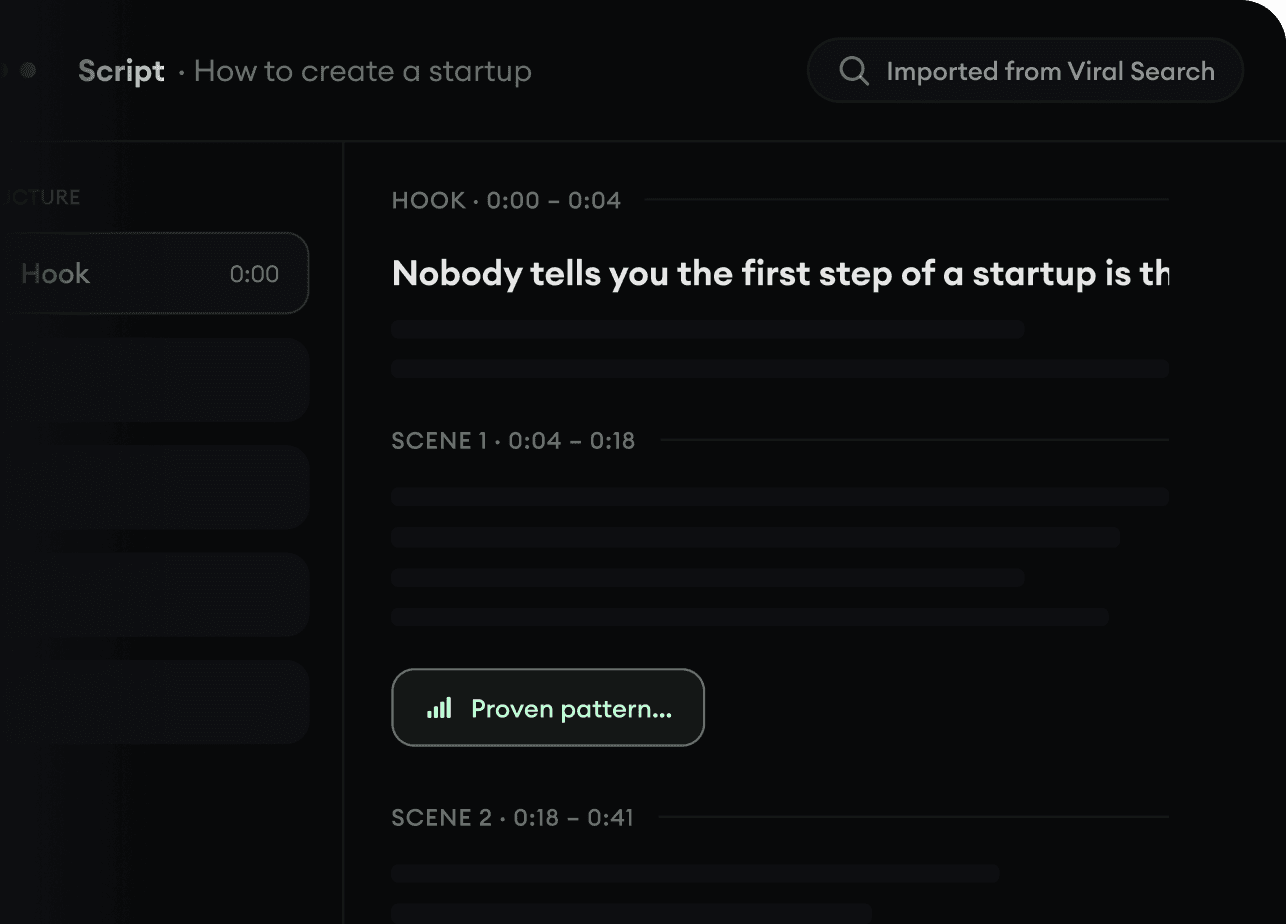
Found something worth making? Revid AI writes the script, suggests the structure, and turns links, prompts, or topics into complete video concepts.
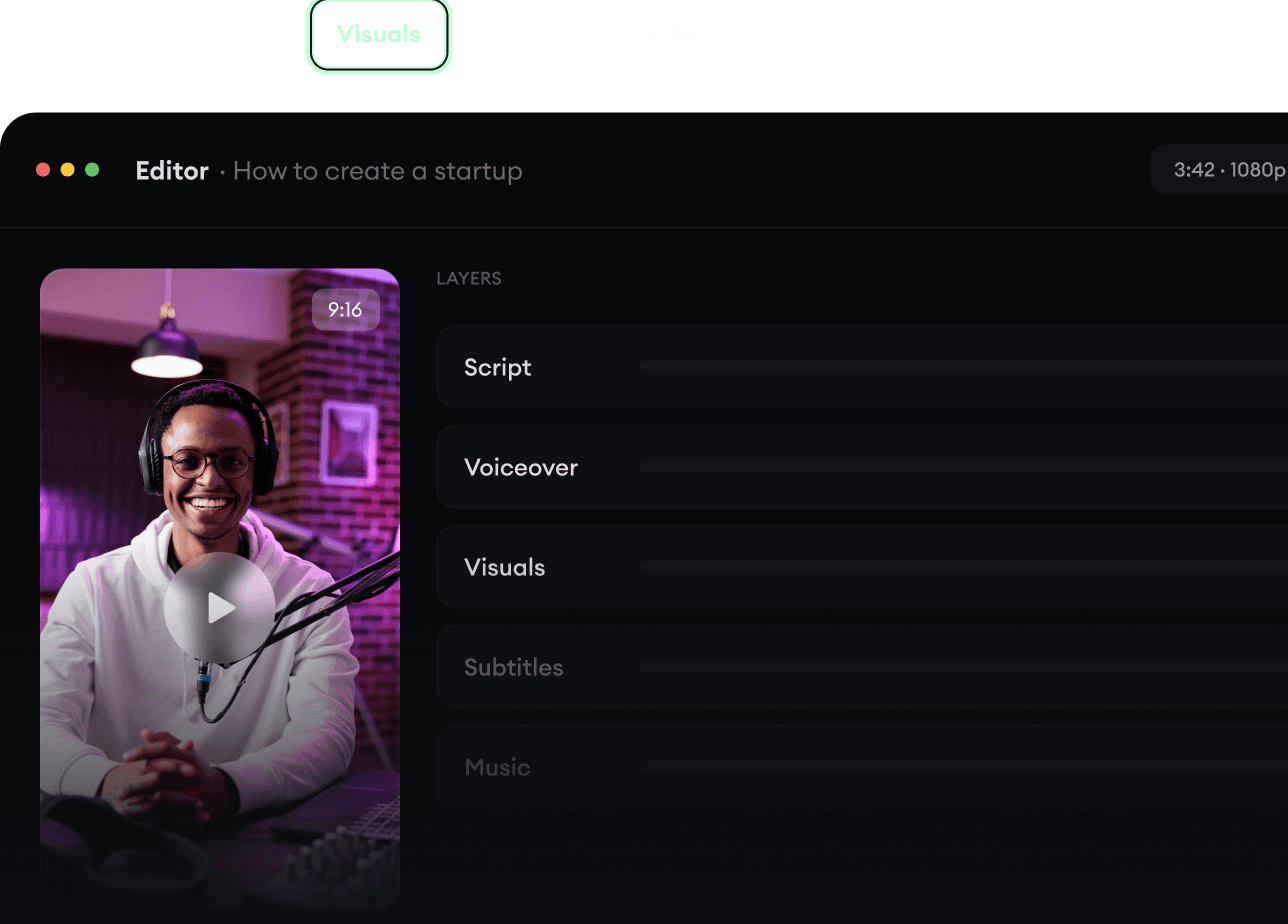
Script, voiceover, visuals, subtitles, and editing all come together in one workflow. No stitching together five different tools.
Share your videos to TikTok, YouTube, Instagram, and wherever your audience is.