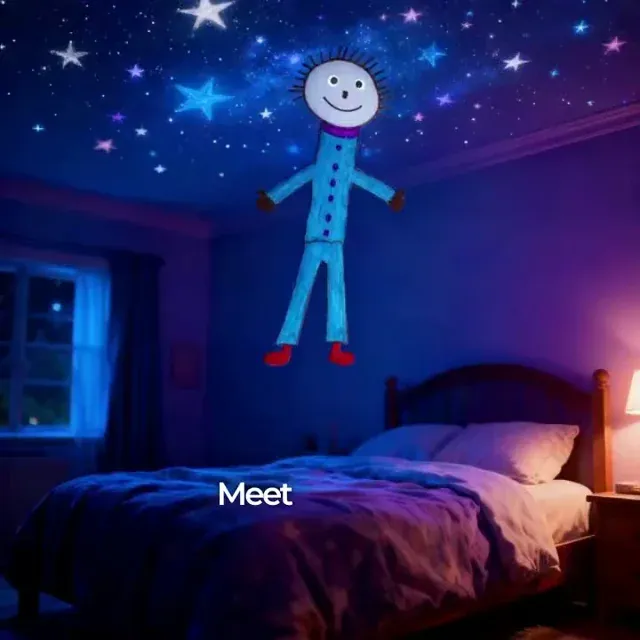
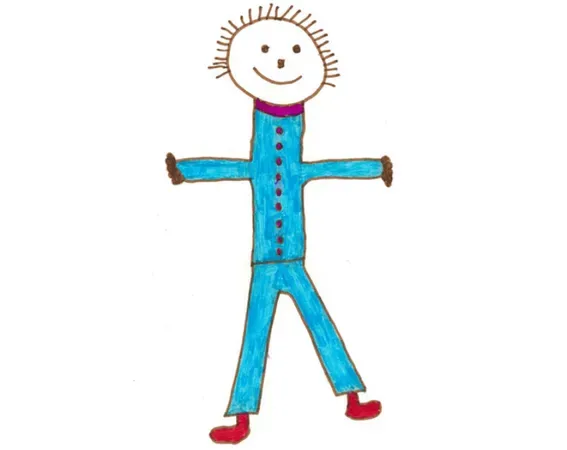
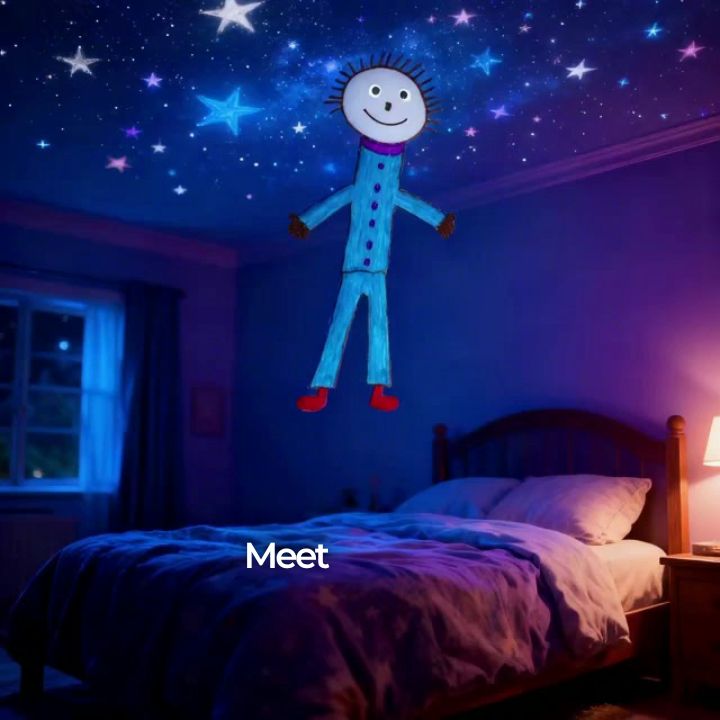
Start by taking a clear photo of your child's artwork. Upload at least one kids drawing into our AI tool. You can also provide a short prompt describing the adventure you want the characters to go on, such as 'A magical story about a brave little astronaut exploring the stars.'
2 AI Analyzes and Crafts the Narrative
Once you upload the artwork, our AI Kids Drawing Animation engine reads the visual content. It automatically crafts a magical, age-appropriate story (perfect for ages 3-12) featuring the drawn characters as the heroes, complete with a warm, engaging voiceover.
3 Generate and Share the Animated Keepsake
Click generate to bring the children's artwork to life. In just a few minutes, Revid AI will produce a fully narrated video where the original drawing remains the primary visual. Download your kids drawing animation to share with family, post to social media, or keep as a precious memory.
01
Bring Your Child's Artwork to Life as a Fully Narrated Animated Story
Upload any child's drawing and Revid transforms it into an animated video story where the drawn characters become the heroes of an age-appropriate adventure. The AI reads the visual content of the drawing, builds a narrative around the characters and objects it contains, and produces a narrated video with voiceover, music, and animated scenes. The original drawing remains the primary visual throughout the video rather than being replaced by generic AI imagery. The result is a personalized keepsake that families keep, share, and revisit far more than a static drawing ever would.
02
How the AI Reads and Animates Children's Drawings
The tool is designed specifically to honor the original artwork. It identifies the characters, objects, and settings in the drawing and builds the video story around what is actually depicted rather than substituting generic AI characters. Scenes are generated with the uploaded drawing as their reference, so the childlike quality of the original artwork carries into the animation. The voiceover is warm and engaging, written in a storytelling voice appropriate for ages 3 to 12. You can provide a story direction in the prompt, or let the AI construct a narrative from the drawing alone.
03
A Keepsake Parents and Grandparents Actually Share
Children's artwork has always been something families want to preserve, but drawings fade, get lost, and rarely leave the refrigerator door. An animated video story transforms that drawing into a shareable, permanent piece of content. Parents post these to family group chats, send them as gifts, and create birthday surprises by animating drawings from the recipient's childhood. For related tools that turn children's imagination into animated content, the AI movie maker supports text-based cinematic storytelling that older children can use independently to create their own video stories.
Target Audience
Who is this tool for?
Parents and grandparents
Turn your child's or grandchild's drawings into animated keepsake videos that preserve their artwork and creative imagination in a format your entire family will want to watch and share.
Teachers and classroom educators
Bring student artwork to life as classroom rewards and creative writing projects, turning children's illustrated stories into animated videos that motivate students and showcase their creativity.
Children's content creators
Feature real children's drawings as the visual foundation of your channel content, creating a unique and emotionally resonant format that parents actively seek out and share.
Family gift and memory brands
Offer animated drawing personalization as a premium product or service for birthdays, holidays, and family occasions, using Revid to produce each video without a custom animation workflow.
Comparison
Why Choose Revid for Kids Drawing Animation?
Professionally animating a children's drawing requires a character animator and custom production work for each drawing. Revid automates the entire process from upload to finished narrated video.
Input
Revid Kids Drawing AnimationUpload any child's drawing and generate immediately
Custom Drawing AnimationDrawing must be digitally cleaned, rigged, and prepared by an animator first
Story creation
Revid Kids Drawing AnimationAI writes a complete age-appropriate narrative from the drawing content
Custom Drawing AnimationScript must be written separately and delivered to the animation team
Voiceover
Revid Kids Drawing AnimationAI narration in a warm storytelling voice generated automatically
Custom Drawing AnimationRequires recording or hiring a professional narrator for each video
Drawing preservation
Revid Kids Drawing AnimationOriginal artwork remains the primary visual element throughout the video
Custom Drawing AnimationAnimators often redraw characters in a different style, losing the original look
Production time
Revid Kids Drawing AnimationAnimated story video ready in minutes after uploading the drawing
Custom Drawing AnimationCustom animation projects typically take days to weeks per video
Cost
Revid Kids Drawing AnimationAffordable credit-based pricing with no minimum project size
Custom Drawing AnimationCustom animation is priced per project and requires a minimum scope
Feature / Benefit
Revid Kids Drawing Animation
Custom Drawing Animation
Input
Upload any child's drawing and generate immediately
Drawing must be digitally cleaned, rigged, and prepared by an animator first
Story creation
AI writes a complete age-appropriate narrative from the drawing content
Script must be written separately and delivered to the animation team
Voiceover
AI narration in a warm storytelling voice generated automatically
Requires recording or hiring a professional narrator for each video
Drawing preservation
Original artwork remains the primary visual element throughout the video
Animators often redraw characters in a different style, losing the original look
Production time
Animated story video ready in minutes after uploading the drawing
Custom animation projects typically take days to weeks per video
Cost
Affordable credit-based pricing with no minimum project size
Custom animation is priced per project and requires a minimum scope
More Tools
Explore Similar Video Creation AI Video Tools
Discover more ways to create engaging videos with our AI-powered tools
FAQs
Frequently Asked Questions
What is the Kids Drawing Animation tool?
Our AI Kids Drawing Animation tool is a magical feature that lets you bring children's artwork to life. By simply uploading a photo of your child's art, the AI transforms it into a fully narrated, animated video story. It's the perfect way to turn a static piece of paper into a memorable, shareable keepsake that preserves their creative imagination.
How do I animate a kids drawing using this AI tool?
To animate a kids drawing, simply upload a clear image of the artwork into the tool. You can optionally add a text prompt to guide the story. Our AI will then analyze the drawing, write an age-appropriate story, generate a warm voiceover, and create a captivating kids drawing animation where the original art takes center stage.
Will the animation change my child's original artwork?
No! Unlike generic AI tools, our Kids Drawing Animation process is designed to honor and preserve the original artwork. The uploaded kids drawing remains the primary visual element throughout the animated video. The AI builds the narrative and scenes around the actual characters and objects depicted, rather than replacing them with generic AI imagery.
What kind of story does the AI create for the animated drawing?
When you animate children's art with our tool, the AI generates a positive, uplifting, and magical story suitable for ages 3 to 12. The narrative focuses on themes like friendship, bravery, and discovery. The characters from the drawings become the heroes of the story, ensuring a fun and educational adventure.
Can I guide the story for the kids drawing animation?
Absolutely! When you set up your kids drawing animation, you can use the prompt box to describe the story direction. For example, you can suggest what adventure the characters should go on or what should happen in the animation. The AI will seamlessly blend your ideas with the visual elements of the child's drawing.
How long does it take to animate my child's drawing?
Bringing children's artwork to life is incredibly fast. Once you upload the artwork and click generate, your fully narrated animated story video will be ready in just a few minutes. You don't have to wait days or weeks for custom animation work like you would with a traditional character animator.
Can I use multiple drawings for one animation?
Yes! You can import multiple kids drawings to create a richer story. If multiple drawings are provided, our AI will create a cohesive narrative that incorporates all the artworks, animating the kids drawings into a single, seamless magical adventure.
Is the kids drawing animation safe and age-appropriate?
Yes, safety is our priority. The AI is strictly programmed to generate positive, child-friendly content with no scary, violent, or inappropriate elements. Every kids drawing animation features a warm storytelling voice and a narrative with a positive message or lesson.
How much does it cost to turn a drawing into an animated story?
Animating kids drawings uses Revid AI's standard credit system. It is highly affordable compared to hiring a custom character animator. The exact credit cost depends on the length of the generated story and is shown before you generate. New accounts get free credits to try it, and after that you use the monthly credits included in your paid plan.
Why should I animate kids art instead of just keeping the paper?
Paper drawings often fade, get torn, or sit unseen in boxes. When you animate kids art, you create a permanent, digital keepsake that parents and grandparents actually watch and share. A kids drawing animation brings the child's imagination to life, making it a perfect gift for family occasions, birthdays, and holidays.
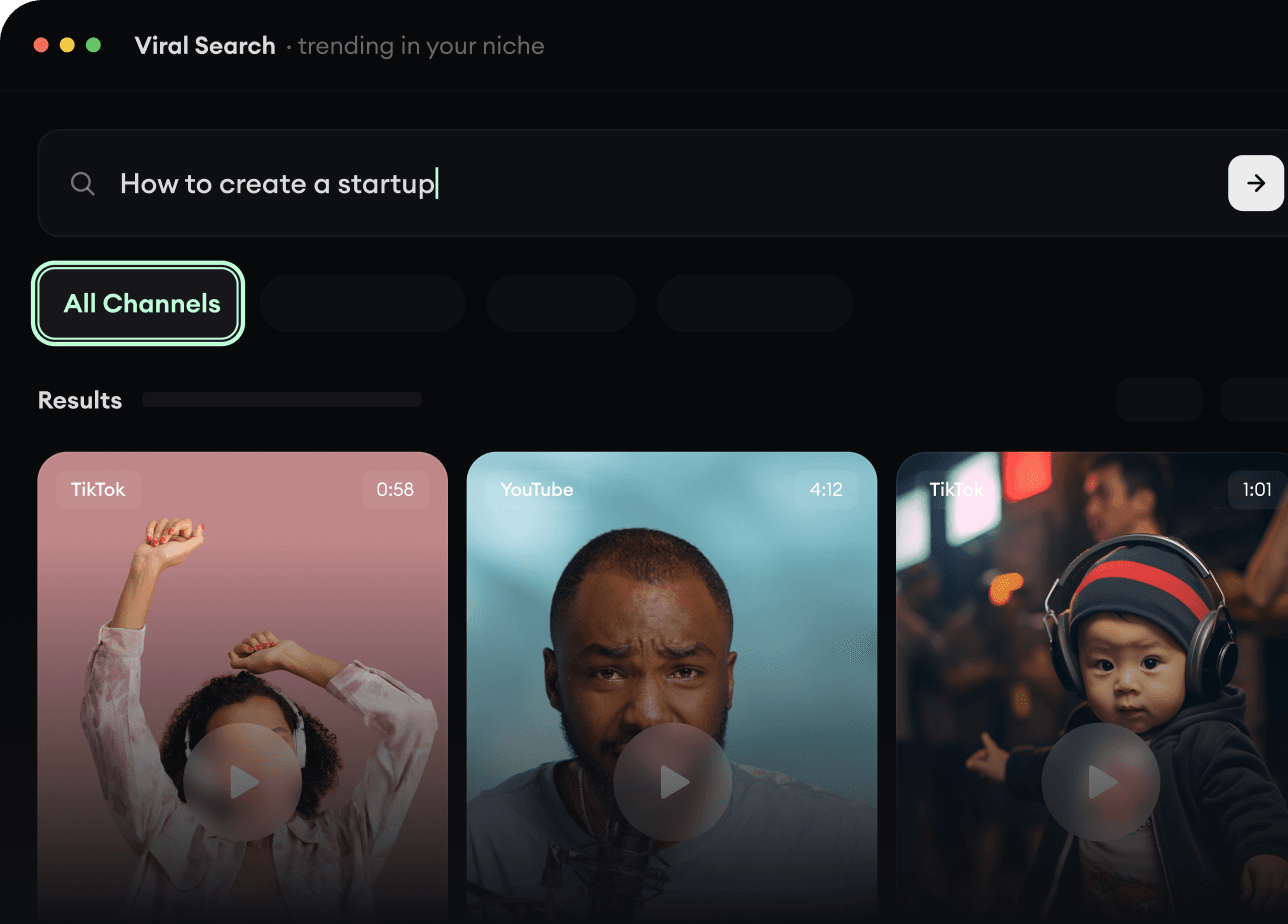
RevidAI's Viral Search and Channel Watcher surface the formats, creators, and trends getting attention right now, then help you turn them into ideas of your own.
Discover winning video formats in your niche
Follow creators and channels that matter
Start with proven ideas instead of guessing
2
Turn An Idea Into A Story.
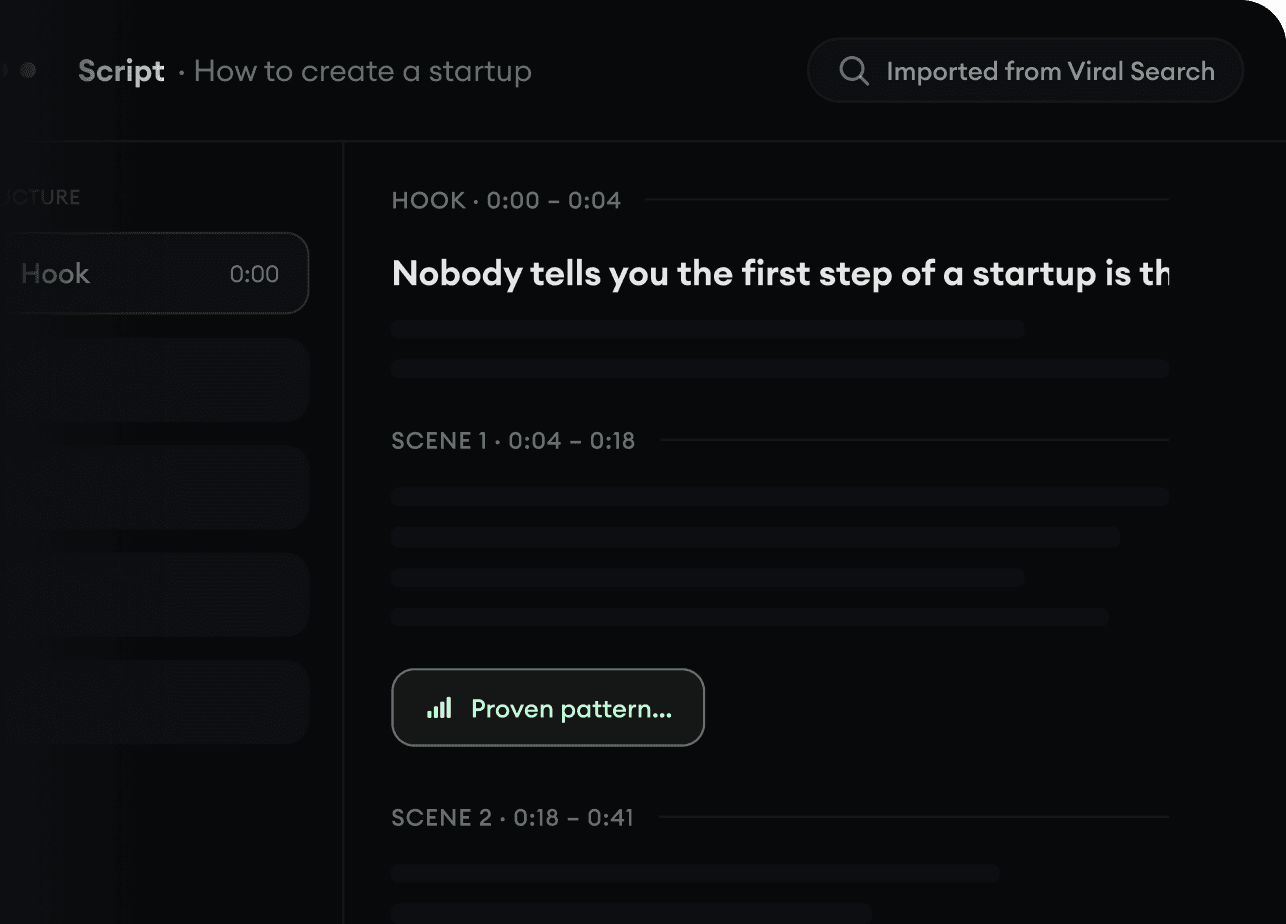
Found something worth making? Revid AI writes the script, suggests the structure, and turns links, prompts, or topics into complete video concepts.
Start with a prompt, topic, or URL
Generate scripts inspired by proven patterns
Build stories designed to keep people watching
3
Generate The Finished Video.
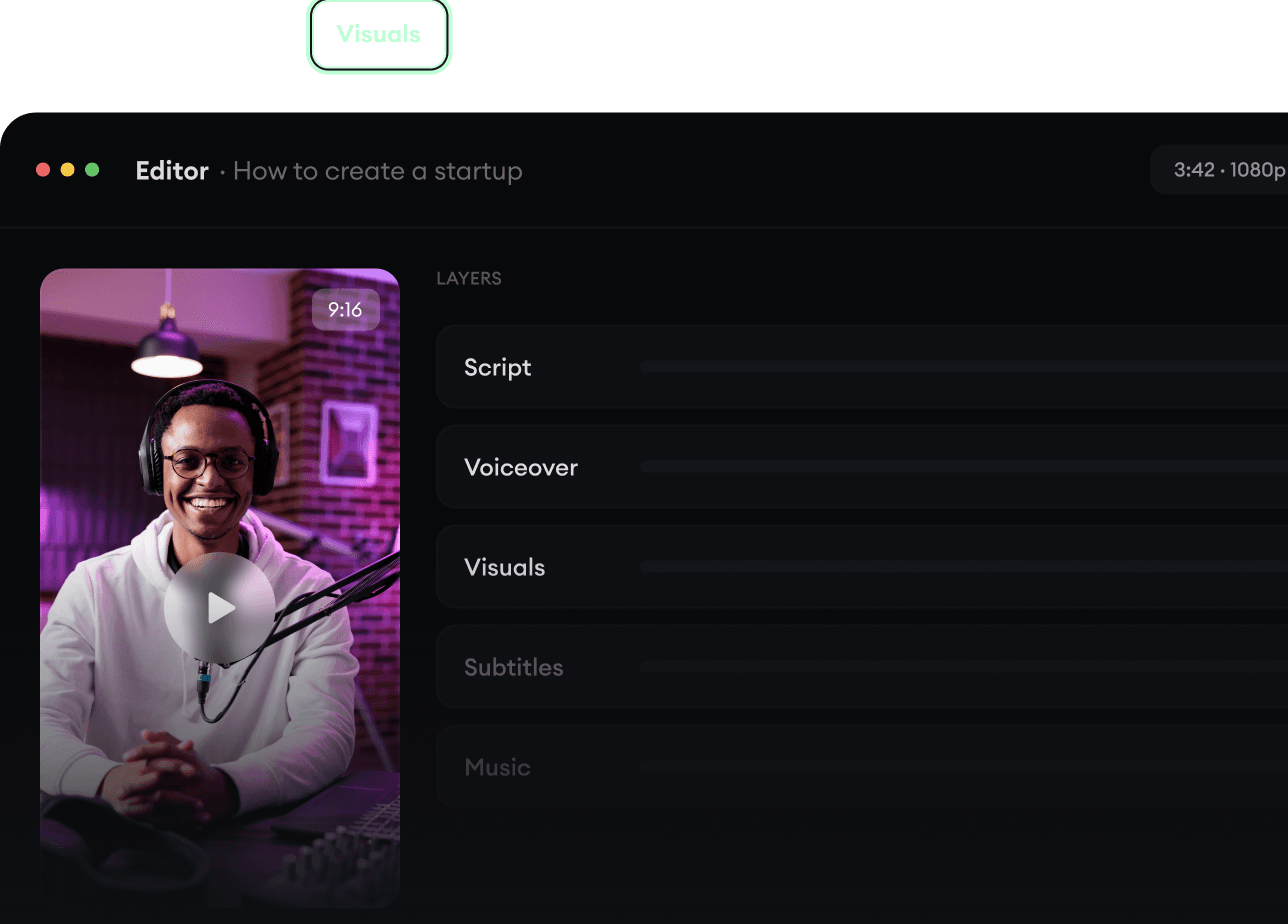
Script, voiceover, visuals, subtitles, and editing all come together in one workflow. No stitching together five different tools.
Turn text into complete, multi-minute videos
Generate everything in one place
Refine the result in the editor
4
Publish Everywhere.
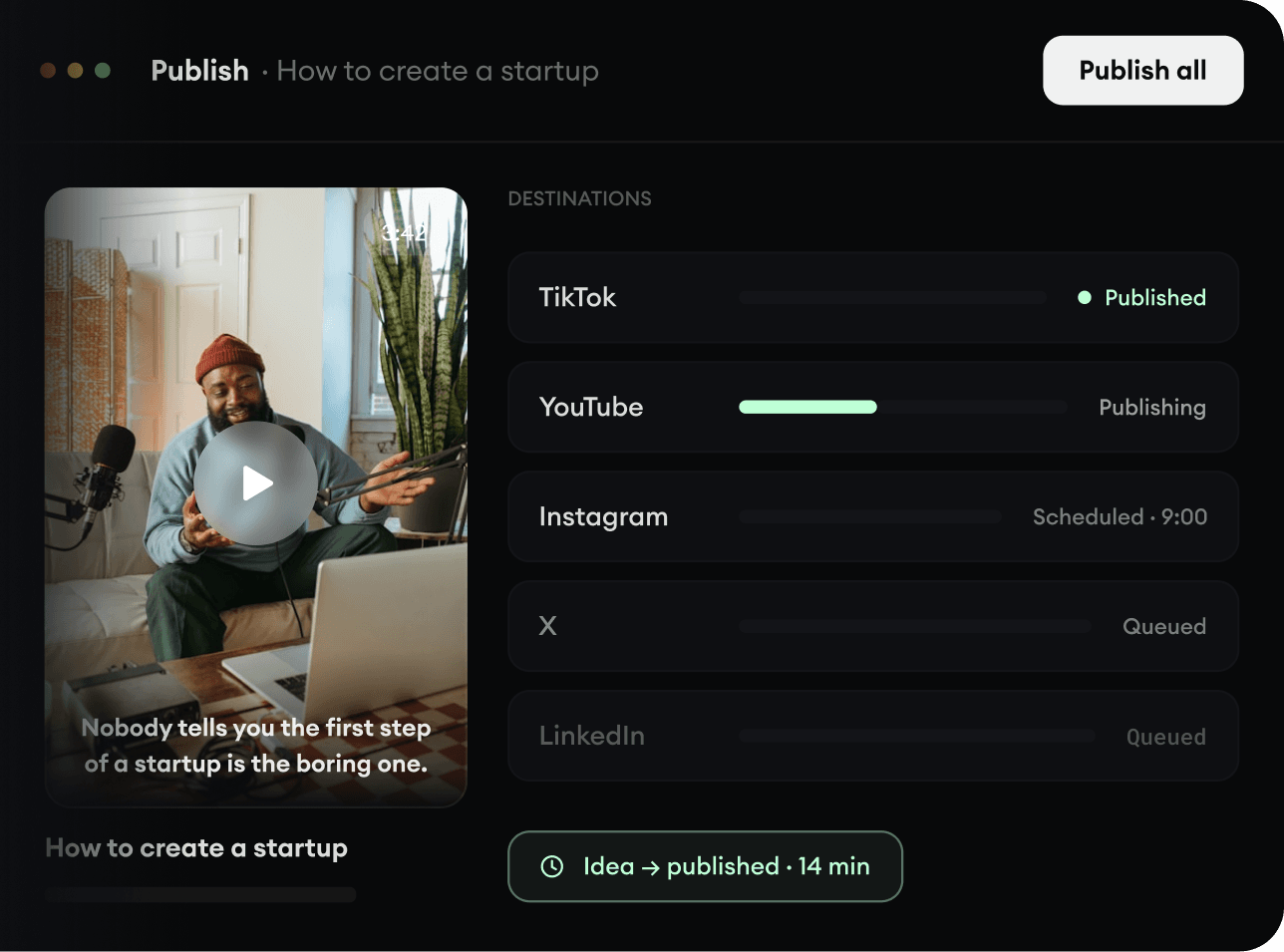
Share your videos to TikTok, YouTube, Instagram, and wherever your audience is.