How to Create Attack on Titan Videos with AI in 3 Simple Steps
1 Write Your Attack on Titan Script
Start by pasting your script into the Attack on Titan AI video generator. Whether you are writing about the Survey Corps, the Rumbling, character lore, or titan battles, just drop your text. You can use brackets like [armored titan breaching wall] to guide the AI for specific dark anime action visuals.
2 Choose Your Anime Visuals and Voice
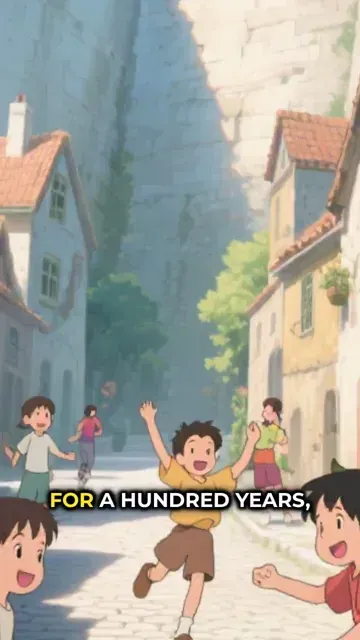
Select your preferred media type to create Attack on Titan videos: choose 'AI Video' for moving characters and dynamic camera angles, or 'Animated AI Images' for dramatic still frames with cinematic pans. Pick a natural AI voiceover or upload your own audio to narrate your AoT fan content.
3 Generate and Share Your AoT Video
Click generate and let Revid AI create your Attack on Titan video in minutes. The tool automatically syncs your dark anime visuals, voiceover, and dramatic soundtrack. Once finished, use our built-in editor to tweak captions before exporting your high-quality anime short to TikTok or YouTube Shorts.
01
Dark Anime Action Videos Without Drawing or Animation Skills
Write your Attack on Titan-inspired script and Revid generates a complete short video with AI-rendered anime visuals, natural voiceover, and cinematic presentation. The AI image preset produces intense, dramatic imagery that captures the scale of titan battles, the vertical maneuvering action, and the emotional weight of the characters as described in your script. No animation, drawing, or editing is required. From script to finished video takes minutes, making it easy to post character analyses, arc breakdowns, and fan stories consistently for the dedicated AoT community.
02
What the AI Generates from Your Titan Battle Script
The Attack on Titan video generator renders each scene with anime-style visuals matched to the settings, characters, and dramatic moments you describe. Whether you are covering the Survey Corps, the Marley arc, the Rumbling, a character backstory, or an original story set in the same world, the AI builds imagery that fits the dark, high-stakes tone of the series. Natural voiceover is generated and synced automatically alongside a matching soundtrack. Write the script and receive a polished finished video without any production steps in between.
03
Attack on Titan Fan Content for One of the Most Passionate Anime Communities
Attack on Titan consistently generates some of the most engaged content on TikTok and YouTube Shorts, with high performance for character theory videos, titan tier lists, arc ranking debates, and alternate timeline concepts. The series' conclusion has not reduced the community's appetite for content, and creators who post regularly in this niche continue to attract strong audience growth. Revid makes it practical to produce and publish that content without spending production hours between each video. Write your idea and post the same day.
Target Audience
Who is this tool for?
Attack on Titan fan content creators
Build a consistent channel around titan battles, character analyses, and arc breakdowns on TikTok and YouTube Shorts without animation or video editing skills required.
Dark action anime storytellers
Write original stories set in the AoT world or retell pivotal moments from a new angle and convert them directly to short-form video content that reaches the anime community.
Anime review and analysis channels
Add dedicated Attack on Titan content to a broader anime channel to capture the intense and loyal audience that spans the original series, the final season, and the epilogue.
Anime merchandise and media brands
Create Attack on Titan-themed video content for merchandise launches, brand campaigns, and anime convention activations that connect with one of the most commercially active anime fanbases.
Comparison
Revid vs. Manual Attack on Titan Fan Video Creation
Creating AoT fan content manually requires sourcing anime visuals, recording narration, and editing everything together. Revid generates the full video automatically from your script.
Input
Revid Create Attack on Titan VideosWrite a script and generate immediately
Other ToolsSource anime footage, record narration, and edit all elements manually
Visual style
Revid Create Attack on Titan VideosAI generates intense anime action imagery from your script
Other ToolsLimited to licensed anime assets or fan-created illustrations
Voiceover
Revid Create Attack on Titan VideosAI narration generated and synced automatically
Other ToolsRequires recording or commissioning voiceover talent
Music
Revid Create Attack on Titan VideosDramatic soundtrack matched to scene pacing automatically
Other ToolsMusic must be licensed and manually synced to the edit
Production time
Revid Create Attack on Titan VideosComplete video ready in minutes
Other ToolsHours of sourcing and editing work per video
Content volume
Revid Create Attack on Titan VideosGenerate multiple theory and story videos in one session
Other ToolsEach video requires a separate full production run
Feature / Benefit
Revid Create Attack on Titan Videos
Other Tools
Input
Write a script and generate immediately
Source anime footage, record narration, and edit all elements manually
Visual style
AI generates intense anime action imagery from your script
Limited to licensed anime assets or fan-created illustrations
Voiceover
AI narration generated and synced automatically
Requires recording or commissioning voiceover talent
Music
Dramatic soundtrack matched to scene pacing automatically
Music must be licensed and manually synced to the edit
Production time
Complete video ready in minutes
Hours of sourcing and editing work per video
Content volume
Generate multiple theory and story videos in one session
Each video requires a separate full production run
More Tools
Explore Similar Fandom AI Video Tools
Discover more ways to create engaging videos with our AI-powered tools
FAQs
Frequently Asked Questions
What is the Attack on Titan AI Video Generator?
Revid's Attack on Titan AI video generator is a specialized tool that allows you to create Attack on Titan videos directly from a text script. It automatically generates dark anime action visuals, natural voiceovers, and dramatic music, making it the fastest way to produce AoT fan content for TikTok and YouTube Shorts without any animation skills.
How do I create Attack on Titan videos using this tool?
To create Attack on Titan videos, simply input your script or story idea into the prompt-to-video tool. Choose your anime visual style (AI Video or Animated AI Images), select an AI voice, and hit generate. Our Attack on Titan video generator will handle the complex rendering, syncing, and editing, delivering a polished anime short in minutes.
Do I need animation or drawing skills to make Attack on Titan fan content?
Not at all! Our Attack on Titan AI video generator requires zero drawing, animation, or video editing experience. The AI understands your script and automatically generates intense anime visuals—like vertical maneuvering action and titan battles—allowing you to focus purely on storytelling and character theories.
What kind of visuals can I generate for my Attack on Titan video?
When you create Attack on Titan videos with Revid, the AI generates imagery perfectly suited to the dark, high-stakes tone of the AoT universe. You can expect dramatic anime-style visuals, including towering titans, Survey Corps members, post-apocalyptic walled cities, and intense battle sequences based on your specific script prompts.
Can I make Attack on Titan TikTok videos and YouTube Shorts?
Yes! The videos generated are optimized in a 9:16 vertical aspect ratio, making them perfect for Attack on Titan TikTok videos, Instagram Reels, and YouTube Shorts. This tool is built specifically to help creators tap into the passionate AoT anime community with high-engaging short-form content.
What is the difference between 'AI Video' and 'Animated AI Images'?
When you create Attack on Titan videos, you can choose between two media types. 'AI Video' produces real moving clips where characters act and the camera follows the action. 'Animated AI Images' creates highly detailed, dramatic still anime frames brought to life with cinematic camera movements like zooming and panning.
How long does it take to generate an Attack on Titan video?
Using our Attack on Titan script to video tool, your content goes from text to a fully finished video in just a few minutes. Manually creating AoT fan content can take hours or days of sourcing and editing, but our AI automates the entire production pipeline so you can post daily.
Can I use my own voice for Attack on Titan theory videos?
Absolutely. While the Attack on Titan AI video generator offers a wide selection of natural-sounding AI voices, you can easily upload your own custom audio or voiceover. This is perfect for creators who want to personally narrate their arc breakdowns, manga reviews, or character tier lists.
How do I guide the AI to show specific Attack on Titan characters or scenes?
You can easily direct the visual output by using brackets in your script. For example, typing '[colossal titan looking over the wall]' or '[scout using ODM gear]' tells the AI exactly what to generate for that specific scene. This ensures your Attack on Titan video perfectly matches your narrative.
Is it free to use the Attack on Titan Video AI Generator?
Revid AI operates on a credit system. Free users receive a limited number of starting credits to test the tool and create Attack on Titan videos. For creators looking to post consistently and build a dedicated anime channel, our paid subscription tiers offer a monthly allocation of credits to generate high volumes of fan content.
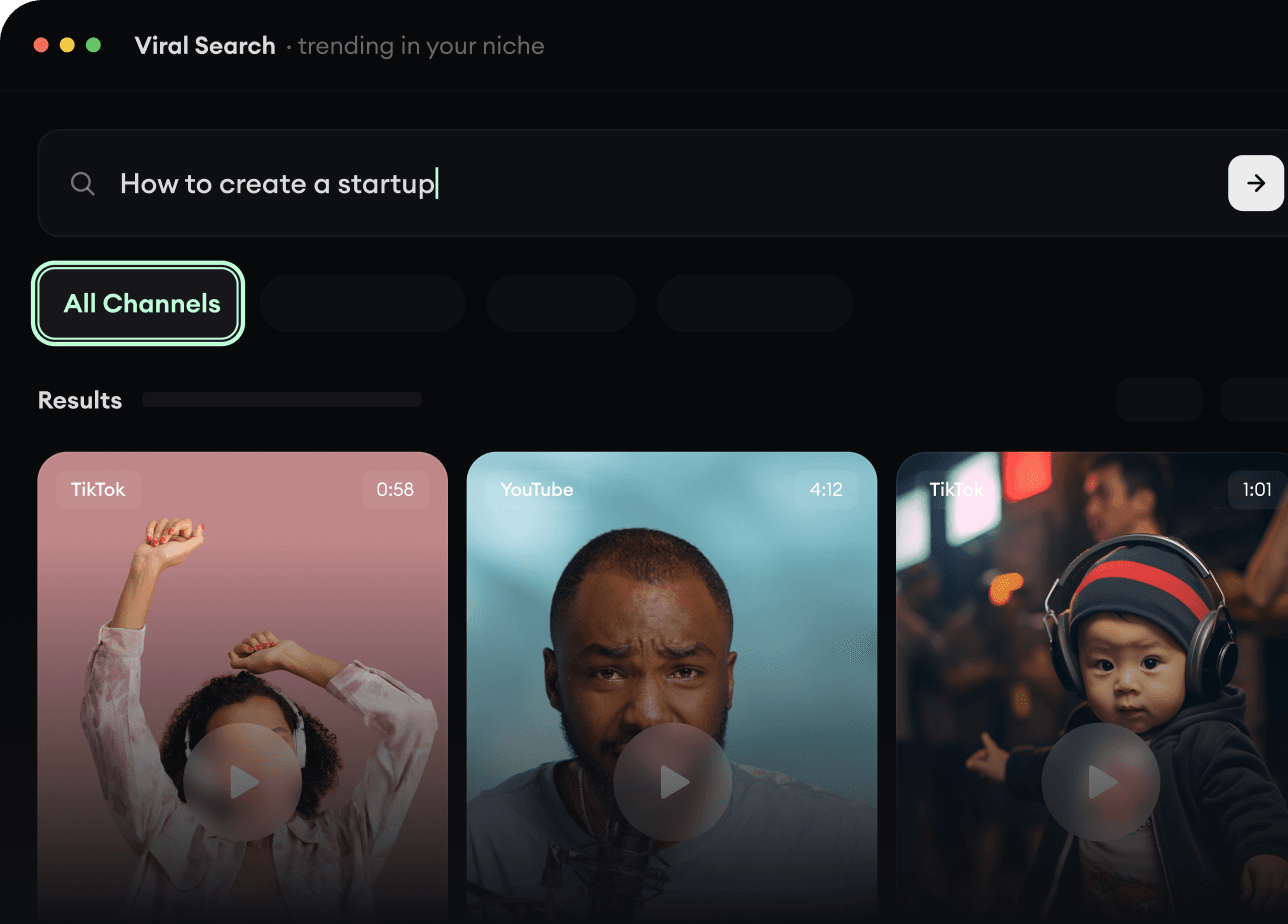
RevidAI's Viral Search and Channel Watcher surface the formats, creators, and trends getting attention right now, then help you turn them into ideas of your own.
Discover winning video formats in your niche
Follow creators and channels that matter
Start with proven ideas instead of guessing
2
Turn An Idea Into A Story.
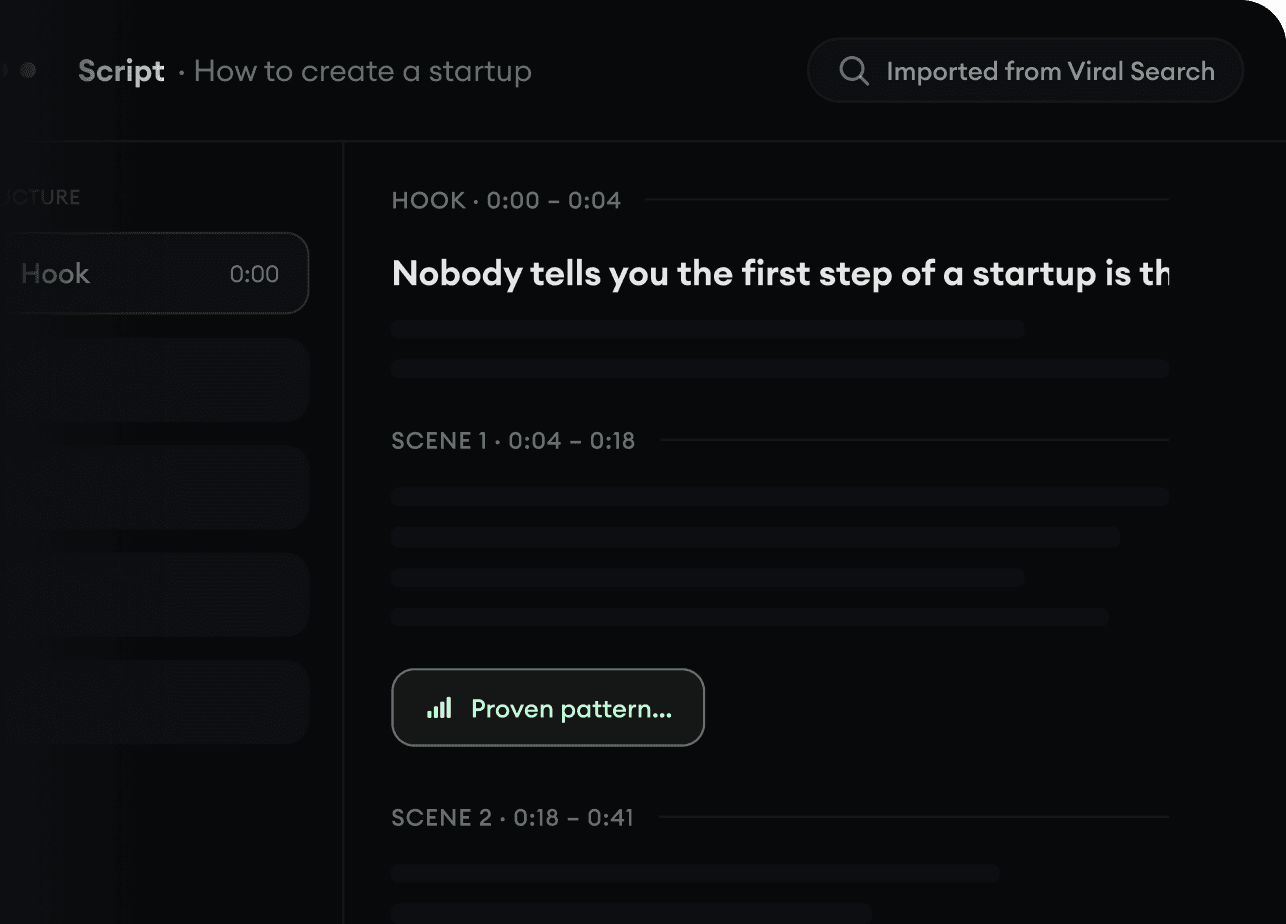
Found something worth making? Revid AI writes the script, suggests the structure, and turns links, prompts, or topics into complete video concepts.
Start with a prompt, topic, or URL
Generate scripts inspired by proven patterns
Build stories designed to keep people watching
3
Generate The Finished Video.
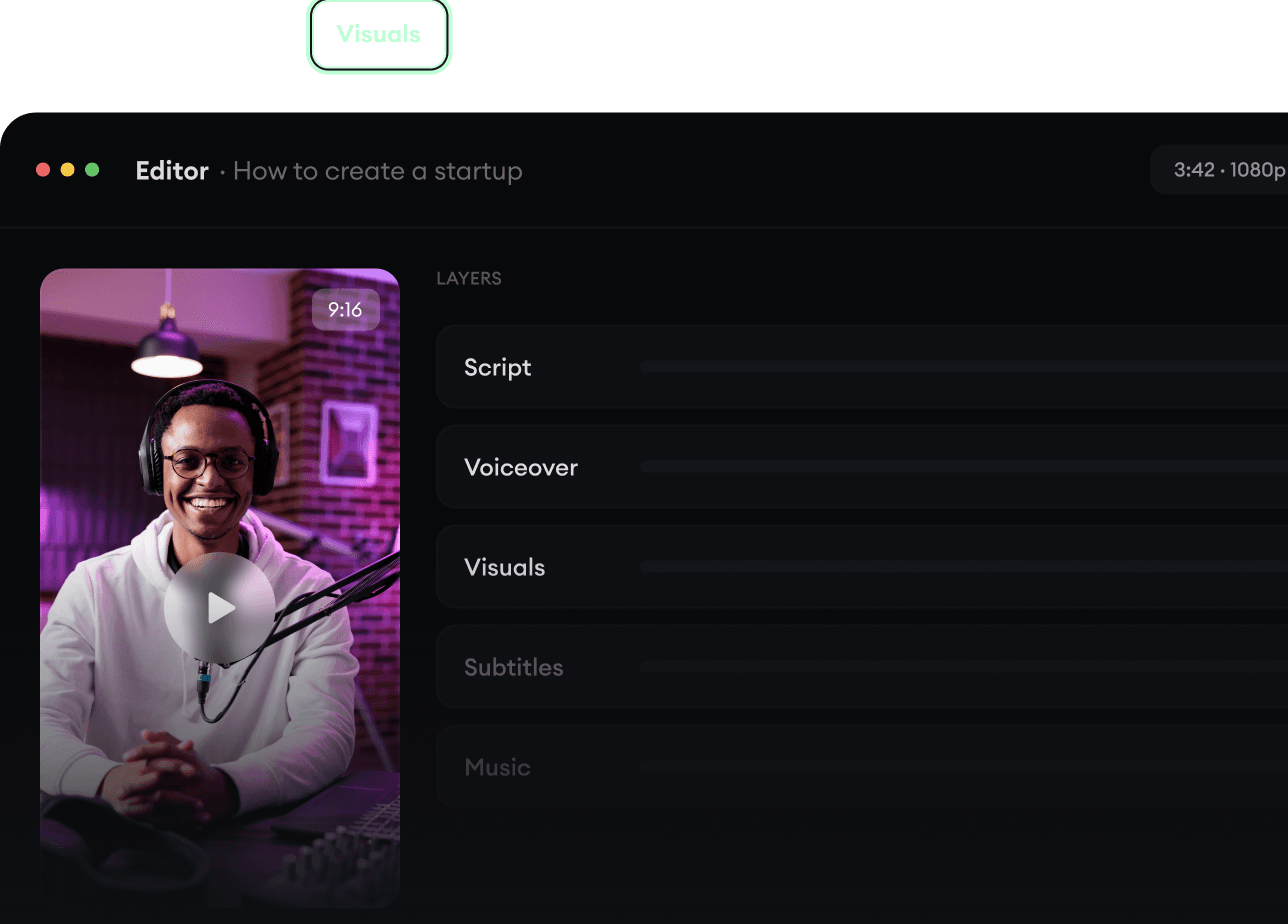
Script, voiceover, visuals, subtitles, and editing all come together in one workflow. No stitching together five different tools.
Turn text into complete, multi-minute videos
Generate everything in one place
Refine the result in the editor
4
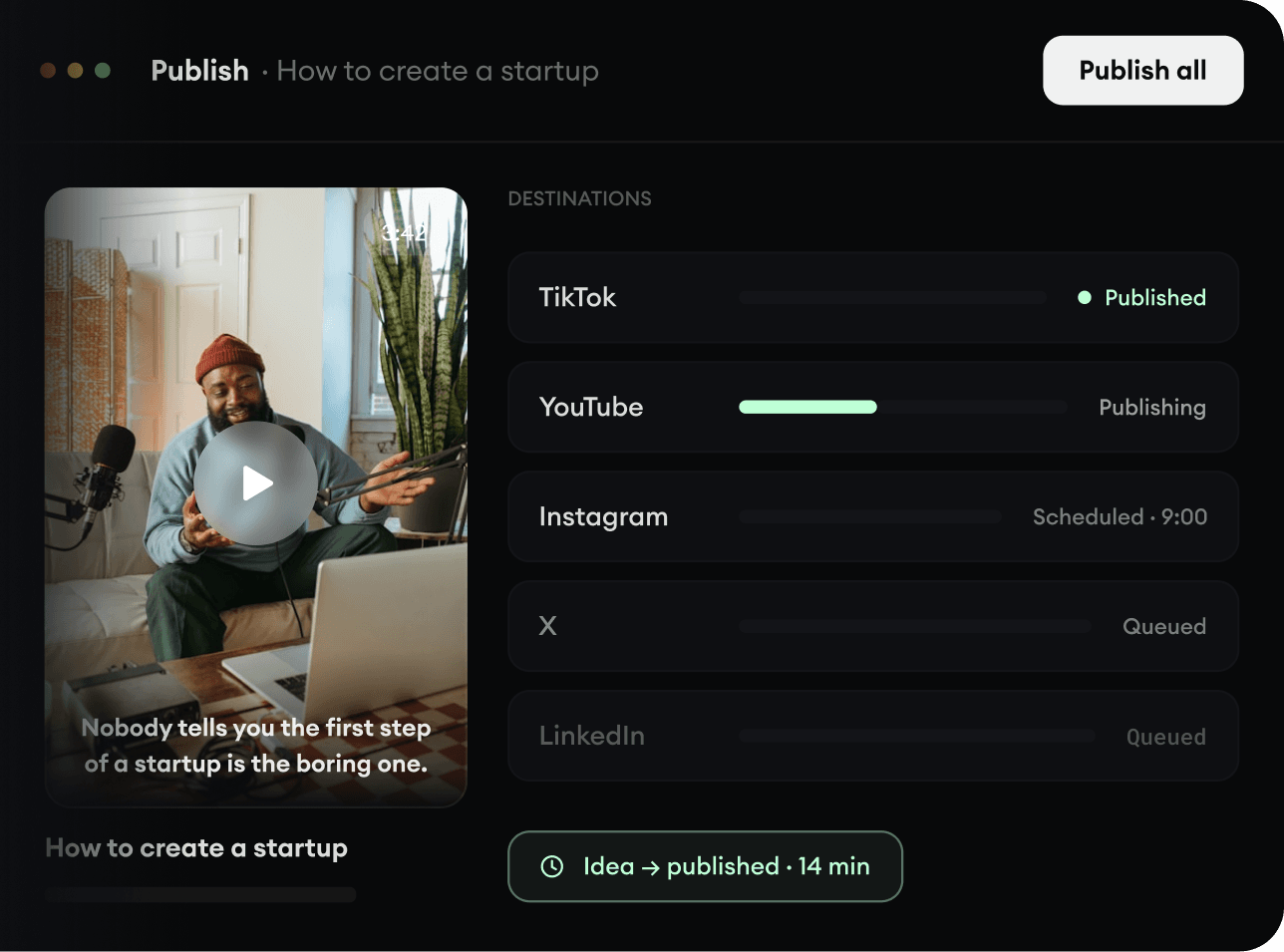
Publish Everywhere.
Share your videos to TikTok, YouTube, Instagram, and wherever your audience is.