Create Epic Game of Thrones Videos in 3 Simple Steps
1 Write Your Westeros Script
Start by typing or pasting your script about house politics, character analysis, or Westeros lore. The Game of Thrones AI video generator will analyze your text to understand the scenes. You can use [bracketed text] to guide the AI on specific medieval fantasy visuals, like [snowy castle] or [dragon in the sky].
2 Select Your Fantasy Visuals and Voice
Choose between lifelike AI Video clips or Animated AI images to build your dark, cinematic visuals. Next, select a natural-sounding AI voice to narrate your tale, or upload your own voiceover. The tool defaults to a vertical 9:16 ratio, which is perfect when you create Game of Thrones videos for TikTok or YouTube Shorts.
3 Generate Your Cinematic Short
Click 'Generate' and let Revid AI handle the heavy lifting. In minutes, the AI will sync your voiceover, generate stunning medieval visuals, add dramatic background music, and apply captions. Your Game of Thrones video is now fully produced and ready to share with the fandom!
01
Epic Medieval Fantasy Content Without a Production Budget or Film Crew
Write your Game of Thrones-inspired script and Revid generates a complete short video with AI-rendered castle, battle, and character visuals, natural voiceover, and cinematic presentation. The AI image preset produces dramatic medieval fantasy imagery that captures the weight and tension of the Seven Kingdoms as described in your script. No filming, set design, or editing is required. From script to finished video takes minutes, making it practical to produce house analyses, battle breakdowns, and character arc videos consistently without any production resources.
02
What the AI Builds from Your Westeros Script
The Game of Thrones video generator renders each scene with visuals matched to the settings, factions, and characters you describe. Whether you are writing about the iron throne, a specific house's history, a battle sequence, or a character study, the AI produces imagery that fits the dark, dramatic tone of the series. Natural voiceover is generated and synced with a matching soundtrack automatically. You write the story or analysis, the AI handles every visual and audio element, and you receive a finished short video without any additional production steps.
03
Game of Thrones Fan Content for One of the Most Dedicated Fandoms Online
The Game of Thrones fandom generates some of the most consistent engagement on TikTok and YouTube Shorts, with strong performance across character analysis, house rankings, season reviews, and lore deep-dives. This content category rewards creators who publish regularly with loyal audiences and high watch completion rates. Revid removes the editing and production barrier that typically limits how often fan creators can publish. Write your script, generate the video, and post without spending time on manual production between each piece of content.
Target Audience
Who is this tool for?
Game of Thrones fan content creators
Build a consistent channel around house politics, character analysis, and season breakdowns without needing video editing or visual sourcing skills to publish each video.
Fantasy and drama storytellers
Write original stories set in Westeros or retell key arcs from a new perspective and convert them directly to short videos that reach fans of the series across every platform.
TV lore and analysis channels
Add Game of Thrones video content to a broader entertainment analysis channel to capture the large ongoing audience for the series across all seasons and the extended universe.
Entertainment and media brands
Create themed video content around Game of Thrones release events, anniversary milestones, and cultural moments that connect with one of the most commercially valuable fandoms online.
Comparison
Revid vs. Manual Game of Thrones Fan Video Production
Creating fan video content for complex fantasy series requires sourcing fitting visuals, recording narration, and editing each component. Revid generates the full video from your script automatically.
Input
Revid Create Game of Thrones VideosWrite a script and generate immediately
Other ToolsSource period-accurate visuals, record narration, edit manually
Visual style
Revid Create Game of Thrones VideosAI generates dark medieval fantasy imagery from your script
Other ToolsLimited to available licensed footage and stock imagery
Voiceover
Revid Create Game of Thrones VideosAI narration generated and synced automatically
Other ToolsRequires recording or commissioning voiceover talent
Music
Revid Create Game of Thrones VideosDramatic soundtrack matched to scene pacing automatically
Other ToolsMusic must be licensed and manually synced to the edit
Production time
Revid Create Game of Thrones VideosComplete video ready in minutes
Other ToolsHours of sourcing and editing work per video
Content volume
Revid Create Game of Thrones VideosProduce multiple analysis and story videos in a single session
Other ToolsEach video requires a separate full production run
Feature / Benefit
Revid Create Game of Thrones Videos
Other Tools
Input
Write a script and generate immediately
Source period-accurate visuals, record narration, edit manually
Visual style
AI generates dark medieval fantasy imagery from your script
Limited to available licensed footage and stock imagery
Voiceover
AI narration generated and synced automatically
Requires recording or commissioning voiceover talent
Music
Dramatic soundtrack matched to scene pacing automatically
Music must be licensed and manually synced to the edit
Production time
Complete video ready in minutes
Hours of sourcing and editing work per video
Content volume
Produce multiple analysis and story videos in a single session
Each video requires a separate full production run
More Tools
Explore Similar Fandom AI Video Tools
Discover more ways to create engaging videos with our AI-powered tools
FAQs
Frequently Asked Questions
What is the Game of Thrones AI Video Generator?
Our Game of Thrones AI Video Generator is a specialized tool by Revid AI that allows you to instantly create Game of Thrones videos using just a text script. It automatically generates cinematic medieval fantasy visuals, natural voiceovers, and dramatic storytelling elements without requiring any video production budget, film crew, or editing skills.
How do I create Game of Thrones videos for TikTok or YouTube Shorts?
It is incredibly easy to create Game of Thrones videos for social media. Simply paste your script into the generator, ensure the 9:16 vertical aspect ratio is selected, choose your preferred AI voice, and hit generate. The Game of Thrones AI video generator will output a highly engaging, fully captioned short video perfect for the fandom on TikTok, Instagram Reels, and YouTube Shorts.
What kind of visuals does the Game of Thrones AI video generator produce?
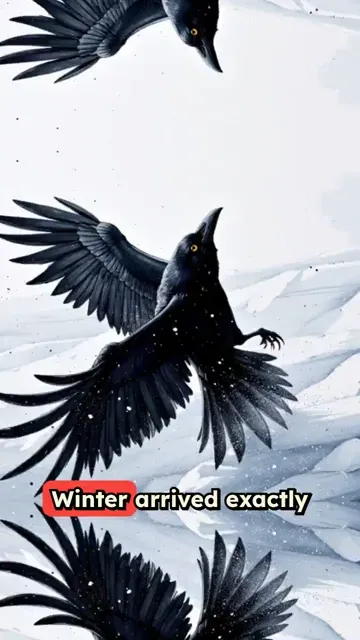
When you create Game of Thrones videos with our tool, you can choose between two main media types: 'AI Video' (real moving clips where characters act and the camera follows) or 'Animated AI Images' (stunning still imagery brought to life with cinematic camera movements). The AI creates dark, dramatic medieval fantasy imagery—like castles, battles, and noble houses—perfectly matched to the tone of your script.
Can I make lore and character analysis videos with this tool?
Absolutely! The tool is perfect for TV lore channels and fan content creators. Whether you want to create Game of Thrones videos about Targaryen history, Stark family trees, or epic battle breakdowns, just feed your analysis script into the AI. It will generate the relevant Westeros-inspired visuals to match your commentary seamlessly.
Do I need to find my own background music?
No, you don't! When you create Game of Thrones videos using Revid AI, our system automatically selects and syncs a dramatic, epic fantasy soundtrack that matches the pacing and tone of your video. You can always customize the audio or upload your own music track if you prefer a specific vibe.
How long does it take to create Game of Thrones videos compared to manual editing?
Manually creating fan video content requires hours of sourcing period-accurate visuals, recording narration, and editing clips together. With our Game of Thrones AI video generator, the entire process takes just a few minutes. You write your script, and the AI generates a complete, high-quality short video almost instantly, allowing you to publish content consistently.
Can I use my own voice instead of the AI narrators?
Yes! While our Game of Thrones AI video generator offers a wide selection of highly realistic voices perfect for dramatic storytelling, you can easily use your own voice. You can either record directly within the Revid AI platform or upload a pre-recorded audio file to narrate your Westeros lore videos.
How do I guide the AI to show specific Game of Thrones inspired scenes?
To get the absolute best results when you create Game of Thrones videos, be descriptive in your script. You can use [square brackets] to give the AI specific visual instructions without the AI reading them aloud. For example, typing '[dark medieval castle in the snow]' or '[epic fantasy dragon breathing fire]' ensures the Game of Thrones AI video generator creates the exact cinematic shot you envision.
How much does the Game of Thrones AI video generator cost?
Creating videos utilizes Revid AI's credit system. The cost depends on the length of your script and the media type you choose (such as standard AI images vs. premium AI Video). Free users receive starting credits to test the tool, while our paid plans provide a monthly allocation of credits so you can create Game of Thrones videos regularly for your audience.
Is this tool suitable for entertainment brands and marketers?
Yes, entertainment and media brands frequently use the Game of Thrones AI video generator to capitalize on series milestones, anniversaries, and cultural moments. Because the tool makes it so fast to create Game of Thrones videos, brands can quickly produce themed, high-quality content that resonates with one of the most dedicated fandoms online.
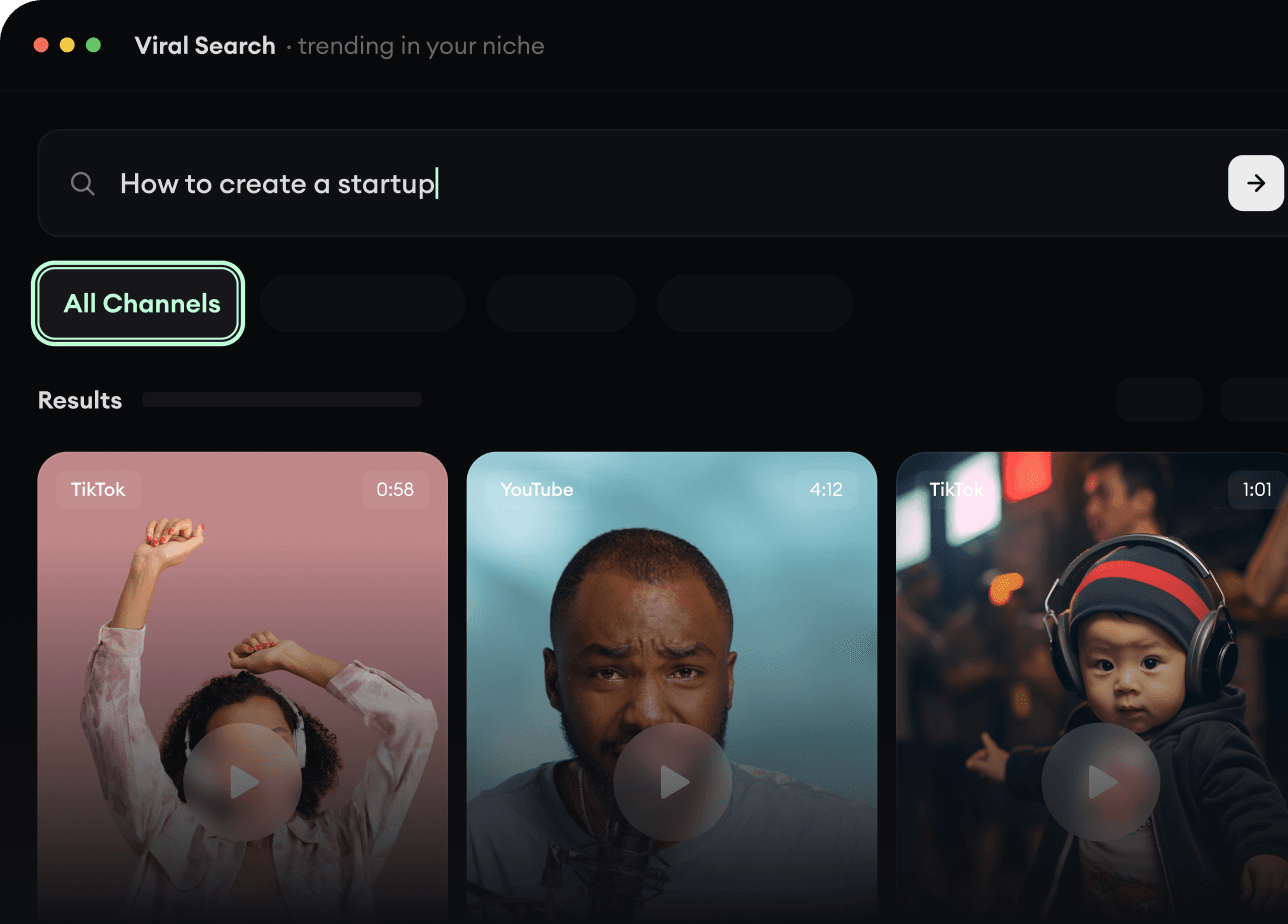
RevidAI's Viral Search and Channel Watcher surface the formats, creators, and trends getting attention right now, then help you turn them into ideas of your own.
Discover winning video formats in your niche
Follow creators and channels that matter
Start with proven ideas instead of guessing
2
Turn An Idea Into A Story.
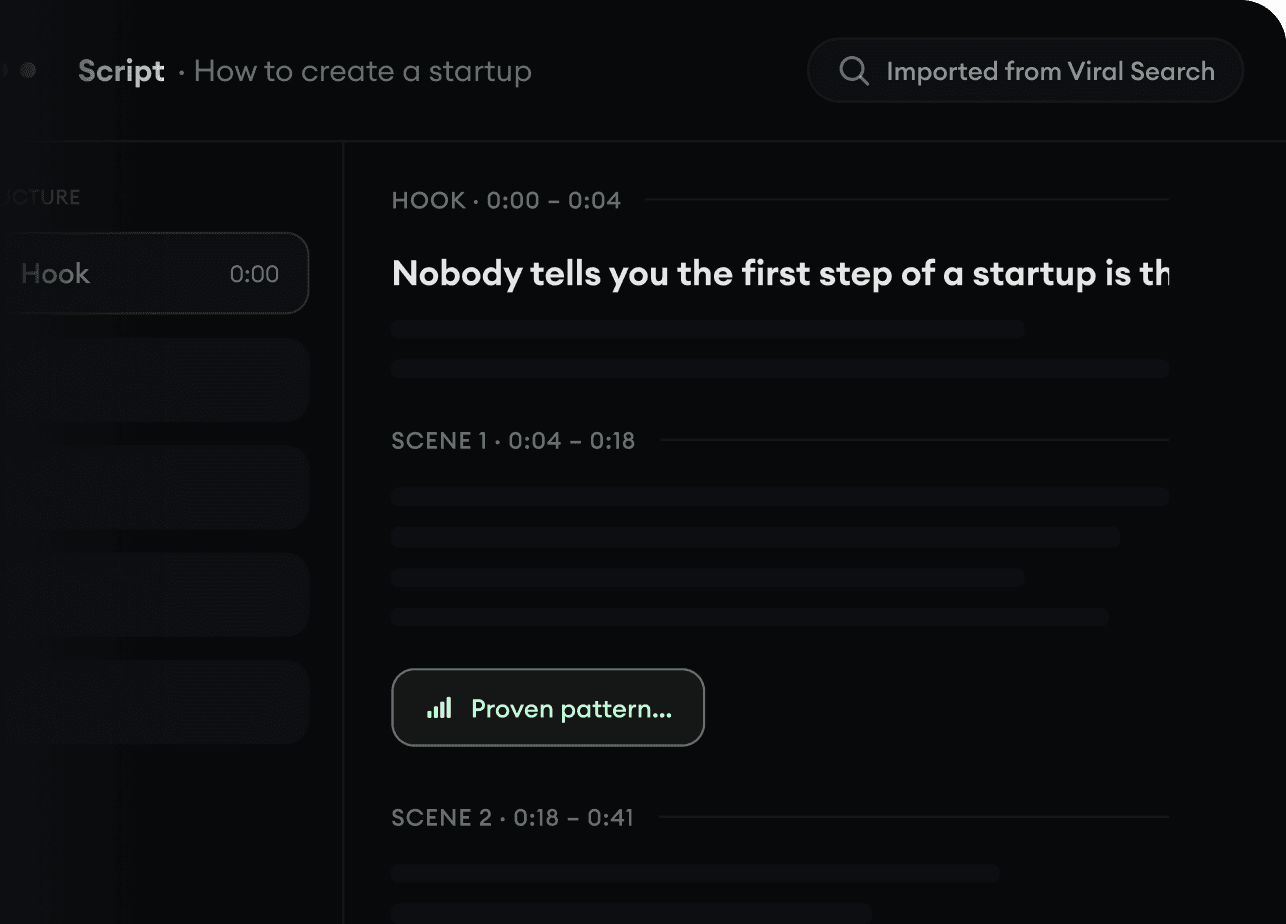
Found something worth making? Revid AI writes the script, suggests the structure, and turns links, prompts, or topics into complete video concepts.
Start with a prompt, topic, or URL
Generate scripts inspired by proven patterns
Build stories designed to keep people watching
3
Generate The Finished Video.
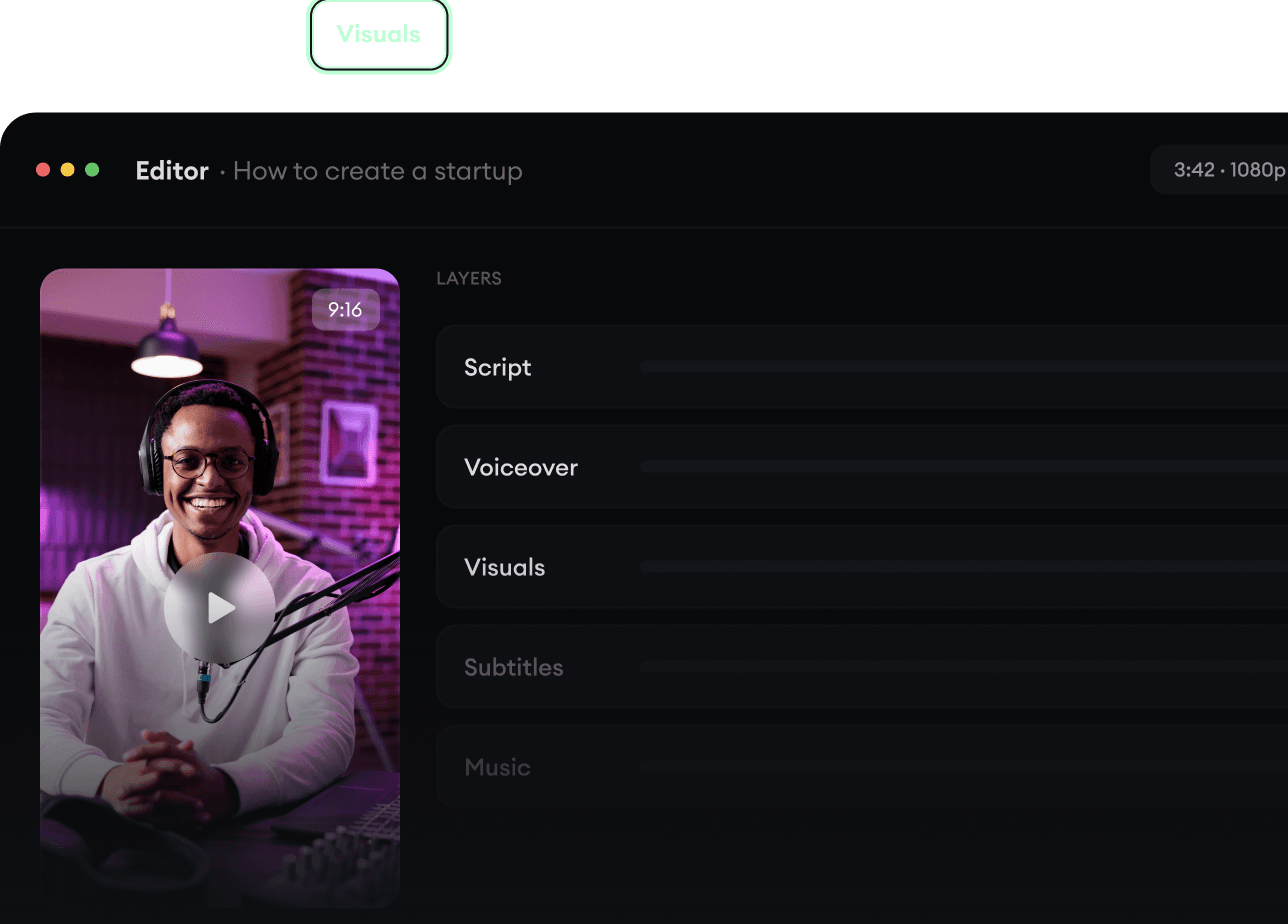
Script, voiceover, visuals, subtitles, and editing all come together in one workflow. No stitching together five different tools.
Turn text into complete, multi-minute videos
Generate everything in one place
Refine the result in the editor
4
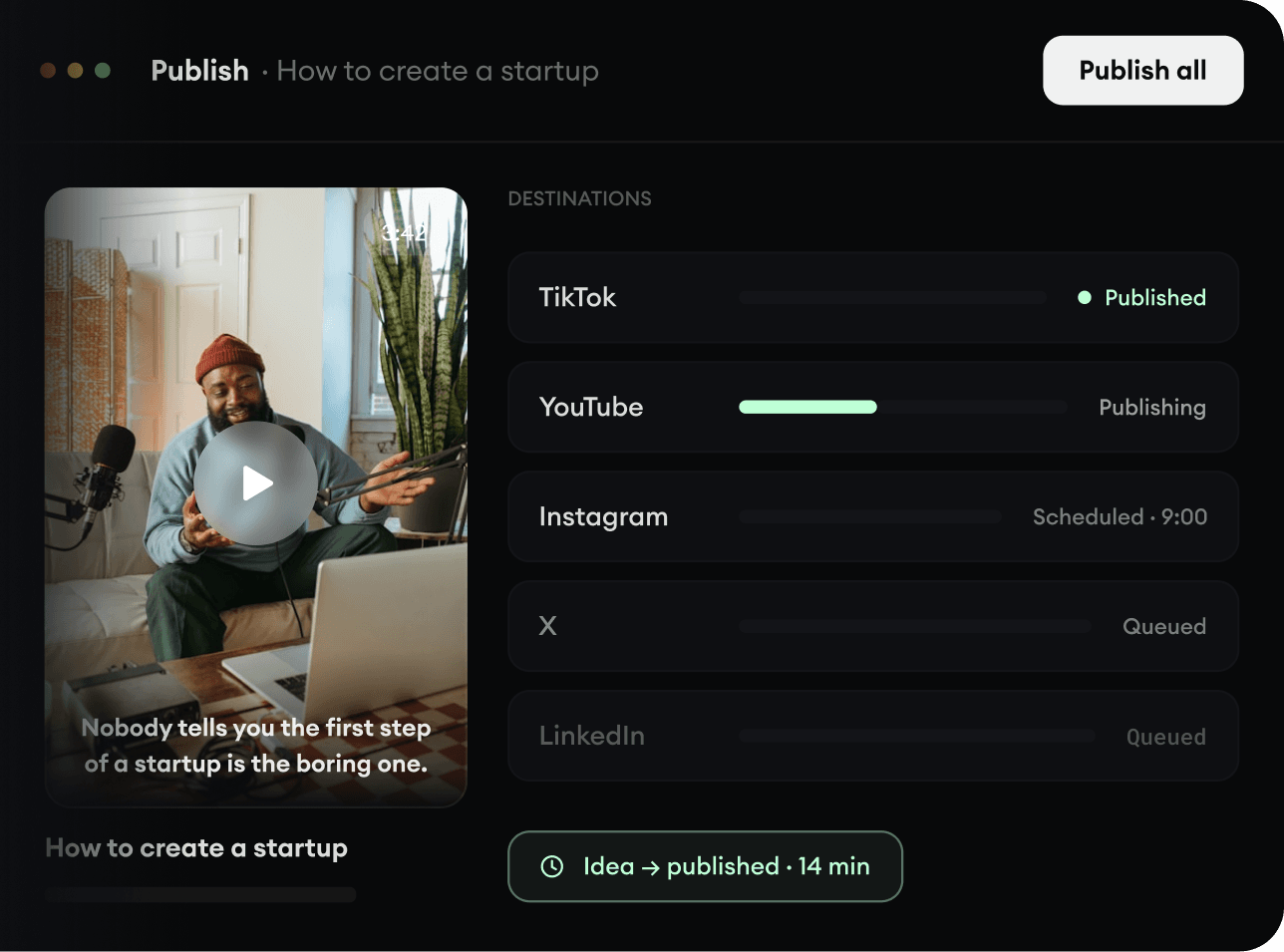
Publish Everywhere.
Share your videos to TikTok, YouTube, Instagram, and wherever your audience is.