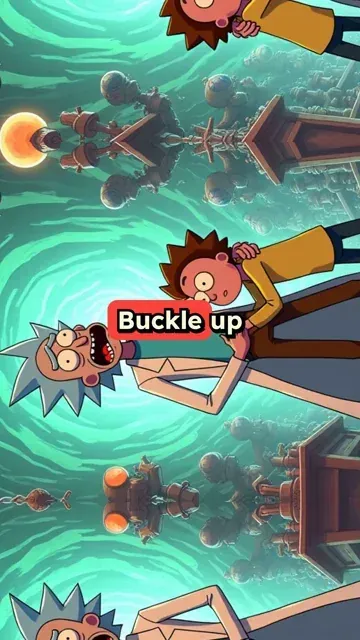
Buckle up, Morty! We've stumbled into a dimension where science is outlawed. Can you believe it? These morons think gravity is a government conspiracy! I whipped up a device to prove them wrong, but it accidentally created a black hole in the town square. Oops. Now we're racing to close it before the whole planet gets sucked in. Oh, and did I mention? The "science police" are after us. Talk about irony. Just another day in the multiverse, Morty. Let's save these idiots from themselves and get back home for some interdimensional cable.
Visual FormatAnimated AI Images
Visual StyleAnime
FINAL VIDEO
Create Rick and Morty Inspired Videos in 3 Simple Steps
1 Drop Your Sci-Fi Comedy Script
Start by entering your script, fan theory, or episode analysis into the Rick and Morty AI video generator. You can write original interdimensional adventures or paste a prompt, and our AI will prepare to turn your text into a chaotic sci-fi comedy short.
2 Choose Your AI Media Type
Select how you want your Rick and Morty video to look. Choose between 'AI Video' for dynamic character actions and camera movements, or 'Animated AI Images' for stylized, zooming still frames. Revid then generates and syncs a natural AI voiceover that fits the absurd, comedic tone of your script automatically.
3 Generate and Share to the Multiverse
Click generate, and in minutes, Revid AI will create a complete Rick and Morty inspired video in a 9:16 format. It automatically syncs the AI voice, applies sci-fi visuals, and adds captions. Edit if needed, then post directly to TikTok, YouTube Shorts, or Instagram Reels.
01
Interdimensional Sci-Fi Comedy Videos Without Animation Skills or Drawing Tools
Write your Rick and Morty-inspired script and Revid generates a complete short video with AI-rendered sci-fi visuals, natural voiceover, and polished presentation. The AI image preset produces chaotic, colorful imagery that captures interdimensional portals, alien planets, gadgets, and the absurdist energy described in your script. No animation, drawing, or editing is required. From script to finished video takes minutes, making it practical to post episode analyses, theory videos, and fan story shorts consistently for the show's highly engaged online community.
02
What the AI Generates from Your Rick and Morty Script
The Rick and Morty video generator renders each scene with visuals matched to the interdimensional settings, characters, and absurd scenarios described in your script. Whether you are writing about a specific episode's concept, a fan theory, a character analysis, a new adventure in the multiverse, or original content in the same style, the AI builds imagery that fits the chaotic, irreverent tone of the show. Voiceover is generated and synced automatically alongside a curated soundtrack. Write the concept and receive a complete short video without any production steps in between.
03
Rick and Morty Fan Content for Adult Animation Communities Online
Rick and Morty has one of the most intellectually engaged and humor-driven fan communities on TikTok and YouTube Shorts. Theory breakdowns, episode rankings, multiverse concept analyses, and character study videos consistently perform well with the show's audience. The community particularly rewards creative takes and original perspectives on familiar concepts. Revid lets you produce and publish that content without the production overhead of sourcing visuals and editing each video manually. Write your idea and have the video live the same day.
Target Audience
Who is this tool for?
Rick and Morty fan content creators
Build a consistent channel around interdimensional theory videos, episode analyses, and character studies on social media without animation or video editing skills required.
Sci-fi comedy storytellers
Write original stories set in Rick and Morty's multiverse or take your own creative spin on the show's concepts and convert them into short videos for the adult animation audience.
Adult animation review channels
Add dedicated Rick and Morty content to a broader adult animation channel to reach the consistent and vocal audience that follows the show across every season and release.
Comedy content brands
Create Rick and Morty-inspired video content for campaigns, product launches, and digital activations that connect with an audience that values creativity, humor, and intelligence.
Comparison
Revid vs. Manual Rick and Morty Fan Video Production
Creating adult animation fan content requires sourcing visuals, recording narration, and editing everything manually. Revid generates the full video automatically from your script in minutes.
Input
Revid Create Rick and Morty VideosWrite a script and generate immediately
Other ToolsSource show imagery, record narration, and edit all components manually
Visual style
Revid Create Rick and Morty VideosAI generates chaotic sci-fi comedy imagery from your script
Other ToolsLimited to licensed screenshots or commissioned fan art
Voiceover
Revid Create Rick and Morty VideosAI narration generated and synced automatically
Other ToolsRequires recording or commissioning voiceover talent
Music
Revid Create Rick and Morty VideosCurated soundtrack matched to content tone automatically
Other ToolsMusic must be licensed and manually synced to the edit
Production time
Revid Create Rick and Morty VideosComplete video ready in minutes
Other ToolsHours of sourcing and editing per finished video
Content volume
Revid Create Rick and Morty VideosProduce multiple theory and fan story videos in one session
Other ToolsEach video requires a separate full production run
Feature / Benefit
Revid Create Rick and Morty Videos
Other Tools
Input
Write a script and generate immediately
Source show imagery, record narration, and edit all components manually
Visual style
AI generates chaotic sci-fi comedy imagery from your script
Limited to licensed screenshots or commissioned fan art
Voiceover
AI narration generated and synced automatically
Requires recording or commissioning voiceover talent
Music
Curated soundtrack matched to content tone automatically
Music must be licensed and manually synced to the edit
Production time
Complete video ready in minutes
Hours of sourcing and editing per finished video
Content volume
Produce multiple theory and fan story videos in one session
Each video requires a separate full production run
More Tools
Explore Similar Fandom AI Video Tools
Discover more ways to create engaging videos with our AI-powered tools
FAQs
Frequently Asked Questions
What is the Rick and Morty AI Video Generator?
The Rick and Morty AI Video Generator by Revid AI is a specialized prompt-to-video tool that allows you to create Rick and Morty inspired short videos just by typing a script. It automatically generates chaotic sci-fi comedy visuals, syncs natural-sounding AI voiceovers, and formats everything perfectly for TikTok and YouTube Shorts without requiring any animation skills.
How do I create a Rick and Morty video using this AI tool?
To create a Rick and Morty video, simply input your script or fan theory into the tool. Select your preferred media type, either AI-generated video clips or animated AI images, and Revid adds a natural AI voiceover automatically. Click generate, and the AI will assemble a complete, engaging short video ready for adult animation fan communities.
Do I need animation or drawing skills to make Rick and Morty fan videos?
Not at all! Our Rick and Morty AI video generator requires zero animation, drawing, or video editing skills. The AI acts as your personal animator, rendering interdimensional portals, alien planets, and sci-fi characters based entirely on your text prompt.
What kind of content works best for the Rick and Morty Video Maker?
This tool is perfect for creating Rick and Morty episode analyses, fan theories, multiverse concept breakdowns, and original sci-fi comedy shorts. Because it outputs vertical videos (9:16), it's highly optimized for creators looking to post adult animation content on TikTok, YouTube Shorts, and Instagram Reels.
Can I use my own voice for the Rick and Morty video instead of AI?
Yes! While our Rick and Morty AI video generator offers a variety of natural-sounding AI voices, you can easily upload your own audio file or record a voiceover directly within Revid AI. This is great for creators who want to add their personal comedic timing or impressions to their fan content.
What visual styles can the AI generate for my Rick and Morty short?
You can choose between two main visual types to create your Rick and Morty video: 'AI Video' which creates actual moving video clips where characters act and the camera follows, or 'Animated AI Images' which brings dynamic still images to life with camera pans and zooms. Both are tuned to capture a chaotic, sci-fi aesthetic.
How long does it take to generate a Rick and Morty AI video?
Creating a Rick and Morty video with Revid AI is incredibly fast. Once you drop your script and hit generate, your complete short video—featuring AI visuals, captions, and voiceover—will be ready in just a few minutes. It's the fastest way to turn a script into a published social media post.
Are the generated Rick and Morty videos optimized for TikTok and YouTube Shorts?
Absolutely. By default, the Rick and Morty AI video generator creates content in a 9:16 vertical aspect ratio, which is the perfect format for TikTok, YouTube Shorts, and Instagram Reels. The AI also adds engaging, fast-paced captions to keep viewers hooked.
How much does it cost to use the Rick and Morty AI Video Generator?
Generating a Rick and Morty video uses Revid AI credits. The exact cost depends on the media type you choose (AI Video or Animated AI Images) and the length of your script. Free users get starting credits, while our paid plans offer a monthly allowance to help you consistently produce sci-fi comedy shorts.
Can I edit the Rick and Morty video after the AI generates it?
Yes! Once your Rick and Morty inspired video is generated, you can use Revid AI's built-in editor to make adjustments. You can tweak the captions, swap out specific visuals, or adjust the audio timing to ensure your sci-fi comedy short perfectly matches your vision.
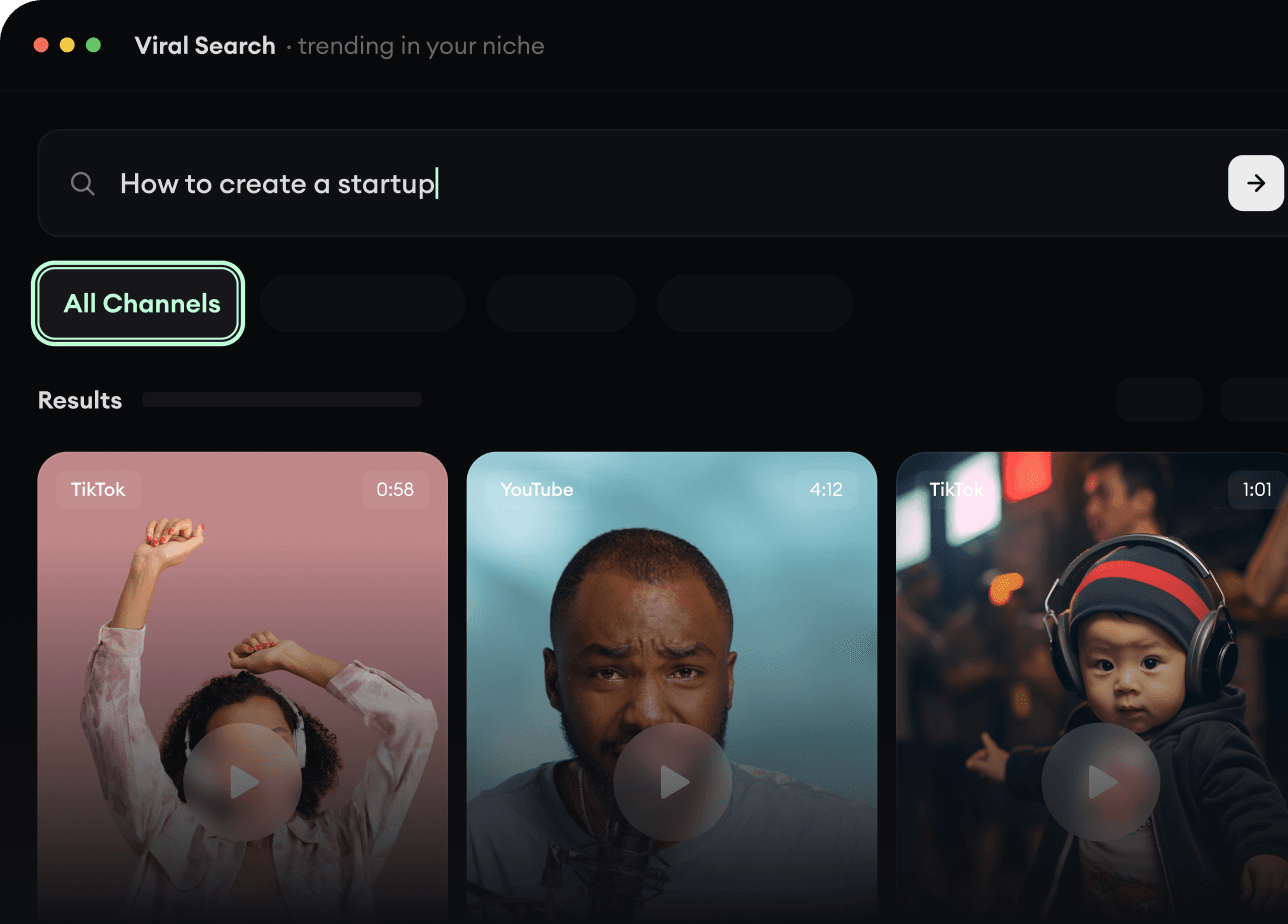
RevidAI's Viral Search and Channel Watcher surface the formats, creators, and trends getting attention right now, then help you turn them into ideas of your own.
Discover winning video formats in your niche
Follow creators and channels that matter
Start with proven ideas instead of guessing
2
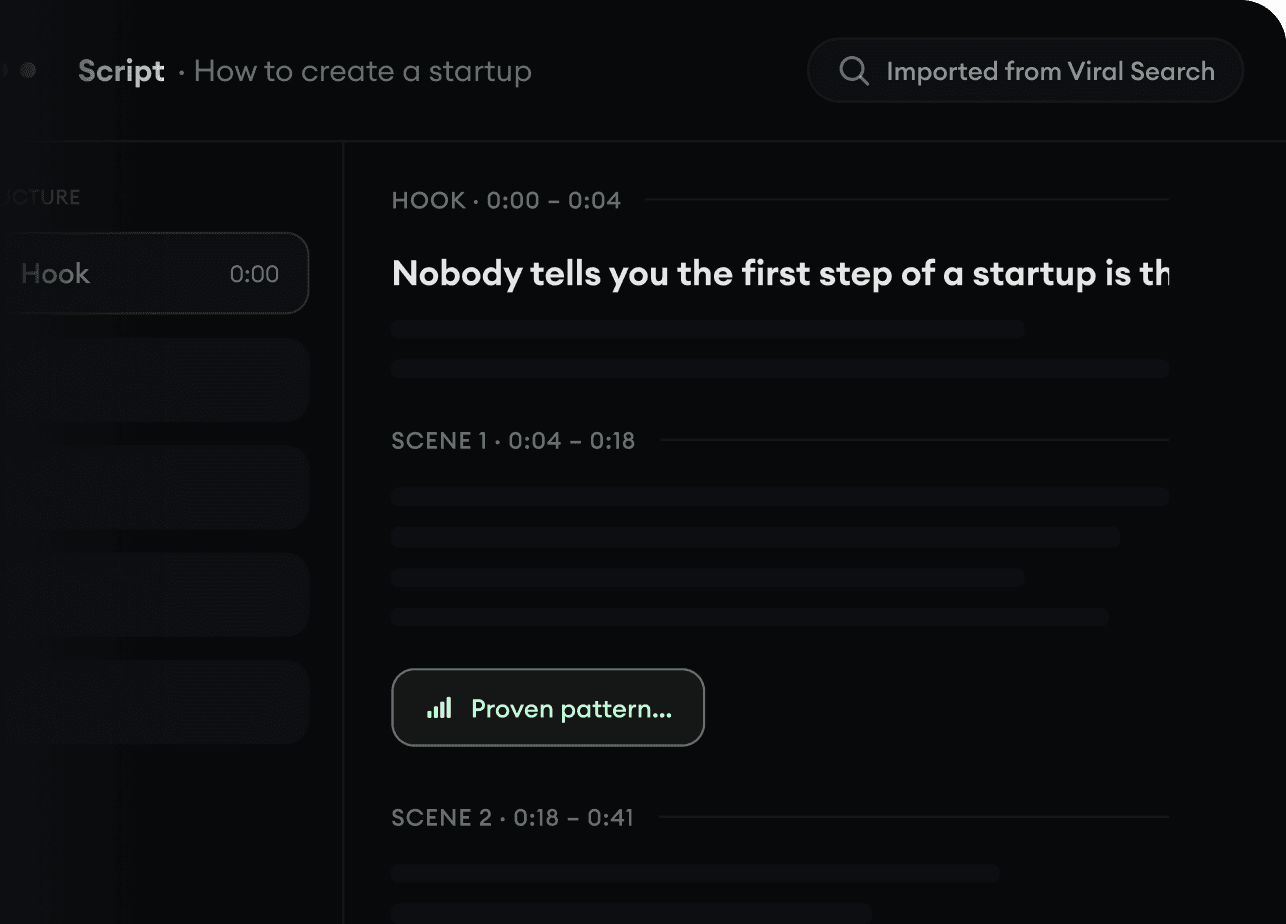
Turn An Idea Into A Story.
Found something worth making? Revid AI writes the script, suggests the structure, and turns links, prompts, or topics into complete video concepts.
Start with a prompt, topic, or URL
Generate scripts inspired by proven patterns
Build stories designed to keep people watching
3
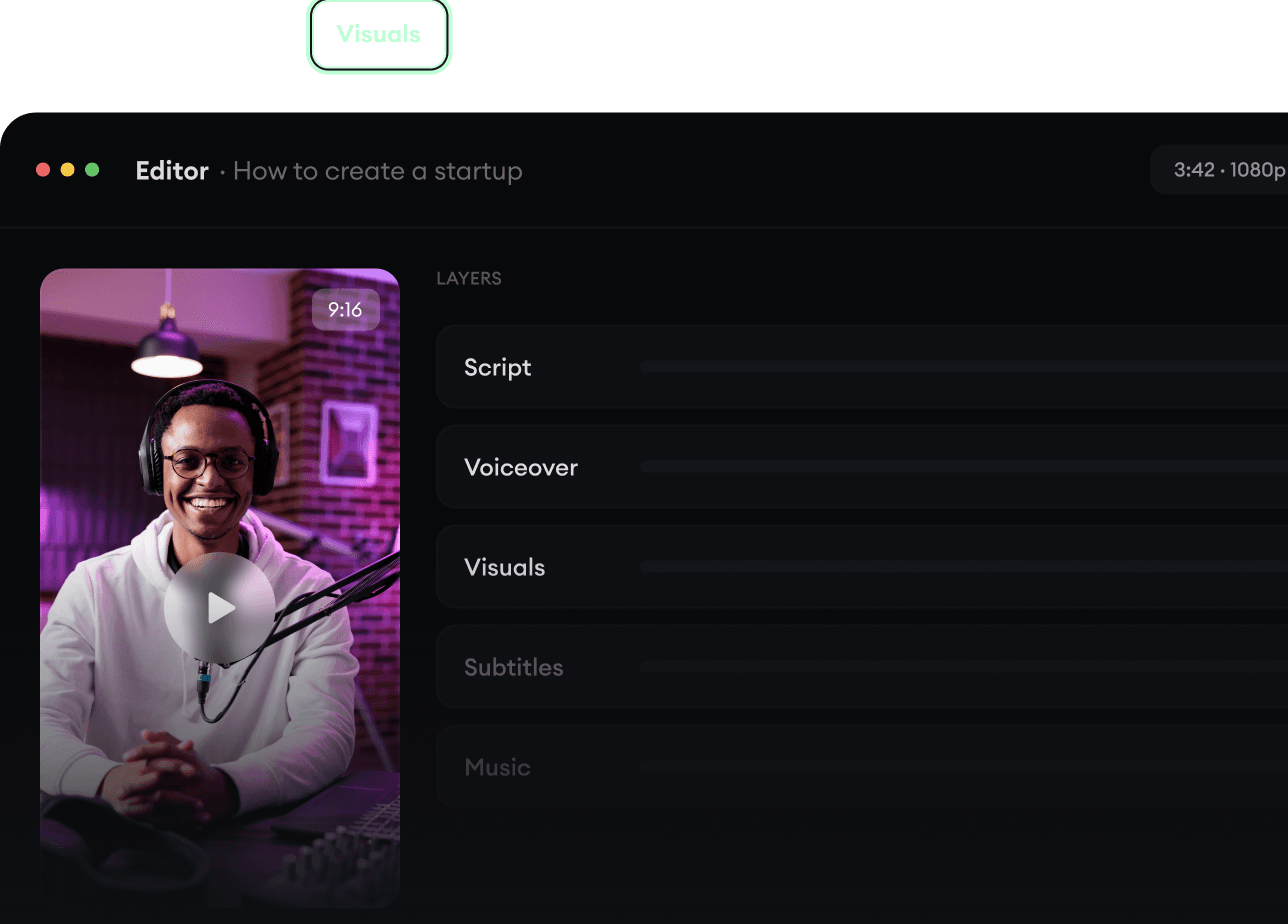
Generate The Finished Video.
Script, voiceover, visuals, subtitles, and editing all come together in one workflow. No stitching together five different tools.
Turn text into complete, multi-minute videos
Generate everything in one place
Refine the result in the editor
4
Publish Everywhere.
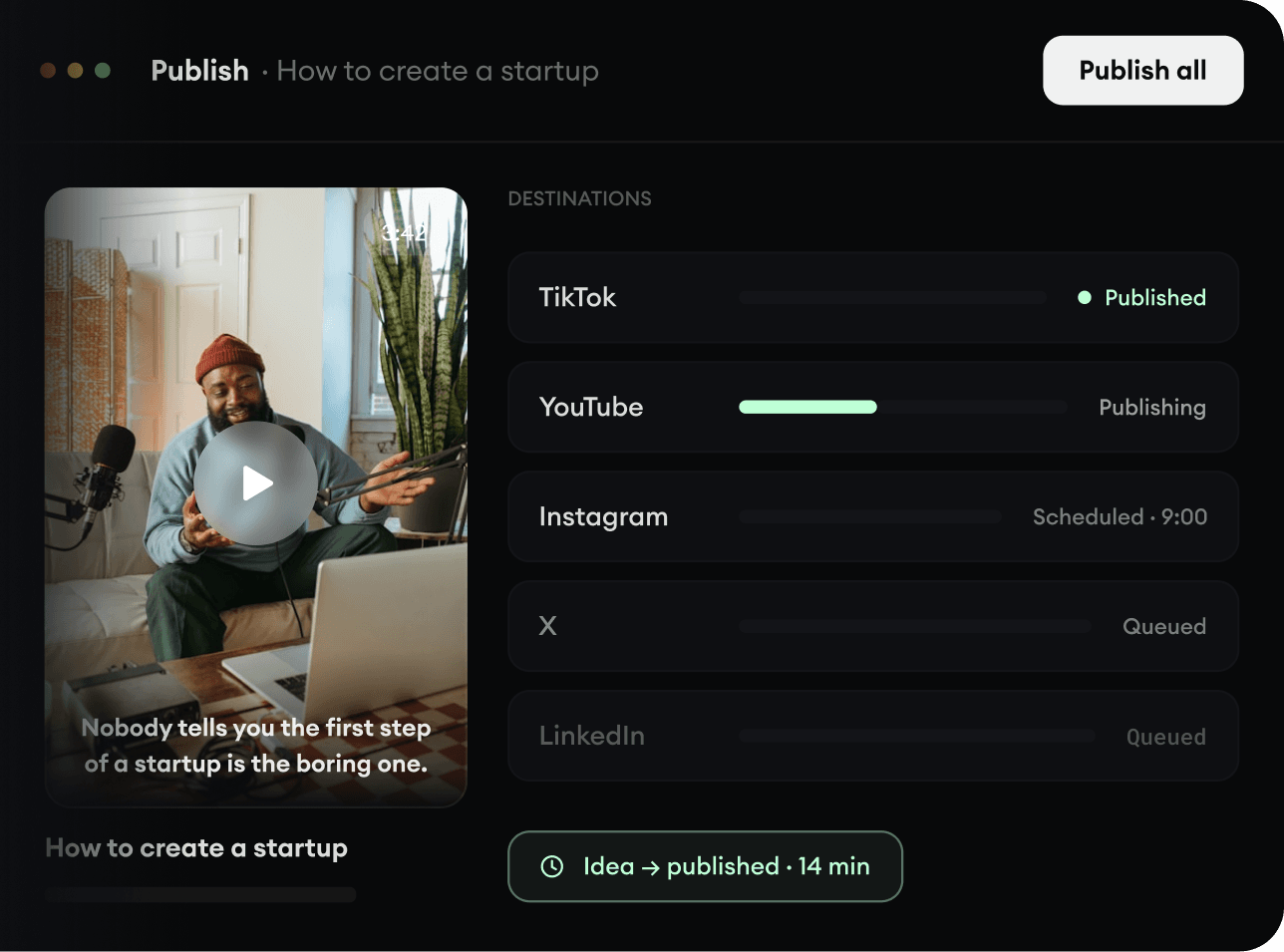
Share your videos to TikTok, YouTube, Instagram, and wherever your audience is.