2,595 videos created with Revid in the last 24h
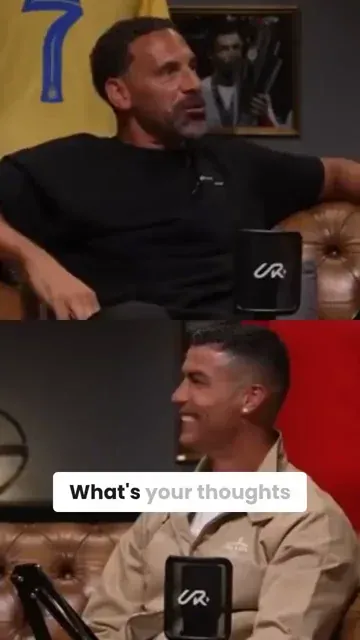
or explore our 42+ other tools to create the exact video you want
Explore our tools
Revid's YouTube to TikTok converter turns a YouTube video into vertical TikTok clips. Paste the link: the AI finds the best moments (up to 3 clips of 10 seconds to 2 minutes), reframes them to 9:16 around the speaker and adds captions. It is not a downloader: you get new clips to post, not the original file.
Turn any YouTube video into TikToks with auto-crop, clip selection and captions.
or explore our 42+ other tools to create the exact video you want
Explore our toolsScript automatically generated by Revid
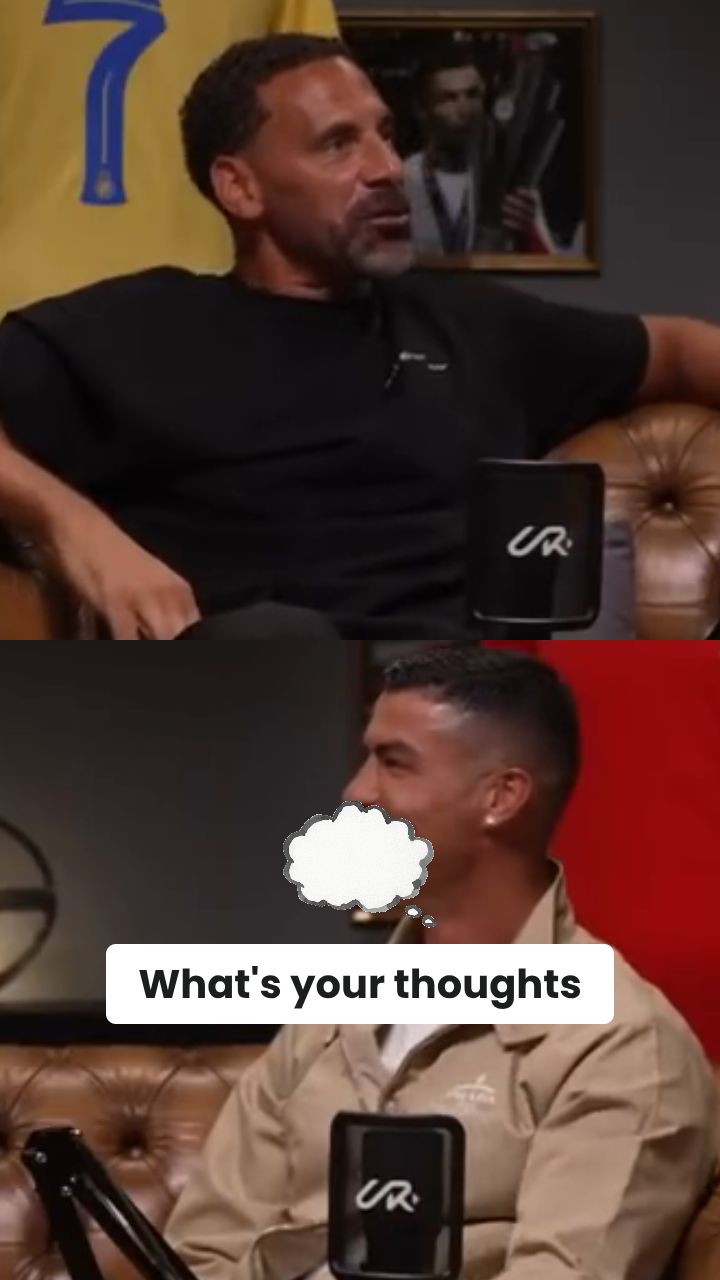
Start by pasting the link of the YouTube video you want to convert. You don't need to download any heavy files—our YouTube to TikTok converter works directly from the URL. Just enter the link and let our AI analyze the content.
Decide how you want to turn YouTube videos into TikToks. Let our AI automatically find the most viral highlights, or select a specific 'Time range' to extract an exact segment. Enable 'Auto-reframe' to intelligently crop the horizontal video into a perfect 9:16 vertical format that tracks the speaker.
Click 'Generate' and watch as our YouTube to TikTok AI creates up to 3 highly engaging clips in minutes. The tool automatically adds trendy TikTok-style captions. Once ready, you can tweak them in our editor, download the MP4s, or publish them directly to your TikTok account.
Paste your YouTube URL and Revid automatically converts the video to a TikTok-ready vertical clip with smart cropping, captions, and optimized pacing. There is no file downloading, manual cropping, or editing software involved. The AI identifies the strongest portion of your YouTube video, reformats it for TikTok's 9:16 vertical feed, adds captions styled for TikTok viewers, and delivers a finished clip ready to post. The process takes minutes regardless of the length of the original YouTube video.
The YouTube to TikTok converter does more than resize the video. It analyzes your content to find the most engaging segment, applies intelligent auto-crop to keep the subject centered in the vertical frame, generates accurate captions timed to the speech, and optimizes the clip length for TikTok's typical watch patterns. If your YouTube video has multiple strong moments, you can generate several TikTok clips from the same source video, each with a different hook or focus, without repeating the conversion process from scratch.
YouTube and TikTok audiences have significant overlap in topic interest but very little overlap in actual viewers. A YouTube creator with 50,000 subscribers may have almost no TikTok presence, meaning the same content can reach an entirely new audience simply by being reformatted for TikTok. Creators who systematically repurpose their best YouTube content to TikTok grow their total audience faster than creators who treat each platform as a separate original content commitment. Revid makes that repurposing workflow fast enough to do with every upload.
Repurpose every YouTube video into a TikTok clip automatically, growing a TikTok audience from content you have already produced without creating a separate short-form content workflow.
Convert YouTube campaign videos, product demos, and tutorials into TikTok-ready clips without involving a video editor for each platform-specific adaptation.
Turn long interview recordings and podcast episodes into short TikTok clips by extracting the strongest moments and reformatting them for the vertical feed automatically.
Distribute short lesson clips from longer YouTube tutorials to TikTok, reaching students and learners who discover educational content through the platform's algorithm rather than search.
Converting YouTube content to TikTok manually requires downloading, cropping, adding captions, and re-uploading. Revid generates a finished TikTok-ready clip from your YouTube URL automatically.
Discover more ways to create engaging videos with our AI-powered tools
Find detailed answers to 100+ questions about features, tools, and workflows
or check our markdown version optimized for LLMs
Choose your tool, add your content, and create a video in seconds. Then customize it to your liking.
Turn your prompts into engaging videos with AI assistance
Create studio-quality videos from text, no filming required
Turn any song into an animated lyric video with synced text and visuals.
RevidAI's Viral Search and Channel Watcher surface the formats, creators, and trends getting attention right now, then help you turn them into ideas of your own.

Found something worth making? Revid AI writes the script, suggests the structure, and turns links, prompts, or topics into complete video concepts.

Script, voiceover, visuals, subtitles, and editing all come together in one workflow. No stitching together five different tools.

Share your videos to TikTok, YouTube, Instagram, and wherever your audience is.
